Herdr is a terminal workspace manager designed from the start for coding agents rather than for plain shell sessions. It keeps panes, tabs and workspaces alive in a background daemon, shows every running agent and its status in a sidebar, lets agents reshape the layout themselves, and stitches several machines into one view over SSH. After roughly three months of daily use, it appears capable of replacing tmux outright, and it may be a strong reason to stay in the terminal rather than move to a graphical agent tool. This guide walks through installation, the pane-tab-workspace model, agent tracking, remote machines, and multi-agent workflows with Claude Code, OpenAI Codex, Gemini and others.
What Herdr changes compared with tmux
tmux is a terminal multiplexer: a program that splits one terminal into many panes and keeps sessions running after you disconnect. Herdr does the same job but adds three things that matter when the panes are full of AI agents instead of shells.
- Agent awareness. Agents such as Claude Code, OpenAI Codex, Grok and Gemini report when they finish, hit a block, or need input. Herdr turns those signals into sidebar icons, toast pop-ups and chimes.
- Mouse-first interaction. You can drag pane borders and click workspaces, while every action also has a keyboard shortcut in a Vim-like style. Using a mouse in a terminal feels odd at first, but it makes navigation noticeably smoother.
- Agent control of the interface. Through a built-in skill, a CLI and an API, agents can open panes, create windows, send prompts to other agents and even reach agents on other machines.
Sessions persist as text streams, so you can start agents on a workstation, close the laptop, and pick up the identical live workspace from another device.
Installing on Linux, macOS and Windows
The install commands are published on herdr.dev. Each platform uses a single line.
| Platform | Command |
|---|---|
| Linux and macOS | curl -fsSL https://herdr.dev/install.sh | sh |
| Windows (PowerShell) | powershell -ExecutionPolicy Bypass -Command "irm https://herdr.dev/install.ps1 | iex" |
After installation, type herdr in any terminal emulator. On the first launch an interactive setup wizard explains the mouse-first controls and scans the machine for installed coding agents. The integration list includes Claude, Codex, Copilot, Devin, Droid, Kimi, Kilo, OpenCode, pi, omp and others. The same wizard lets you set color indicators, sound effects, toast pop-ups and a visual theme such as Gruvbox. Settings can be reopened later with Ctrl+B then S.
A quick way to confirm the daemon works: start a continuous ping 1.1.1.1, detach with Ctrl+B then Q, close the terminal, and run herdr again. The ping output is still streaming.
Panes, tabs and workspaces
Herdr organizes everything in three layers. Panes are split regions inside a tab. Tabs sit in a row at the top. Workspaces group tabs and panes and appear as a list in the left sidebar. Every keyboard command starts with the prefix Ctrl+B, the same prefix tmux users already know.
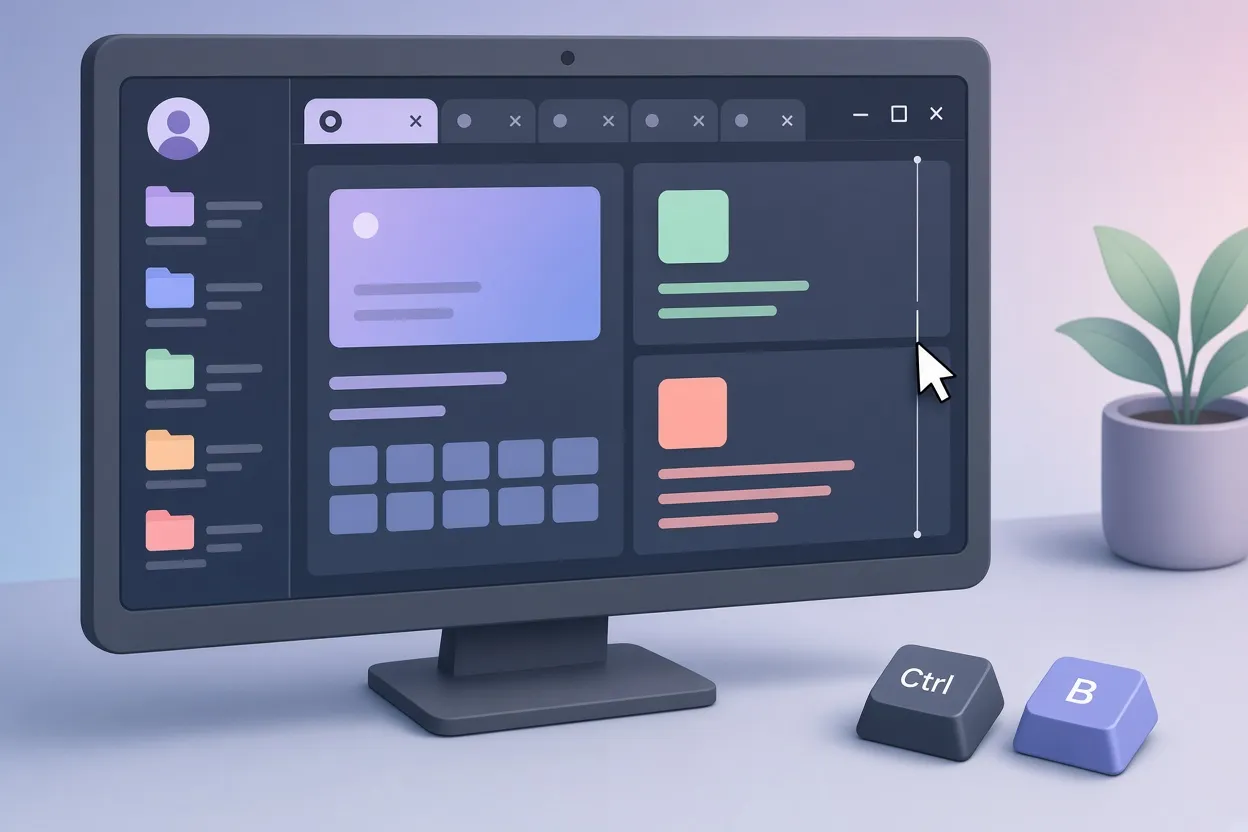
▲ Panes, tabs and workspaces in Herdr
Pane shortcuts
| Action | Keys |
|---|---|
| Split vertically | Ctrl+B, then V |
| Split horizontally | Ctrl+B, then - |
| Rename pane | Ctrl+B, then Shift+P |
| Resize pane | Ctrl+B, then R, then H, J, K or L |
| Close pane | Ctrl+B, then X |
Tab shortcuts
| Action | Keys |
|---|---|
| New tab | Ctrl+B, then C |
| Rename tab | Ctrl+B, then Shift+T |
| Previous or next tab | Ctrl+B, then P or N |
| Jump to tab | Ctrl+B, then a number |
Workspace shortcuts
| Action | Keys |
|---|---|
| New workspace | Ctrl+B, then Shift+N |
| Rename workspace | Ctrl+B, then Shift+W |
| Switch workspace | Ctrl+B, then W |
| Delete workspace | Ctrl+B, then Shift+D |
If you forget a binding, Ctrl+B then ? opens a searchable cheat sheet; press the forward slash and type a term such as "workspace close" to filter it.
Tracking agents and filtering by status
Every running agent appears automatically in an "agents" drawer in the left sidebar, grouped by workspace. Clicking an agent jumps straight to its pane. With audio alerts and internal toasts switched on, a banner slides in with a distinct chime when an agent finishes or stalls, with messages such as "claude finished", "hermes finished" or "claude needs attention". In a test that handed Claude Code a two-paragraph horror story and an ASCII art task while Nous Hermes explained famous unsolved math problems, the alerts made it clear which pane needed a reply without scanning each one.
The single most useful feature may be the Go-To switcher, opened with Ctrl+B then G. It shows a visual tree of all workspaces, tabs, panes and agent states across the whole system, and single keys filter that tree instantly:
- D shows agents that are done.
- B shows blocked agents waiting on a human.
- W shows agents actively working.
- I shows idle agents.
- A shows all terminals.
Pressing the forward slash inside the switcher searches session names and the text of every buffer, so you can find an old agent conversation by a single word it contained.
For dictating prompts into agent panes, a speech-to-text tool such as Wispr Flow works directly in the terminal.
Remote Herdr: several machines, one sidebar
Remote Herdr links machines over standard SSH with no separate client-server setup. The target machine only needs Herdr installed and an SSH server reachable from your current machine.
- Run
herdr machine listto see saved machines; a fresh install reports none. - Add a machine with
herdr machine add --label <name> user@host, for example a Mac Studio on the local network. - The sidebar now shows the local machine labeled "Local" and the remote machine under its label, with the remote machine's existing workspaces synced immediately.
From that point, toast notifications from agents running on the remote machine pop up on the local screen, and Ctrl+B then G searches and switches across both hosts. A mobile app also allows interacting with the same sessions and agents from a phone.

▲ Remote Herdr and Git worktrees
Letting agents drive the layout
Because Herdr exposes a skill, a CLI and an API, a coding agent can manage the multiplexer itself. In one demonstration, a primary agent running Claude Code v2.1.303 was told in plain language to open five panes. It ran commands such as herdr pane split, confirmed the layout, and later collapsed all five back to one on request.
The same agent then arranged a four-pane grid holding OpenAI Codex, Grok 4.7, Antigravity and Claude Code for a timed three-minute challenge: each agent had to write a single-file Python script that renders an animated ASCII scene from Harry Potter and the Prisoner of Azkaban. When the newly launched agents showed their startup safety dialogs, the orchestrating agent detected the prompts through Herdr's event hooks and submitted the confirmations itself. Those hooks fire when an agent starts work, runs a command, hits a prompt or signals completion. All four scripts finished, producing the Knight Bus, the flight over the Black Lake, the Patronus stag and the Marauder's Map. Claude Code, Codex, Antigravity and Gemini 4 Argon moved quickly; Grok 4.7 appeared consistently slower on these prompts.
Agents talking to agents
Herdr's messaging integration lets agents converse without you copying text between panes. Claude Code opened an adjacent Codex pane, sent questions with herdr agent prompt codex-chat, read Codex's response buffer and continued the exchange on its own. It even renamed the pane header to "OpenAI Codex (v0.163.0)" to keep the workspace tidy.
The same mechanism crosses machines. Nous Hermes on an Ubuntu box, equipped with the Herdr control skill, was asked for a status update on a project living on the remote Mac Studio. It ran herdr --machine <label> agent prompt w8:p1 over SSH, the Claude Code agent on the Mac read its local project file and verification notes, and the answer came back to the Ubuntu terminal.
Git worktrees for parallel development
When several agents commit to one repository at once, they fight over the Git index and create merge conflicts. Herdr automates Git worktrees, which are separate checkout directories sharing one repository. A command such as herdr worktree create set up directories named wt-claude, wt-codex and wt-gemini under the .claude folder of a demo project, and each agent then edited, ran and committed code in its own tree without colliding with the others.
Session persistence across restarts
Detaching with Ctrl+B then Q leaves everything running. Even a full herdr server stop followed by herdr restored every local and remote session, buffer history and active context intact, because Herdr stores all interactions as persistent text streams.
Key takeaways and next steps
Herdr keeps the tmux idea of persistent, splittable terminals and adds what agent-heavy work needs: status tracking, notifications, a searchable Go-To switcher, SSH-linked machines, agent-driven layouts and worktree isolation. If you spend your day watching Claude Code, Codex or Gemini in separate windows, here is a practical path:
- Install with the one-line command for your OS and run
herdr; let the wizard detect your agents and turn on toasts and sounds. - Learn the Ctrl+B prefix for panes, tabs and workspaces, and keep Ctrl+B then ? handy.
- Make Ctrl+B then G your home base; press B to find blocked agents before anything else.
- Add your other machines with
herdr machine addonce Herdr and SSH are ready on them. - Give your main agent the Herdr skill so it can split panes, launch helpers and close finished work.
- Use
herdr worktree createwhenever more than one agent will commit to the same repository.
Whether Herdr belongs in your own setup depends on how many agents you run and how often you switch devices, but for multi-agent terminal work it appears to remove most of the friction that used to push people toward GUIs.