How you split and recombine work can matter as much as which AI model you use. On a benchmark of 563 programming and logic problems run by EvoMap, the company behind the desktop coding app EvoX Agent, a single AI agent working through the problems alone scored 26%. An agent swarm, in which many agents each handle one isolated piece of the job and their results are combined afterward, scored 71% with the identical underlying model. The model’s weights and parameters did not change. What changed was how tasks were distributed and how context, the conversation and material a model reads at once, was managed.
Why one agent struggles with many tasks
When one agent takes on several tasks in a row, its conversation history keeps growing. By the fourth task it is still carrying everything from tasks one, two and three. That baggage can crowd out the details that matter, leading the agent to drop information or make things up. This context pollution is the main reason a lone agent’s accuracy falls as the batch of work gets bigger.
A common fix is a supervisor agent that hands pieces of work to sub-agents, helper agents that each take one subtask, and then summarizes their findings. On the same benchmark, though, the sub-agents found 373 correct solutions, but only 217 survived after a language model summarized and merged their outputs. That works out to 39% accuracy. Summarizing compresses information, and correct answers appear to get lost in the compression.
| Setup | Benchmark accuracy | What happens |
|---|---|---|
| Single agent | 26% | Context from earlier tasks keeps piling up |
| Sub-agents with LLM summary merge | 39% | Only 217 of 373 correct solutions survive the merge |
| Agent swarm | 71% | Clean context per task, results merged by code |
Two design choices behind the swarm’s accuracy
The swarm in EvoX Agent relies on two ideas. First, each subtask runs in its own clean context, so every agent sees only what it needs for its piece of the job. Second, the results are merged by deterministic code, meaning code that always produces the same output from the same input, rather than by a language model writing a summary. That way, correct answers are not lost to paraphrasing during the merge.
If you are designing your own multi-agent setup, code-based merging looks worth trying before you hand consolidation to a model. Keep in mind that the accuracy figures above come from EvoMap’s own benchmark, so it is worth checking whether your own workloads show a similar gap.
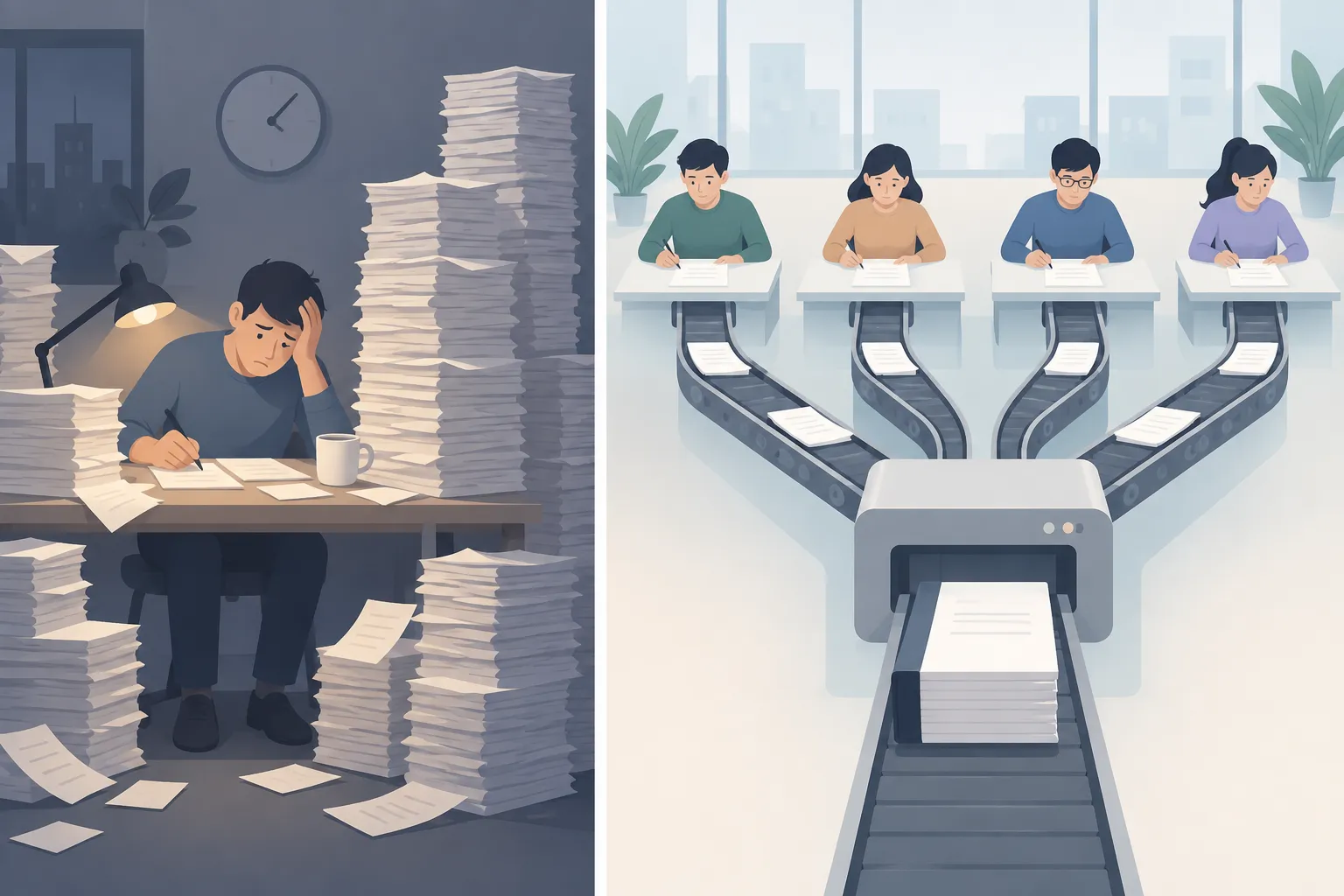
▲ Piled-up context versus split tasks
Swarm versus sequential on a real app
To see the difference on everyday development work, four jobs were assigned at once to an Indonesian vocabulary flashcard web app:
- Write unit tests with node:test
- Run linting and type checking with tsc
- Write documentation in docs/API.md
- Audit accessibility against WCAG 2.2 AA
With swarm mode turned on, EvoX Agent first drafted a coordination plan that set file ownership rules, deciding which agent could touch which files so parallel workers would not create conflicting edits. Once the plan was approved, four agents worked at the same time. They modified seven files and finished in about seven to eight minutes.
The same project was then duplicated and the identical jobs were run one after another with swarm mode off.
| Measure | Swarm run | Sequential run |
|---|---|---|
| Time to finish | About 7 to 8 minutes | About 2.5 times longer |
| Context tokens used | About 84,000 | About 129,000 |
Tokens are the units in which AI models process text, and using more of them generally means higher cost and slower responses. The sequential run carried the history of each finished task into the next one, so its prompts, the instructions and context sent to the model, kept growing and inference slowed down.
100 agents, one survival game
A larger experiment pushed the swarm to 100 parallel workers. The setup was a survival game called Arena: 100 species live on a 2D grid where they can eat, move, breed and attack. A single prompt was split into 100 tasks, and each agent wrote the behavior code for one species in JavaScript inside its own private context, without seeing any other agent’s code or strategy. All 100 species scripts were generated and validated in about 20 minutes, work that would likely have taken several hours if done one at a time.
| Generation | Species alive after 2,000 turns | Attacks |
|---|---|---|
| Generation 1 | 64 | 12,886 |
| Generation 2 | 99 | 0 |
Generation 2 was created by taking the behavioral principles of the best-performing survivors, feeding them back to the AI and asking it to devise refined foraging strategies that avoid fighting. Breeding a new round of outputs from the rules of earlier winners, combined with large-scale parallel generation, appears to be an efficient way to iterate on complex simulation and optimization problems.
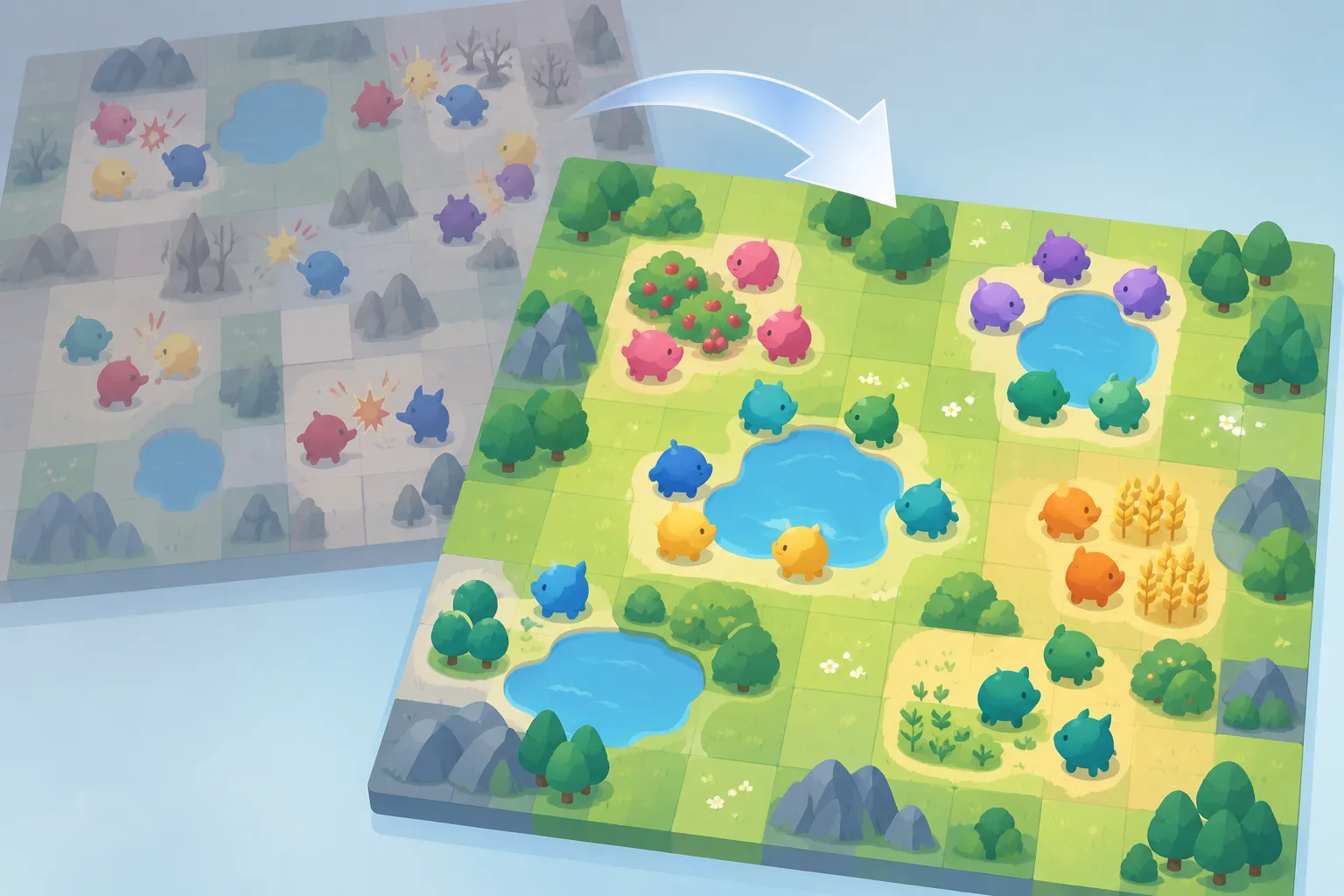
▲ Survival game built by 100 agents
Self-evolution: reusing what already worked
EvoX Agent also includes a self-evolution system that turns successful work into reusable capabilities. It runs in five stages: Observe records requests and terminal activity, Discover pulls out new signals, Reuse or Improve decides whether to refine an existing capability, Validate scores the run, and Solidify saves validated procedures for future use.
- Genes are small, deterministic procedures, such as running a particular SQL query pattern or reading a project schema.
- Capsules are complete end-to-end solutions to a task, stored with performance metrics, confidence scores, cost, token use and a replayable execution path.
- The Events log is an immutable record of every change, repair and new capability the agent produces.
EvoMap claims that once the system learns the common patterns in a repository or conversation history, reusing known solutions instead of re-deriving them cuts token usage by about 31%. That figure could not be fully verified on the spot, but the learning loop itself ran smoothly in testing. Terms such as genes, capsules and mutations can make the system feel hard to grasp at first.
Getting set up
EvoX Agent is a desktop app for macOS and Windows. Its baseline features match coding agents such as Codex and Claude Code: indexing a codebase, writing code, running commands and fixing failing tests. New accounts receive 1,500 free trial credits, worth about $15. During setup you can import sessions, memories and settings from Claude Code and Codex.
| Mode | What it does | Example |
|---|---|---|
| Chat | Interactive questions and reasoning | Weighing whether to switch a flashcard app from Leitner boxes to the SM-2 spaced repetition algorithm |
| Cowork | Documents, plans and reports | Analyzing card data to produce a one-page PDF progress report with charts and tables |
| Code | Code changes, tests and deployment | Adding a stats API endpoint and a stats strip to the interface, checking with npm test and deploying through the Vercel CLI |
A few settings deserve attention:
- Automatic model switching routes work by difficulty, sending economy tasks to cheaper models such as DeepSeek V4 Flash and balanced workloads to models such as GPT-5.6 Terra or Kimi K3.
- Model connections cover OpenAI, Anthropic and Gemini APIs as well as local model servers such as Ollama and LM Studio. A local model running on an NVIDIA DGX Spark can be connected to avoid cloud compute fees.
- Approval modes let you choose Confirm steps, which asks before each step, Smart, which asks only for high-risk actions, or Full auto. Full auto is best kept to trusted projects and work that does not delete or overwrite anything.
- Connections let you send instructions to agents from messaging apps including Slack, Discord, Telegram, WhatsApp and Microsoft Teams, and a QR code pairs your phone so you can check on tasks away from your desk.
What to check before splitting work across agents
Piling many tasks onto one agent lets accumulated context drag down both accuracy and speed. A swarm reduces that problem by giving every task a clean context and merging results with code. Whatever tool you use, these steps are worth applying when you divide work among agents:
- For prompts that span multiple files or concerns, check first whether the work splits into independent tasks.
- Assign file ownership explicitly in your instructions so parallel agents never edit the same file.
- Prefer code-based merging over model-written summaries when combining results.
- When an output works well, distill its principles and feed them into the next round of generation.
- Limit fully automatic execution to work you can undo, and keep step-by-step approval for sensitive operations.
- Test vendor accuracy and token-saving claims on a small piece of your own work before relying on them.