Before building another AI agent, it may be worth asking whether a well-organized folder would do the job. Ask a general-purpose AI to “build me a slide deck for my investors” and it has no idea who you are, how you like your decks built or who your investors are. For the past two to three years, the standard fix was to wire a dedicated agent to databases, connectors and export tools for each task. A simpler pattern flips that around: keep your instructions, preferences and reference data in plain text files inside folders, give one AI model a few basic tools, and let it read what each request needs.
What a one-line request is missing
Break the investor-deck request into parts and three gaps appear. Each one maps to a folder you can create.
| Part of the request | What the AI needs to know | Where it lives |
|---|---|---|
| “Build me” | Who you are: brand voice, location, work history | A “Me” folder |
| “a slide deck” | How you like decks built: layouts, rules, image assets | A “Build” folder |
| “for my investors” | Who the investors are: background notes, website links | An “Investors” subfolder inside “Me” |
An out-of-the-box model knows none of this. Without data, context and tools together, the output tends to be generic or simply wrong. Two or three years ago, sending this request with no supporting structure produced exactly that kind of bland, unusable result.
How the agent approach grew complicated
The traditional answer was to surround the model with custom parts, one task at a time:
- Private data access. A model is not trained on your personal or company data, so developers connected it to SQL databases, Google Drive, SharePoint, or JSON and YAML repositories.
- API gateways and connectors. Reaching those stores meant building an API gateway that defined query syntax and parameters, plus connector code in Python or C# to link the model and the database.
- Document tools. Making slides required a tool that could drive PowerPoint. Because AI models had a hard time controlling presentation software directly, early Microsoft Copilot decks appear to have been very poor. Common workarounds had the AI write slides as HTML and convert them with a script, or render web pages, screenshot them and paste the images onto slides.
- Web scrapers. Researching investors called for a custom scraper (a program that pulls information from web pages) in Python or C#, with error handling to make sure it found the right people. The agent then cross-checked scraped data against its internal database before building the deck.
Fine-tuning, which means training a model further on specific data, was another option. Feeding data in at request time through a pipeline is often far more reliable.
The deeper weakness is brittleness. Change “slide deck” to “PDF” and the agent built for slides has no way to finish the job. Someone has to build a second agent with a PDF pipeline. Repeat that across a company and you end up maintaining dozens of narrow agents.
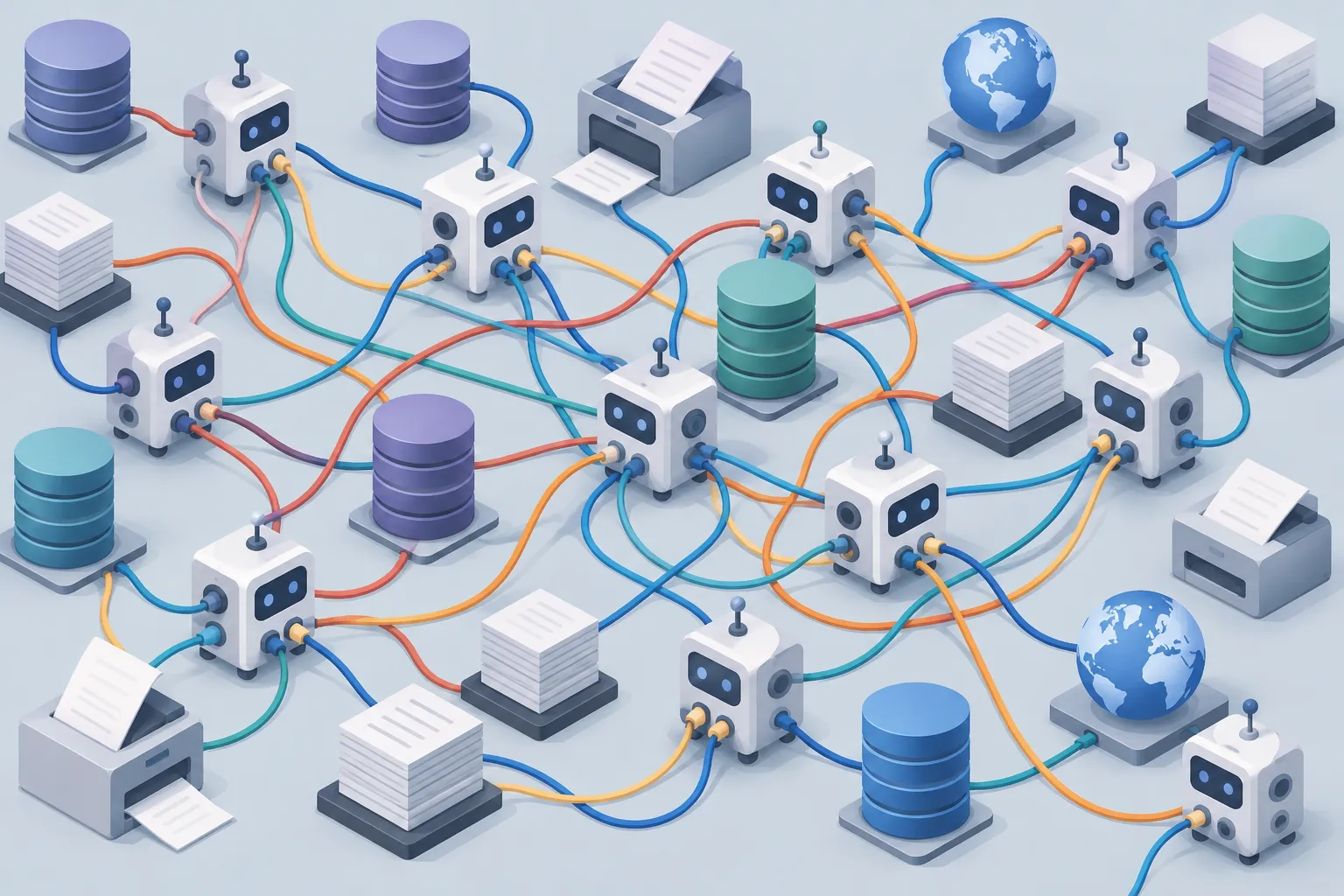
▲ Single-purpose agents multiplying task by task
Folders as the agent
The alternative borrows from Unix. Between 1969 and 1970, Ken Thompson and Dennis Ritchie built an operating system around the idea that data organized as a hierarchical file tree can be navigated and acted on through text. Folders and files were a deliberate invention, and they remain so basic that large companies would stop working without them. AI models are simply the newest users of that structure.
Instead of a separate agent per task, the model gets a small, general set of tools that work for almost everything. This package can be called an AI harness, the layer of general tools wrapped around a base model. It needs three abilities:
- Read files in folders
- Write files to folders
- Search the web
Google, Anthropic and OpenAI are all pushing toward simpler tool use along these lines. Claude, Codex and Gemini also let users download or build modular skills, such as a slide deck builder. A typical deck skill lays out slides in HTML and then converts them to PDF or PowerPoint.
Splitting files by role
Inside each folder, it helps to separate files into three kinds so the model knows what it is looking at:
- Instructions: how the output should be built
- Opinions: your preferences, voice and point of view
- Data: the raw material, such as investor profiles or company history
When the request arrives, the model maps each phrase to a folder. “Build me” sends it to your background and preferences, “slide deck” to the build rules and assets, and “my investors” to the investor records. The same general model can act as a PDF agent, a slide deck agent or a marketing agent depending on which files it reads. Adding a new capability means adding a subfolder and an instruction file, not rebuilding a software pipeline.
This setup also keeps people in charge. You decide what context the model sees, so the AI works as a tool that extends your thinking rather than an opaque autonomous system. Letting a model run in fully autonomous loops with no human oversight is a pattern this approach is meant to avoid.
Why context changes the answer
The reason folders work becomes clearer when you look at how language models generate text. AI research began in the 1950s, neural network work advanced through the 1980s and 1990s, and in 2017 the Google paper “Attention Is All You Need” introduced the transformer architecture. A transformer assigns probabilities to possible next tokens, the small chunks of text a model processes, and repeats that choice thousands of times as it writes.
Take the unfinished sentence “The sky is ___”:
| Context before the sentence | Likely next words |
|---|---|
| None | blue (60%), beautiful (50%), grey (40%) |
| “UK” or “night” | The distribution shifts; for the UK, toward grey |
| A student in Edinburgh on a rare clear spring day | beautiful rises above grey |
Every bit of context you add reshapes the probabilities. The instruction, opinion and data files in your folders are exactly that kind of context. Seen this way, dismissing these models as “just word predictors” seems to undersell decades of mathematical research, even though the models still make mistakes.

▲ One general model reading from folders
Plain English as the newest programming layer
Computing history can be read as a long series of abstractions, each packing complex steps into shorter expressions:
- Early 1800s: Joseph Marie Jacquard’s loom used punched cards to weave patterns automatically. A hole or no hole was the instruction.
- 1830s and 1840s: Ada Lovelace translated a 120-page work on Charles Babbage’s Analytical Engine and added 470 pages of her own notes, asking whether such a machine could compose music or think.
- 1940s and 1950s: Alan Turing proposed the Imitation Game, now known as the Turing Test, and Claude Shannon laid the foundations of information theory. Anthropic’s Claude is named after Shannon.
- The compiler: Grace Hopper’s work, starting with Flow-Matic, let programmers use English-like keywords instead of raw machine code. Many engineers at the time refused to use it, insisting computers were only for arithmetic, but the idea led to languages like FORTRAN, which NASA still uses.
- C, object-oriented programming and Python: each layer let a single keyword such as print stand in for hundreds of lower-level steps.
A one-line Python print statement looks trivial, yet it rests on more than 40 years of engineering. In that light, a request like “build me a PDF for my investors” works as the newest kind of code, with English as the language. Unlike a line of code with one fixed result, though, a plain-English request leaves gaps: an AI model cannot know your goals or quality standards on its own. A folder structure is a way to package that intent in a consistent form.
How to set this up yourself
Start with folders before reaching for a new agent:
- Create a workspace folder with a “Build” folder and a “Me” folder inside it.
- In “Build,” write Markdown or plain text files describing how you want common outputs built, such as slide decks, PDFs or marketing copy, and add the images and assets they use.
- In “Me,” describe your voice, background and company history. Add subfolders for recurring audiences such as investors or clients, with one profile per person and links to their websites.
- Label files as instructions, opinions or data so the model knows the boundaries of each.
- Give the model only basic read, write and search tools, then make your request.
- When a new kind of task appears, add a subfolder and an instruction file. If the model struggles with a native office format, have it produce HTML first and convert that to PDF or slides.
The quality of what an AI produces depends heavily on the context it receives. Deciding what that context is, and how to structure it, remains the human part of the job.