Handing OpenAI’s Codex a single screenshot of a Slack thread and asking “Hey, can you just build this?” was enough to get a working macOS live translation app in four minutes and two seconds. The same coding agent, left alone overnight on a cloud server, spent more than 15 hours building a live Q&A site for a 400-person audience. Members of OpenAI’s developer experience team describe the difference between those results and a disappointing one as less about clever prompts and more about three things: the context you give the agent, the plugins it can draw on, and the checkpoints where a human steps in.
Start with context, not a prompt
The translation app began as a brainstorm in Slack. One colleague suggested a real-time translator, and another proposed building it with the OpenAI Agents SDK and the GPT Realtime API. Instead of copying and pasting the conversation, the engineer used an appshot: pressing both Command keys on a Mac captures the active window, including its underlying text and metadata, and sends it straight to Codex.
Codex scaffolded a native macOS app right away. Writing, building, verifying and packaging the result took four minutes and two seconds. The app, StageTranslate, is built with Swift, SwiftUI and AppKit and combines microphone capture, a WebSocket client, audio playback and the OpenAI Realtime API. Speak English into it and it transcribes the words in real time, writes out a German translation and reads that translation aloud.
It did not work perfectly on the first try. Audio permissions and device routing were mismatched until the microphone input and audio output were fixed by hand in the macOS sound settings. That detail is worth keeping in mind: an agent can produce the app in minutes, but checking that it runs on real hardware in a real setting still appears to be a human job.
The engineer who built it is a data scientist by training with little experience in Swift, AppKit or WebSockets. What filled the gap was the “Build macOS Apps” plugin, which bundles 11 skills covering topics such as AppKit interoperability, building and debugging, Liquid Glass styling, and signing and notarization.
The team calls voice dictation and appshots two of the most underused productivity features in AI developer tools. People speak much faster than they type, and current language models turn rambling speech into clear instructions. According to the team, Codex correctly reads a user’s intent from an appshot alone more than 90 percent of the time.
Four ways to make context stick
Several features carry context from one task to the next.
| Feature | What it does | Worth knowing |
|---|---|---|
| Plugins | Bundle skills (reusable instructions and team practices), connections to external apps, and MCP servers (a standard way to plug outside tools into an AI) | A built-in directory lists plugins such as Gmail, Slack, GitHub, Figma and Google Drive |
| Memories | Remembers your choices across separate threads, such as using uv instead of pip for Python packages | Off by default; a “Skip tool-assisted chats” setting keeps results from outside tools and web searches out of memory |
| Chronicle | Captures short-lived screen context to infer what you are doing, such as diagnosing a failed GitHub Actions run | An opt-in research preview for Pro subscribers |
| Personalization | Applies custom instructions to every conversation | Works much like placing an AGENTS.md file in your home directory |
Memories and Chronicle use more tokens, the units of text a model processes, but the team considers the extra cost worth it for an agent that remembers a project’s history. If you regularly handle sensitive data from tools or web searches, turning on “Skip tool-assisted chats” is the safer choice.
The OpenAI Developers plugin lets Codex create and configure OpenAI API keys without sending you to a browser dashboard, which avoids lost keys and broken focus. And once you have solved a tricky problem in a thread, you can ask Codex to save the steps as a new skill or plugin so it can handle the same job next time without guidance.
Three ways Codex operates a computer
At large enterprises, valuable data can end up trapped inside old internal dashboards with no API. In a mock example built to show the problem, pulling reports from a repository analytics dashboard meant clicking through a calendar date picker and hitting download buttons category by category.
Codex’s computer use, the ability to see a screen and operate the mouse and keyboard like a person, took this over. By voice, the engineer asked for the past seven days of commit history as a CSV file and pull request data from early June to the present as JSON. Codex inspected the layout and accessibility identifiers, then drove the date picker with its own software cursor. When several running apps shared the same bundle identifier, it targeted the window by name instead of guessing. On macOS, computer use does not take over the user’s cursor, so the person can keep working in other windows.
Web tasks work the same way. Codex read survey questions drafted in a Google Doc and built them into Google Forms as multiple choice, linear scale and open-ended questions, marking each one as required, a job full of repetitive clicks and easily forgotten toggles.
| Mode | How to call it | Best for |
|---|---|---|
| Native computer use | @computer or @AppName | Desktop apps and legacy software without APIs |
| Chrome extension | @chrome | Web tasks in your signed-in browser |
| In-app browser | @browser | Local web development, layout and DOM inspection, interaction tests |
Automation through headless Chromium, a browser that runs without a visible window, often runs into endless CAPTCHAs and blocked sign-ins. The Chrome extension works inside a session where you are already logged in, which suits services like Gmail and apps behind multi-factor authentication.
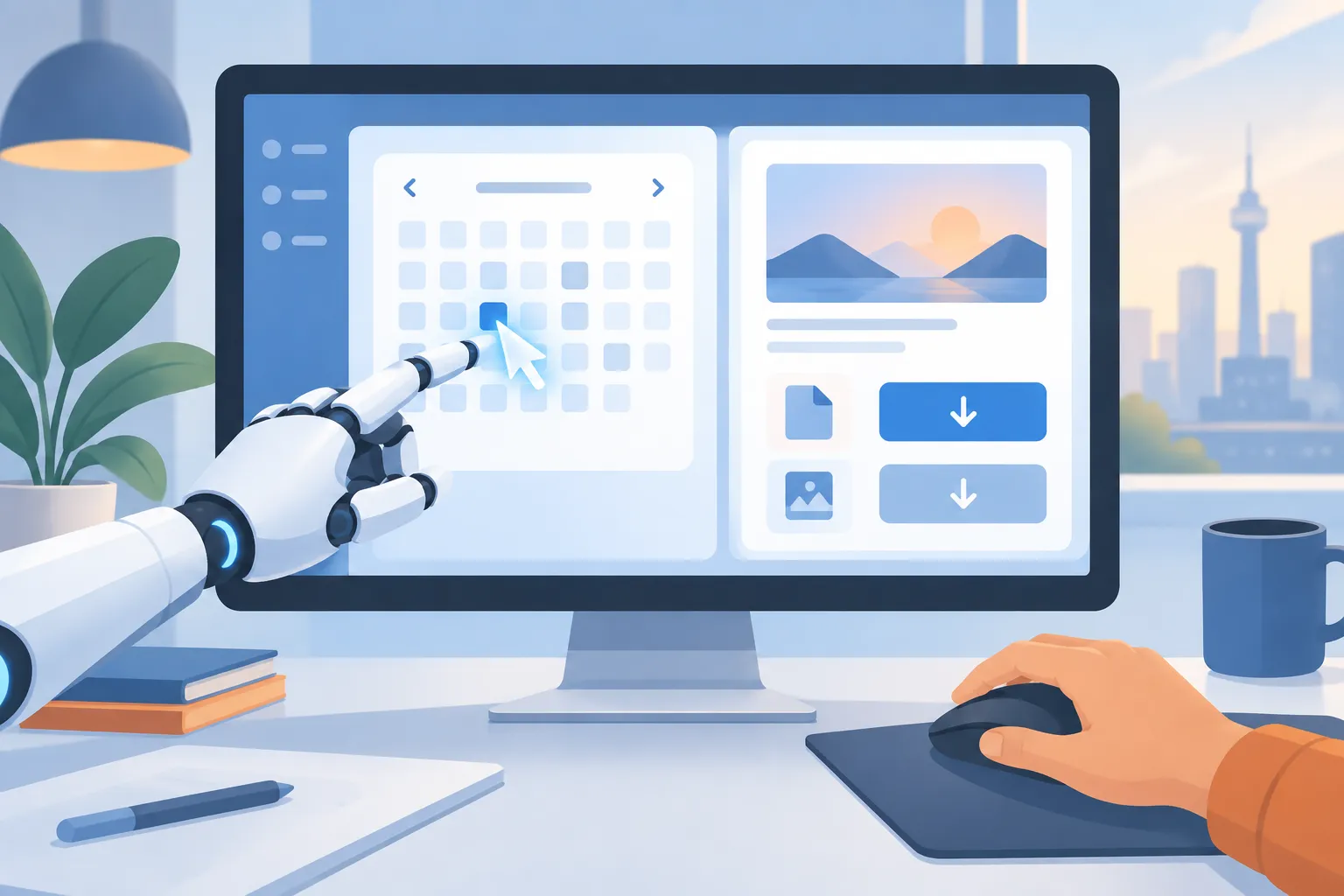
▲ AI computer use running beside the user’s own cursor
Long-running tasks need goals and supervision
Large engineering tasks can run anywhere from 5 to 20 hours. Three jobs started the night before on cloud servers show the scale.
| Task | Run time | What Codex built |
|---|---|---|
| Live Q&A site | 15 hours, 30 minutes, 55 seconds | A new site for a 400-person audience using Convex for real-time sync, Vercel for hosting and the OpenAI Moderation API |
| Internal form builder | 5 hours, 57 seconds | An open-source form builder turned into an internal tool behind ChatGPT sign-in |
| Optimal decision tree package | 7 hours, 1 minute, 40 seconds | A Python package with a Rust backend implementing research algorithms originally written in Julia and R |
Nobody can watch a 15-hour run, so the supervision has to be built in from the start:
- Goals file: Have Codex write its plan and milestones into a GOALS.md file.
- Progress dashboard: Have it generate and keep updating a progress-dashboard.html file showing milestone status (complete, active, pending), test pass rates and open blockers.
- Audit threads: Rather than one long thread, let Codex spawn separate threads for code review and goal audits. At milestones, an audit thread compares the work against GOALS.md and steers the main thread back if it drifts.
- Slack updates: Have Codex post finished milestones, work in progress and blockers, such as a missing API key, to a Slack channel. Over a weekend you can check that thread on your phone and unblock the agent when needed.
- Side threads: Use the
/sidecommand to open a temporary conversation next to the main thread and ask what happened in the last hour, what comes next and what is blocking progress. Side threads disappear, so move any lasting decision back into the main thread.
When a deployment stalled for lack of credentials, the blocked item was sent to a side thread with a request for step-by-step options. Codex replied with a shell command that writes the Convex deploy key directly into the remote environment file, so the secret never appears in the chat history.
A cloud thread cannot reach the Chrome browser on a developer’s own machine. Instead, the remote thread asks a local worker thread to run the browser tests and report back. In one case, the local worker opened Chrome at 3:00 AM, while the developer slept, and verified the full form-building flow end to end.
Make “done” something a program can check
The /goal command sets a durable objective, and Codex checks its work against the success criteria at every reasoning turn before deciding a milestone is complete. Vague goals invite a “monkey’s paw” result, where the agent satisfies the wording but not the intent, so the criteria should be checkable by a program, such as a test suite or an exact string match. One developer used this approach to keep Codex running for 40 hours while it reimplemented Doom in Swift. Typical uses include large codebase migrations, refactors, deployment retry loops and automated experiments.
What makes these long runs possible is compaction, which keeps the essential project state and drops the noise as a thread grows. It launched on November 19, 2025, with GPT-5.1-Codex-Max, a model trained to work across multiple context windows, the limit on how much text a model can consider at once. The team says this keeps the agent from forgetting earlier requirements and saves tokens.
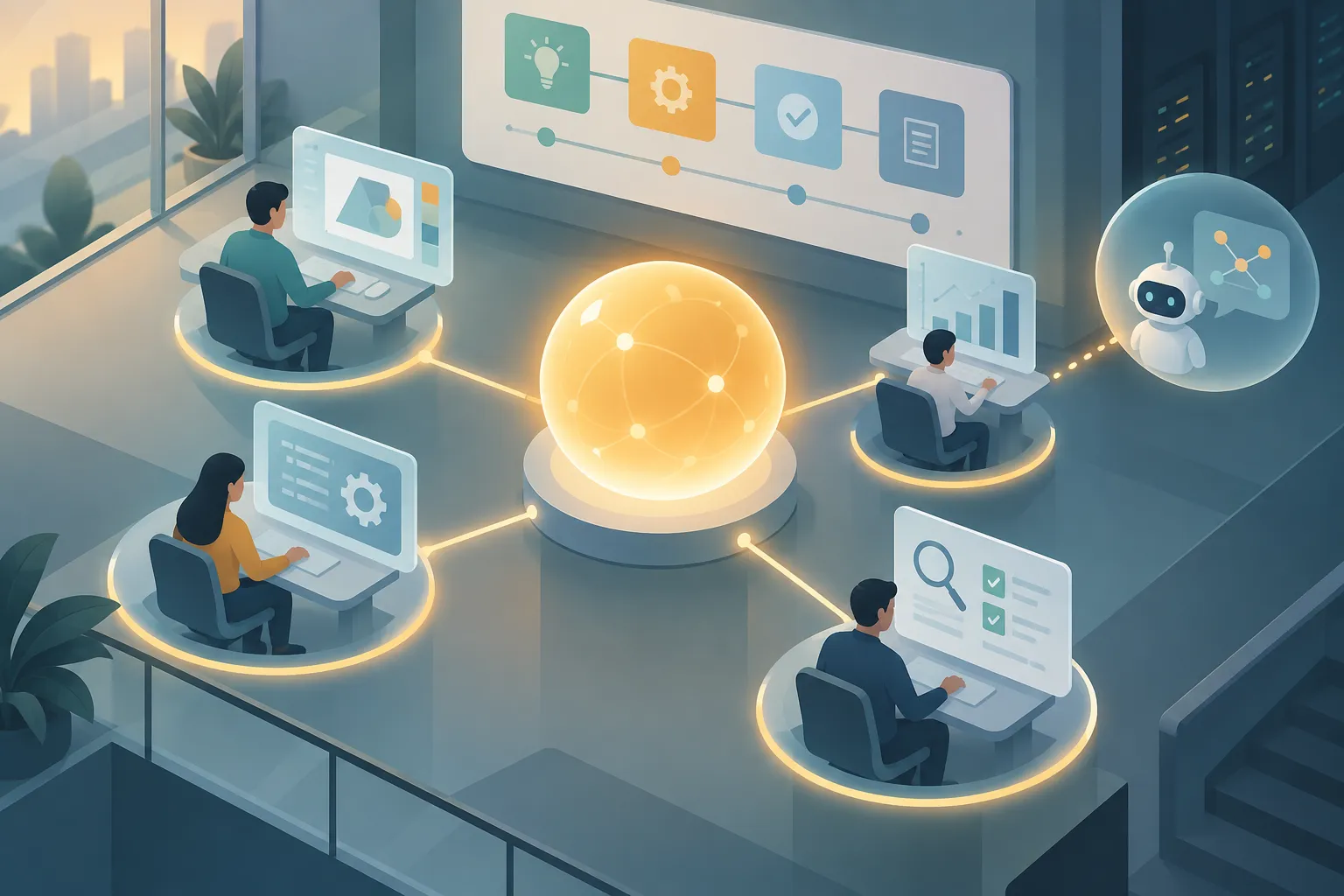
▲ Main thread and audit threads splitting the work
Divide the work: subagents, handoffs and hooks
Subagents take on part of a task in their own context window, so they do not clutter the main conversation. A subagents.toml file defines each one’s description, tool permissions, sandbox policy and reasoning effort. You can create roles for frontend, backend, testing, documentation research or code review, giving routine checks a small, fast model and reserving a stronger reasoning model for careful reviews. It is not a recommended practice, but even a screenshot of an early build captioned only “not very good” was enough: Codex agreed the chat area was cramped, and the main thread passed the fix to a UI subagent, which adjusted the layout and verified the result in the browser.
Thread-to-thread handoffs keep the delegation visible to the human. The rule of thumb: if you need to see the delegation, use a handoff; if only the main model needs to know, use a subagent. In a weekend game project, a “creative director” thread coordinated threads for art, music, animation and game mechanics, and AGENTS.md required each one to get the director’s sign-off before calling its work done.
Hooks run fixed scripts at set points in Codex’s lifecycle and are configured in config.toml. Common uses:
- Intercepting prompts so API keys and other secrets do not leak
- Checking proposed shell commands against an approved list
- Sending conversation logs to company observability or analytics systems
- Running tests and linters, tools that check code against style rules, when a turn ends
In the OpenAI Agents SDK repository, a hook runs a Python cleanup script every time Codex finishes a turn. The team stresses that the more autonomy an agent gets, the more it needs guardrails like these that do not depend on the model’s judgment.
Automations that run on a schedule
Codex supports two kinds of automation.
| Type | How it works | Examples |
|---|---|---|
| In-thread heartbeat | Wakes up on a timer inside an existing thread and checks something | Polling a new server until it is ready; summarizing Slack, email and Linear changes into an Obsidian note every day |
| New-thread schedule | Opens a fresh thread at a set time for a batch job, then gets archived after review | Weekly team summaries and analytics rollups |
Provisioning a cloud server through the DigitalOcean plugin takes a few minutes, so Codex scheduled its own heartbeat to check every five minutes. Once the server was ready, it deleted the heartbeat and set up the SSH key.
Combining Slack, schedules and git worktrees, separate working copies of the same repository, turns maintenance into a background job. One automation reads a Slack feedback channel for the translation app every 30 minutes and sorts messages into compliments, bug reports and feature requests. For bugs and requests, it creates a branch and worktree, implements the change, opens a pull request and assigns a reviewer, then follows up if the review has not happened within 24 hours.
Personal automations work too. A Friday job can review the week’s conversations and add, refine or remove skills in AGENTS.md. Another drafts email replies, then later compares each draft with the message the person actually sent and records the differences as preferences for next time.
Underneath it all sits the open-source app-server protocol, a JSON-RPC bridge that connects the desktop app, the terminal CLI and the Visual Studio Code extension to the same agent harness. Tools such as JetBrains IDEs and Xcode can connect the same way, and developers can build their own clients that run on their existing ChatGPT plan. As a demonstration of the idea, a four-hour background run produced a retro-styled custom Codex client whose sessions synced with the regular desktop app.
What to set up before you hand work to Codex
The common thread in these examples seems to be that the structure around the agent matters more than the wording of any single prompt. The team argues that modern reasoning models do not need prompt tricks; they need rich, clear context and unambiguous goals. It also suggests asking a few questions again and again:
- Have you actually tried giving the task to Codex before doing it yourself?
- What is stopping it from finishing: permissions, context or tools?
- Can a one-off prompt become a repeating loop?
- Does a person really need to step in at this point?
Practical steps to take now:
- Pass context with appshots and voice dictation instead of copy and paste.
- For multi-hour work, ask for a goals file, a progress dashboard and audit threads up front.
- Define completion with checks a program can verify, such as tests.
- Keep secrets out of the chat by asking for a command that writes them to a file.
- Use hooks to run tests and linters automatically as a guardrail for autonomous work.
Even when an agent builds an app in minutes, a person still has to confirm that it runs on real equipment and that it truly meets the goal. Deciding in advance where those checks happen is the first step to trusting Codex with longer work.