One person who says they cannot code and have never cut a timeline by hand now gets finished 4K YouTube videos without opening an editing program. The trick is not one magic tool. Claude Code acts as the project manager, and it hands each job to a specialist: a speech-to-text engine finds the clean takes, a rendering engine builds the motion graphics, a browser gathers proof shots, a music library supplies the score, and FFmpeg assembles and checks the master. The human records the raw footage and gives notes. In this one case, the hard cost came to about $27 per video. Getting there took a long stretch of teaching, though, and the setup still needs a person in charge.
One coordinator, six specialists
Claude Code runs locally in the Claude desktop app, so it can read and write files on the computer, launch programs and drop renders into output folders. That local access is what lets it coordinate the rest of the stack.
| Role | Tool | What it does |
|---|---|---|
| Transcription | NVIDIA Parakeet | Turns speech into timestamped, word-by-word text |
| Motion graphics | HeyGen HyperFrames | Renders animations written as HTML and CSS into 4K video |
| B-roll research | Google Chrome | Finds announcements, posts on X and research papers, then captures them |
| Screen recording | Tella | Records webcam and screen together; applies zooms and crops through MCP |
| Music and sound effects | Epidemic Sound | Supplies tracks that match preset mood rules |
| Final assembly | FFmpeg | Combines every video and audio layer and runs technical checks |
Transcription comes first because Claude Code cannot listen to audio on its own. Parakeet, a free speech-to-text tool, converts the soundtrack into text with a timestamp on every word. Claude Code then reads that transcript, spots stumbles and repeated takes, and keeps the cleanest one. In one example, the speaker flubbed a short line four times before getting it right on the fifth attempt, and the system cut the four failures.
Motion graphics used to mean hours in a program such as Adobe After Effects. Here, Claude writes each animation as lightweight web code, and HyperFrames, a free open-source engine, renders it into sharp 4K footage. Because the rendering happens on the local machine, there are no cloud fees or API charges.
Chrome works as an automated researcher. Claude drives the browser in the background to find original announcements, posts on X and academic papers. It takes full-page screenshots, records smooth scrolling clips and highlights or zooms into the key lines. One example pulled an official OpenAI blog post and a post on X by Sam Altman to serve as on-screen proof.
Tella handles screen tutorials. Through MCP, the Model Context Protocol that lets AI tools connect to outside apps, Claude Code can apply zooms, crops and cuts to Tella recordings automatically.
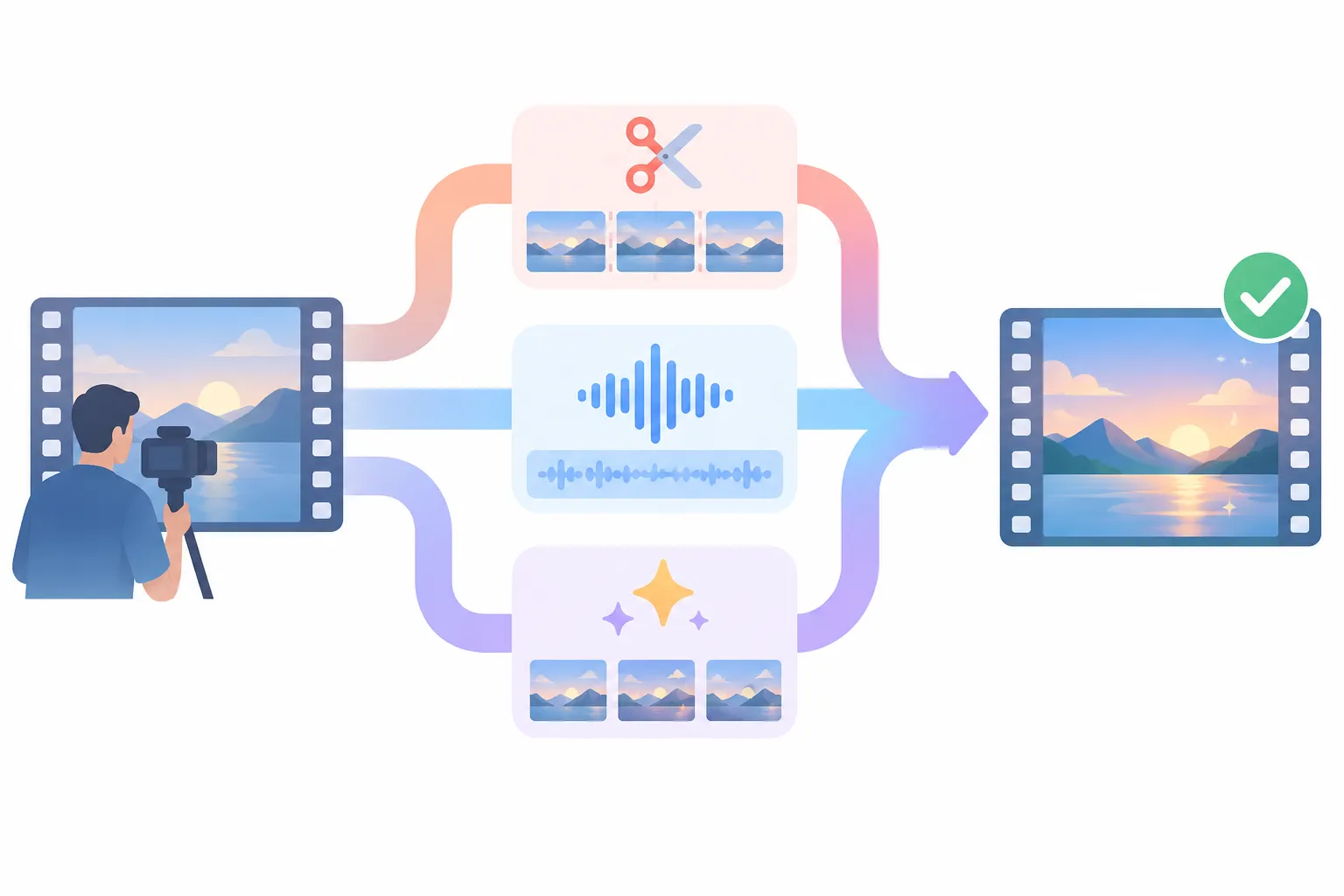
▲ Editing jobs split across specialized tools
FFmpeg, a free command-line media engine that has processed video for more than 20 years, does the final assembly. Before a render counts as done, it checks:
- Resolution of 3840x2160
- BT.709 color tags
- Video bitrate of at least 40 megabits per second
- Duration and audio-video sync
- No unintended black frames
The style file that holds the taste
Connecting tools is the easy part. What makes the output match one person’s style is a Markdown file named SKILL.md. It spells out brand colors, fonts, animation timing and audio mixing levels across roughly 1,400 lines. It started at 187 lines and grew from there.
The file grew through a simple feedback loop:
- Start with short intro hooks rather than full episodes, so each round is quick.
- Review the draft and leave notes tied to exact timestamps, such as an unwanted flash cut around the 14-second mark.
- When a fix looks right, tell Claude to “save this to the skill” so the correction becomes a written rule.
- On the next edit, Claude follows the rule instead of repeating the mistake.
About ten days into testing, sound effects joined the mix. Claude tried eight to ten effect variations on a single hook to find ones that did not drown out the voice. Early drafts were far too busy, so several rounds went into stripping effects and turning audio down. The result is restraint: a soft click when the cursor selects something, a gentle whoosh for interface transitions. After many rounds, the skill holds 36 explicit rules that keep visual and pacing errors from coming back.
Music follows rules too. A hook opens on a subtle, suspenseful cue and then crossfades into a quiet lo-fi hip-hop bed. Somber music under an educational tutorial can make people sleepy, so the score has to fit the video’s purpose.
Setting up the desktop app
The workflow depends on the Claude desktop app, downloaded from Anthropic’s website, rather than the browser chat window. Only the desktop app can control local files and software. The setup steps:
- Switch from Chat or Cowork to Code mode.
- Set the environment to Local and pick a project folder on your drive.
- Set permissions to Auto, or approval prompts will keep interrupting batch renders.
- Choose a top-tier model such as Opus 5.5 for the initial build, then move routine edits to a cheaper model.
- Turn on Browser tools in the settings so Claude can open and inspect web pages.
- Open Customize, then Connectors, and link Tella and Epidemic Sound. Epidemic Sound needs a separate browser login before it shows as active.
- Install HyperFrames from Connectors or download it from HeyGen’s GitHub repository.
- Save the editing instructions as a skill, then open a fresh chat and run a baseline test before customizing.
Claude Code walks the user through most installations and handles many of them itself, but third-party connectors have to be linked by hand. The interface also changes often with updates, so menus may look slightly different.
On plans, Claude offers Free, Pro at $20 a month, and Max tiers starting at $100. The $20 Pro plan is described as enough for this setup, although the person behind this workflow pays $200 a month for Max.
Auto permissions let Claude Code run commands without asking. That keeps long renders moving, but it also means nobody reviews each command as it runs. A dedicated folder for editing projects would seem a sensible precaution.
From 2:46 of raw footage to a 31-second hook
In a test run, a raw 4K camera file full of retakes and mistakes went in with a plain request: apply the saved editing skill, zoom on cue, add sound effects where they are mentioned, and use three standout animations from the skill’s library.
Claude Code transcribed the clip with Parakeet, then removed failed takes, dead air and the pauses where the speaker stopped to check notes off camera. Edits usually take 10 to 20 minutes. This one took 16.
| Measure | Result |
|---|---|
| Raw footage | 2 minutes 46 seconds |
| Finished hook | 31 seconds |
| File size | 164 MB |
| Processing time | 16 minutes |
| Pause after each graphic | Trimmed to 2 seconds |
The finished hook included an animated highlighter over an OpenAI article, a floating 3D browser frame and a flowing workflow diagram. Claude Code also wrote a summary report of what it changed, such as switching speech segments to a tighter right-side crop.
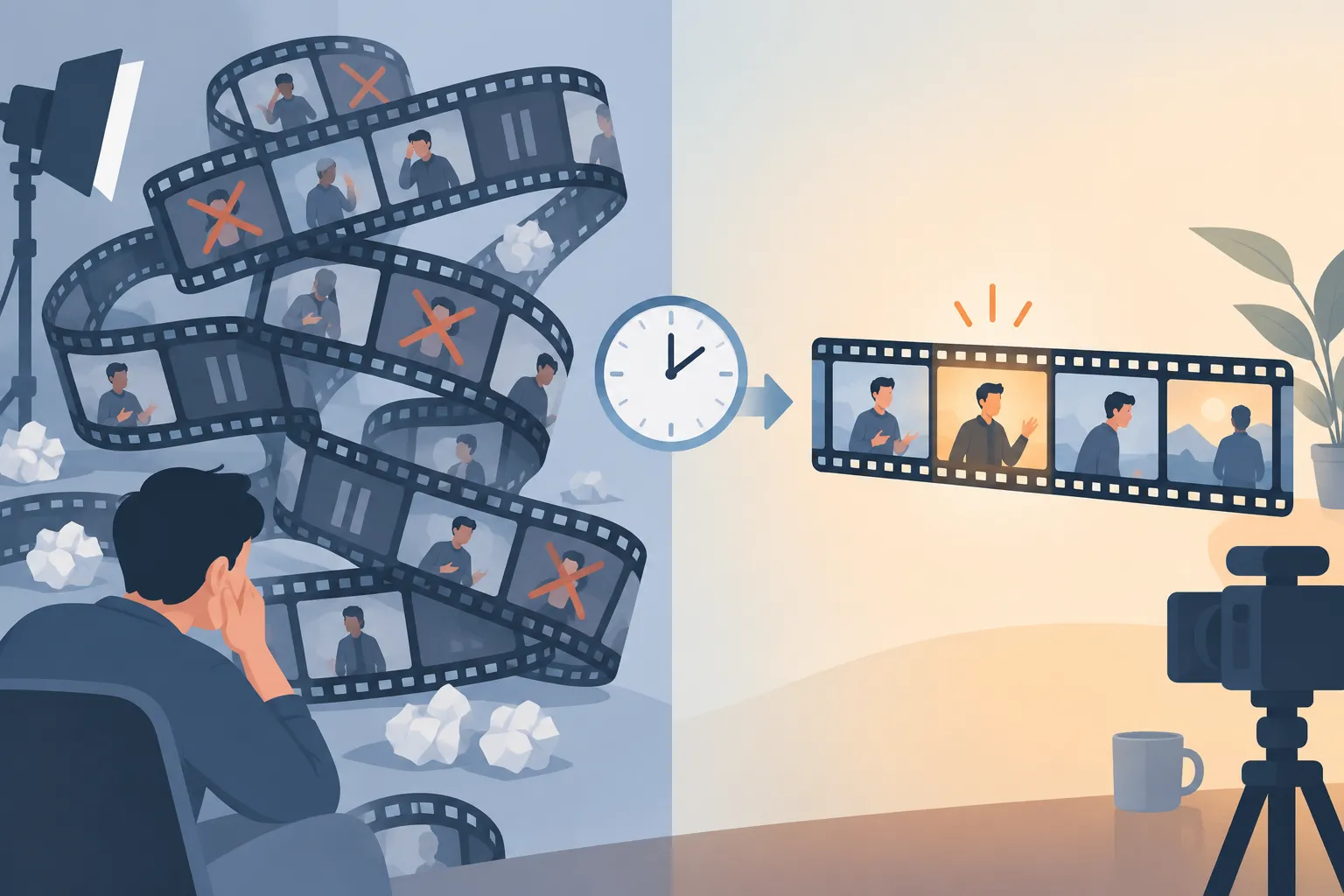
▲ Long raw footage compressed into a short hook
Revisions happen in plain language. A request can ask for a subtle suspense bed under the voice, or point to a transition at the 22-second mark. When a revision works, it goes back into the skill as a permanent rule. The workflow has since moved from short segments to full, untrimmed camera reels. Because Claude Code reads local folders and Tella file paths directly, there is no waiting on multi-gigabyte uploads, and the raw media never leaves the computer.
What a video costs
| Item | Monthly price | Per video |
|---|---|---|
| Claude model usage | Max plan, $200 | Up to $24 |
| HyperFrames and Parakeet | Free | $0 |
| Tella, billed annually | $13 | About $2 |
| Epidemic Sound, billed annually | $9.99 | About $1 |
| Total | About $27 |
Hiring a freelance editor typically costs $250 to more than $1,000 per video, with three to seven days per revision cycle. With this pipeline, planning, shooting, editing and publishing can happen on the same day, and the estimated savings are about $1,000 a month compared with paying human editors. These are the numbers from one case, and they will vary with video length and editing complexity.
What to do before you try it
The person did not disappear from this workflow. The workflow’s owner describes their role as an executive director who reviews output and sets creative direction, while Claude is the hands-on editor. Creative vision, feedback and final approval still belong to a human. Tuning the look, the animations and the sound also took a significant upfront investment of time.
If you want to build something similar:
- Start with short intro hooks, not whole episodes.
- Give feedback tied to exact timestamps.
- Ask Claude to save every approved fix to the skill file.
- Use a top-tier model to build the system and a cheaper one for routine edits.
- Keep transcription and rendering local so raw footage stays on your machine.
Each saved rule means one less mistake to correct next time. It seems realistic to treat the first stretch as teaching time rather than as a finished editing service.