An AI skill is a reusable set of instructions for an AI tool. For a team, its value depends on more than writing good instructions once: corrections must reach everyone who uses the skill. A practical arrangement keeps the editable version in Notion, distributes it through GitHub, and makes the updated instructions available in Claude Code and other tools.
Give the team one place to edit
When a person improves a workflow inside a private chat, colleagues may continue using an older version. The correction can disappear with that conversation rather than becoming part of the team’s working instructions. A shared Notion skills database gives staff a place to review, comment on, and revise the same pages. Agents can also work with those pages through Notion MCP, a connection that lets AI tools access Notion content.
That division of work matters for people who do not manage files in GitHub. Writers and producers can edit a familiar page while GitHub handles file distribution behind the scenes. It also makes the person responsible for the underlying job part of the editing process, rather than leaving the skill entirely to whoever configures the AI tool.

▲ Collaborative skill editing
Move a skill from a page to shared tools
A basic setup starts with a Notion page containing the skill’s goals, required inputs, rules, and workflow. In the page settings, the team can select Use with AI, then Use as AI skill, and place the page in a central skills database.
Three steps take that skill from Notion to the tools a team uses, and the first is only for testing:
- Install it locally for a quick test. The command
npx skills@latest add notion --globaldiscovers available Notion skills and offers installation across supported tools, including Claude Code. A symbolic link, or symlink, lets local tools point to the same installed files instead of maintaining separate copies. Claude Code can then list the registered skill with/skills. - Set up repository synchronization for team use. A local installation alone is a snapshot: changing the Notion page does not automatically fetch its new contents. In the shared setup, a scheduled GitHub Action—an automated repository job—reads the Notion skills database and writes each skill to a
SKILL.mdfile in GitHub. - Install the repository skills in Claude. The repository can be added through Claude’s Plugins marketplace so team members can install individual skills. After a repository update, the plugin manager can refresh automatically; Check for updates provides a way to fetch a newly synchronized version while testing.
In this skills-library setup, the GitHub Action checks Notion every hour. The Notion connection used for that sync receives read access to the specific Skills database, and its token is stored as NOTION_API_TOKEN in GitHub Actions secrets rather than in a repository file. Editing remains a task performed in Notion. The distinction is important: a symlink keeps local installations together, but the Notion-to-GitHub pipeline is what carries later page revisions to the shared repository.
An initial email-copy test showed Claude Code finding a registered skill, retrieving campaign context through Notion, and writing three draft variants into a project database. That run took 9 minutes and 23 seconds. It demonstrates a completed task, not a general expectation for speed or output quality.
Improve the instructions from actual work
A video production agency applied this approach to two workflows: script writing and producer-to-client communication. The initial skill was built from two approximately 45-minute interviews with lead producers, along with the interview transcript, standard operating procedures, and an approved reference script. The interviews surfaced details a generic instruction template might miss: what information a writer needs before drafting, where briefs live, how to handle conflicting materials, and which mistakes junior writers commonly make.
A skill-building agent assembled a first script-writing skill in Notion AI, including structural rules and directions for placing output in the correct Notion database. The team then tested it on another project, checking concepts and draft material against its requirements and for references to assets that did not exist. For this creative task, the target was a useful first 15–20% of a script, not a finished piece without a writer’s judgment.
The feedback loop became clearer after a later draft review. A skill-editing agent updated the Notion instructions to require checking the project’s current state and earlier feedback before proposing new concepts. The hourly GitHub job carried the changed instruction into the repository. After a plugin refresh, a run in a separate chat followed the added check. A correction that began with one draft review had become part of the shared skill.
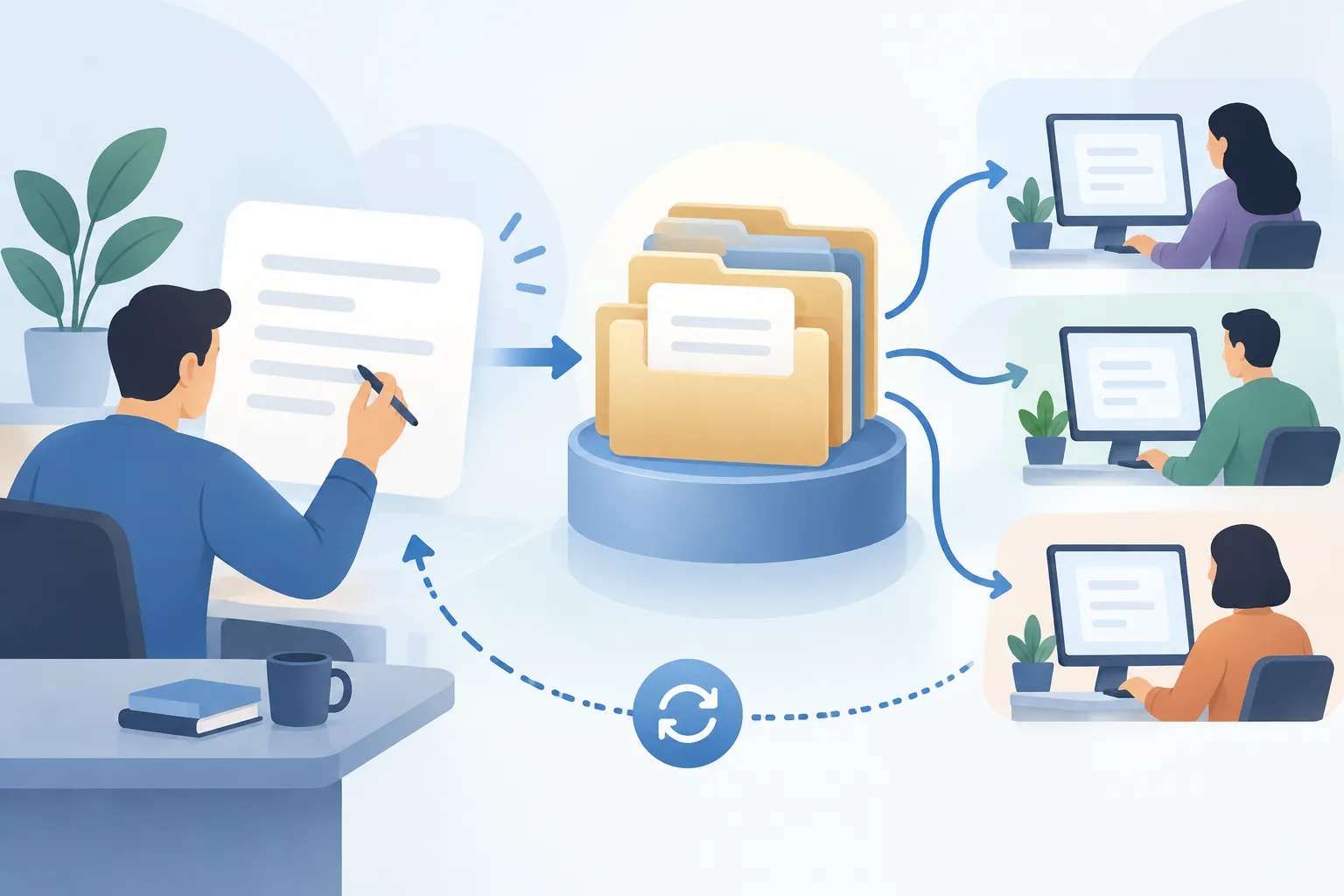
▲ Feedback flowing through shared skills
A separate coaching-business deployment used a faster version of the same pattern. Its workspace had nine specialized agents for tasks including copy, slide decks, and campaigns. The business owner could revise operating instructions in Notion; a GitHub Action checked for changes every five minutes, and a new repository commit triggered a rebuild and redeployment. Those five-minute checks describe that deployment, not the hourly schedule of the skills-library example.
What the business case does—and does not—show
The video production agency paid $1,000 for an initial implementation covering two shared skills. That is the price of this case, not evidence that other teams will earn or save a particular amount. The more useful lesson may be the scope of the pilot: it focused on two existing, high-friction workflows rather than replacing the team’s entire operating system at once.
Start with a workflow people can review
Choose one or two tasks with clear inputs and frequent corrections. Interview the people who perform them, turn their rules and reference materials into a shared Notion skill, and have those practitioners review the first version. Test it on real project material, record what the output missed, and revise the central page. If multiple people or tools need the skill, verify both the GitHub sync and the installed version before assuming the correction has reached the team.