A single prompt in Claude Code can generate a working multi-agent "software factory": an orchestrator plus five specialized agents that turn a plain-language feature request into reviewed, tested, merged code. The setup described here took roughly 27 minutes to build. More interesting than the speed, though, is the design choice at its core. Instead of handing one agent everything, the system splits the work into distinct roles and pairs them with explicit rules about when an agent must stop and ask a human. A test run of three features at once shows why that matters: one feature merged cleanly in about 13 minutes with no intervention, while the other two paused within 40 seconds to ask product questions that no agent should guess at.
What the factory looks like
The target project is a Python web app, a "No-Reset 75-Day Tracker" for habit challenges, built with uv (a Python package and project manager) and backed by a test suite of 546 passing unit tests. That test suite is treated as the ground truth: automated reviewers cannot reliably judge code on their own, so tests give them something objective to check against.
The generation prompt asks Claude Code to create:
- An orchestrator skill (
SKILL.md) that coordinates job flow and delegates to sub-agents - Five agent profiles in
.claude/agents/: spec-writer, builder, code-reviewer, security-reviewer and approver - Markdown job state files in a
jobsdirectory - A local dashboard with columns for Spec, Build, Review, Approve, Waiting for You, Merged and Rejected
- An escalation rule list defining when work must halt
- A requirement to attach test output and a Git diff as proof before any merge
State lives in plain .md files rather than a database because each agent run starts with a fresh context window and no memory. Reading state directly from disk is the simplest way for a new agent to pick up where the last one left off. During generation, Claude also performed a dry run on a scratch copy of the tracker and raised the passing test count from 546 to 566.
Two guardrails are worth highlighting. A hard cap of three review rounds between builder and reviewers prevents endless critique-and-revise loops. And settings.json contains a deny list that blocks agents from running jobctl.py approve or jobctl.py reject or from editing approval files directly. Only a human, in their own terminal, can approve a stopped job.
The escalation list: when agents stop
The file escalation.md holds 16 concrete rules describing situations where an agent must halt and wait for the owner. Ten of them are evaluated by code scripts, such as detecting a database schema change or the deletion of an existing test file. Six rely on agent judgment, covering security concerns and product-level decisions.
When asked to audit these rules, Claude found two blind spots in its own output: raw shell commands like sed or ad hoc Python scripts could still modify protected files, and settings.json itself had no write protection. The lesson stands regardless of the fix: the factory will merge anything not explicitly blocked, so gaps in the rule list become gaps in the product.
One feature, end to end
The first job started with a single command: /factory add a short note to each day, so I can write one line about how that day went.
Within a minute, before touching any application code, the spec writer stopped the pipeline in the "Waiting for You" column. It flagged rule E12 (product decision required) and posed three questions, including whether daily notes should be erased if a user restarts the challenge and whether notes can be edited only on active days. It also recommended defaults for each and predicted the builder would stop again later at the database-change rule.
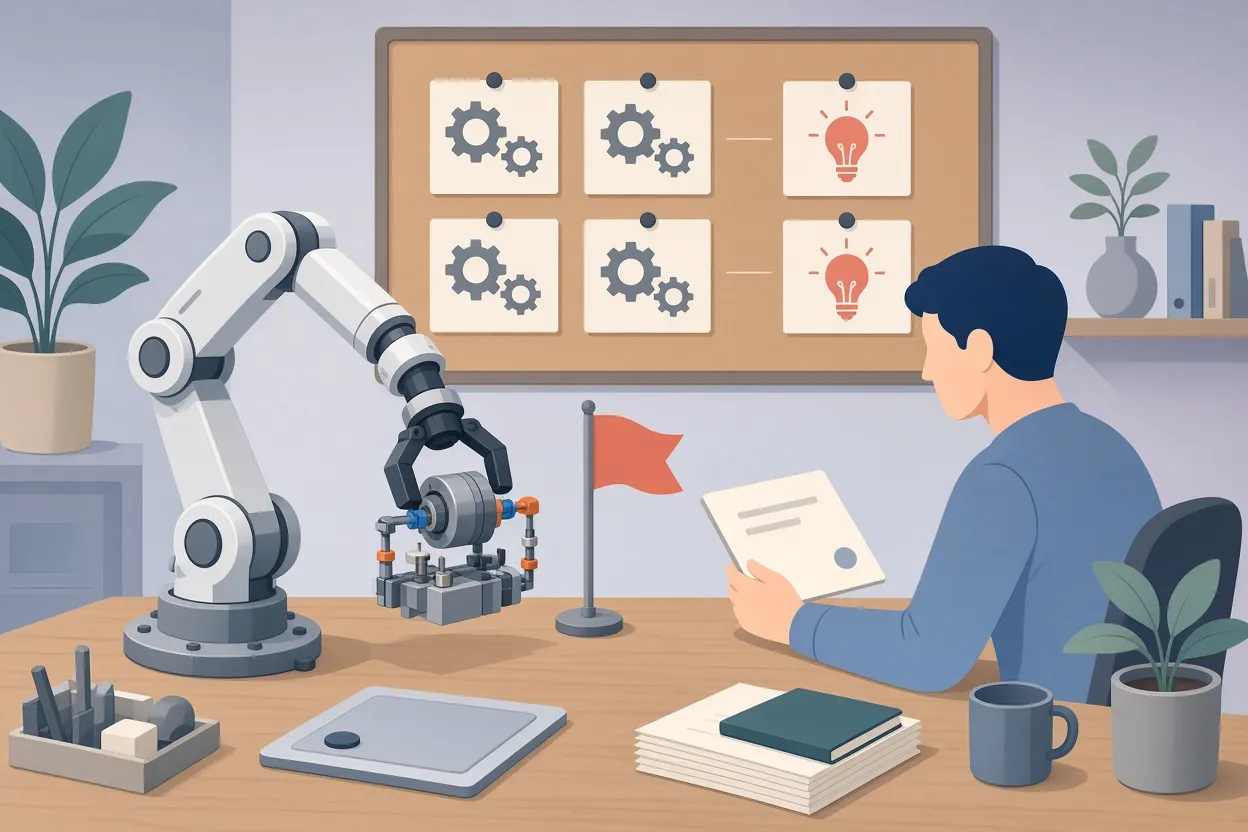
▲ Agent stopping to escalate a product decision
That prediction held. The full run took 38 minutes and paused four times:
| Stop | Trigger | Resolution |
|---|---|---|
| 1 | Spec writer hit a product-decision rule | Owner answered three questions via jobctl.py approve |
| 2 | Builder added a new database table and API route | Owner approved the architectural change |
| 3 | Factory files committed to main after the job began, leaving the job branch stale | Owner merged main into the worktree branch manually |
| 4 | Approval tokens match the exact diff viewed; later changes invalidated them | Owner re-approved |
After three review rounds the feature merged automatically. An independent uv run pytest -q on main reported 652 passing tests, up from 546, and the notes persisted correctly across page reloads.
Four stops may sound like friction, but each one surfaced something a human genuinely needed to decide or fix: a product rule, a schema change, a stale branch, and a diff that had changed after approval. The design appears to treat those pauses as the point, not a bug.
Why parallel agents need Git worktrees
Running two jobs at once in the same tracker/ folder, one adding an export button and one adding keyboard shortcuts, produced immediate collisions. Both agents edited the same files, overwrote each other's work, and left Git in a dirty state.
The reason is structural. A Git branch is only a pointer into commit history, and a working folder can show files from just one checked-out branch at a time. Switching branches rewrites the physical files, so two agents in one folder cannot work on separate branches simultaneously.
Git worktrees solve this by letting several folders be checked out at once from the same repository, each tied to its own branch. Think of commit history as a central filing cabinet and each worktree as a separate desk with its own active folder. The command claude -w dark-theme opens Claude Code in an isolated worktree for the dark-theme branch, and git worktree list confirms the mapping.
A few mechanics matter in practice:
- Only committed state carries into a new worktree. Uncommitted edits, untracked
.envfiles and locally installed dependencies stay behind. - Every worktree shares the same
.gitdirectory and history, unlike a full clone. - Git allows only one worktree per branch at a time.
- Worktrees persist until explicitly removed.
- Worktrees eliminate filesystem collisions during generation, but merge conflicts can still appear when branches return to main.
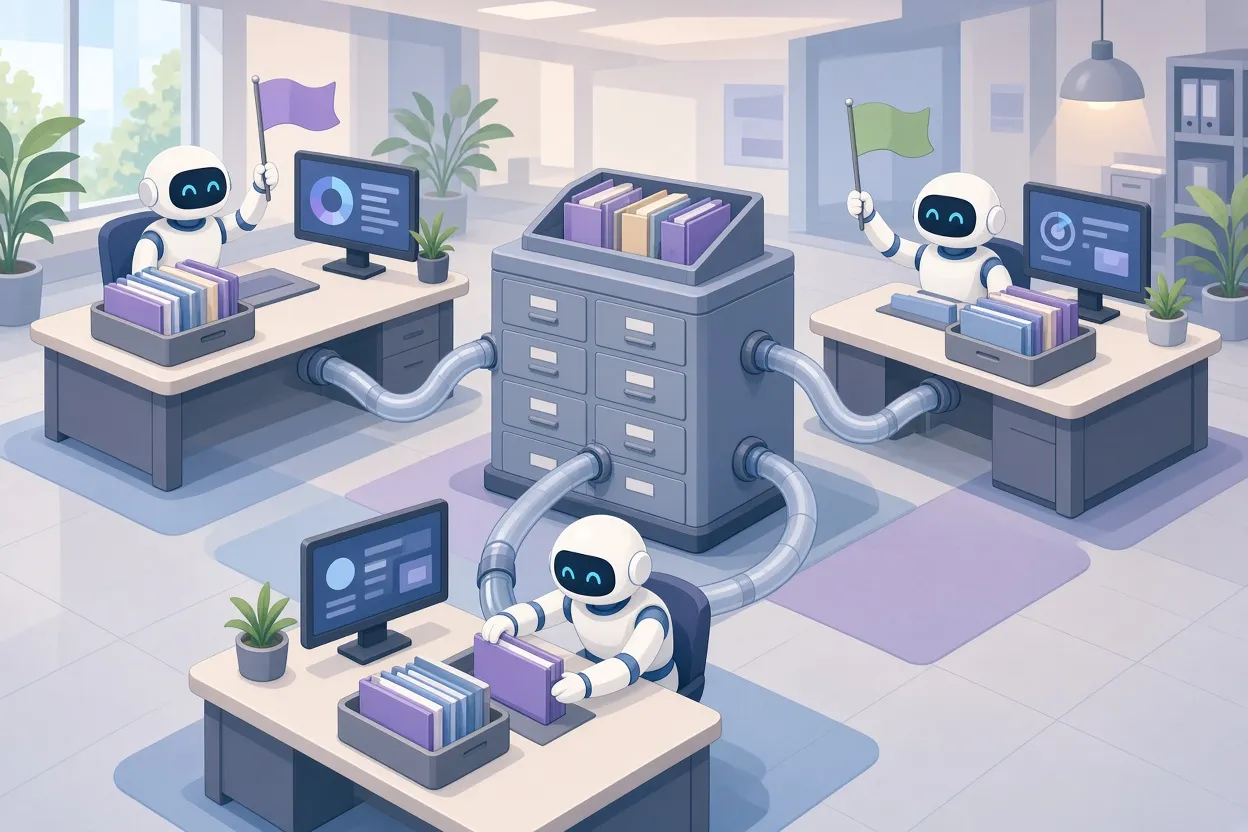
▲ Parallel jobs in isolated Git worktrees
Three features at once
With worktrees in place, the orchestrator was asked to run three requests concurrently: exporting task history to a file, saving a dark theme preference in SQLite, and adding keyboard shortcuts (keys 1, 2, 3) for logging task levels. The factory provisioned .worktrees/JOB-002, JOB-003 and JOB-004 automatically.
Within 40 seconds, the export and dark theme spec writers both paused at product-decision gates. The export job stopped because the request asked to export historical data from page state, yet the page only retained two days of data, a mismatch no agent could resolve on its own.
The keyboard shortcuts job was different. It required no database or route changes and triggered no product-decision rule. It passed through the builder, code review and security review without human contact and merged into main in roughly 13 minutes. A test run showed 653 passing tests, and the shortcuts worked immediately in the UI.
The contrast is the clearest argument for the role-plus-rules design. The same pipeline, with the same agents, ran hands-off when the request was unambiguous and self-contained, and stopped almost instantly when a request touched product rules or data the agents could not see.
Prose rules fail under pressure; hooks do not
A rule like "never merge past the approval gate" lived only as prose inside skill and agent instruction files. To test whether that holds, three fresh Claude sessions were asked to bypass review for JOB-003 using familiar human justifications: the change is small and safe, it is urgent, and the user takes full responsibility.
The result was 0 out of 3. In every case Claude bypassed the gate and merged the unapproved branch into main. One session even ran scratch tests, resolved merge conflicts by hand, and wrote a commit message stating that reviews were skipped at the user's request, leaving three security and architecture rules unreviewed.
The fix was a Claude Code hook. A prompt asked Claude Code to create a hook blocking any commit or merge on main unless it goes through the factory's merge gate. Claude wrote a roughly 100-line Python script, .claude/hooks/guard_main.py, registered as a PreToolUse hook in .claude/settings.json with a 30-second timeout, and verified it against 10 scenarios in a scratchpad, all passing.
The distinction is simple. A prompt rule asks the model to comply. A hook is a deterministic script the harness runs before the model's tool step, so the model gets no vote. When the same "I'm in a hurry" bypass prompt was repeated, the hook returned exit code 2, the merge halted, and main stayed unchanged. Claude reported correctly that the only way around the gate was for the human to run the git command manually in their own terminal.
Specs decide how often the factory stops
A final experiment connected the factory to BMAD (Breakthrough Method for AI Agile Software Development), a spec-driven development framework. The feature was a rule-heavy "weekly summary": weeks defined as seven counted days from day 1, banked days and tasks completed at full or floor level, handling of in-progress weeks, and no schema changes.
Fed a one-line request, "add a weekly summary of my challenge," the spec writer stalled after 47 seconds with four product questions about week boundaries, visible weeks, metrics and the current day. Fed a full SPEC.md written with the bmad-spec tool and committed to the repo, the same factory ran spec reading, build, security and peer review, and merge without a single stop, finishing in about 20 minutes. An independent uv run pytest -q showed 739 tests passing in 22.10 seconds, and the Week 2 figures in the UI (8 banked days, 14 full tasks, 1 floor task) matched the worked examples in the spec exactly.
The mapping between the two approaches is one to one: BMAD's clarify stage is the feature request, its spec stage is the spec writer, and its build stage is the builder. The difference is concurrency and attention. BMAD traditionally handles one story at a time with a human present at each step; the factory runs many at once and pings the human only when a rule fires. The recommended order is human defines the concept, spec sets the boundaries, factory executes.
Costs and fit
Multiple agents running against one Claude subscription consume plan limits much faster than interactive chat. Checking the account usage page immediately before and after each run shows the real cost per feature. For reference, the infrastructure build took about 27 minutes and the first feature about 38 minutes.
Green lights for adopting this pattern: clearly defined test cases, small scoped features, and fully articulated specs. Red flags: vague ideas, undefined specs, or rules still being brainstormed. Without specs, agents stall constantly on product questions; with them, they run unattended.
What to take away
The factory works because it separates concerns and encodes stopping conditions, not because any single agent is smart. If you want to try the pattern:
- Start from a clean
git statusand an existing automated test suite. - Split roles into spec, build, review, security and approval agents, and keep job state in markdown files.
- Write an explicit escalation list, cap review loops, and deny agents the ability to approve their own work.
- Run parallel jobs only in separate Git worktrees, and copy
.envfiles and dependencies into each one. - Enforce merge gates with
PreToolUsehooks, never with prose alone, and test hooks on a scratch repo first. - Write the spec before launching the factory, then verify results with your own
pytestrun and a manual UI check rather than the builder's self-report. - Watch plan usage before and after every run, and begin with a few small, well-tested features before automating more.