A music producer who has never written code has reshaped the software inside an Akai MPC One Retro, a standalone hardware drum sampler, by describing what he wanted to Anthropic's Claude. Over a shared local network, the AI assistant rewrote parts of the device's firmware, the built-in software that runs the instrument, to add a monochrome interface, a loudness meter, retrospective audio and MIDI capture, a new step sequencer, an iPad companion app and a YouTube sampling tab. The case suggests that AI coding is starting to reach past desktop software and into closed hardware instruments, with the owner of the gear setting the direction and the AI writing the code.
Why start with the older firmware
The producer had already modified the MPC One physically, painting buttons and disabling the pad backlight LEDs, to get a look and feel that matched how he works. The software project extended that idea. Rather than build on MPC OS 3.0, he chose version 2.15 as the base. In his view, 2.15 keeps the classic sequence, track and program structure that defined earlier MPCs, while 3.0 adds a clip matrix, synth engines and a linear arranger that he considers bloat for a dedicated beat-making box.
That framing matters because the goal was not only to add features. He treats firmware customization as equally useful for removing screens and clutter. The appeal of a dedicated sampler, as he describes it, lies in fast, simple limitations rather than a thousand menus, and he points to the older Akai MPC 1000 as an example of that focused workflow.
He also places the project in a wider shift toward open or hackable operating systems from manufacturers such as Akai, Behringer and Polyend. His partner develops a desktop sampling application the conventional way; he, by contrast, relies entirely on natural language prompts.
How the setup works
Claude runs on a laptop connected to the MPC One over the same local network, which lets it push code to the device and communicate through a terminal. The producer says he is not worried about bricking the unit because it is out of warranty, several rollback safety nets are in place, and Claude performs safety checks when asked to do so. His practical advice is to make the very first prompt about safety guidelines, backups and rollback procedures before asking for any feature.
The first large request was a stark black-and-white, high-contrast theme inspired by vintage samplers and the screen of the Roland SP-404MKII. An alternative dark red palette, selectable under preferences, is meant for low-light sessions. Reskinning the interface alone took roughly two days of continuous back-and-forth prompting because of the sheer number of nested pages and sub-menus. He kept a "snag list" of broken graphics and unresolved visual bugs and worked through it systematically, and he recommends keeping separate prompt threads for separate branches of work, such as one for UI skinning and another for functional audio code.
He is direct about the cost: the process consumes substantial effort, patience and paid API tokens, and the AI frequently produces broken code that needs trial and error to fix.
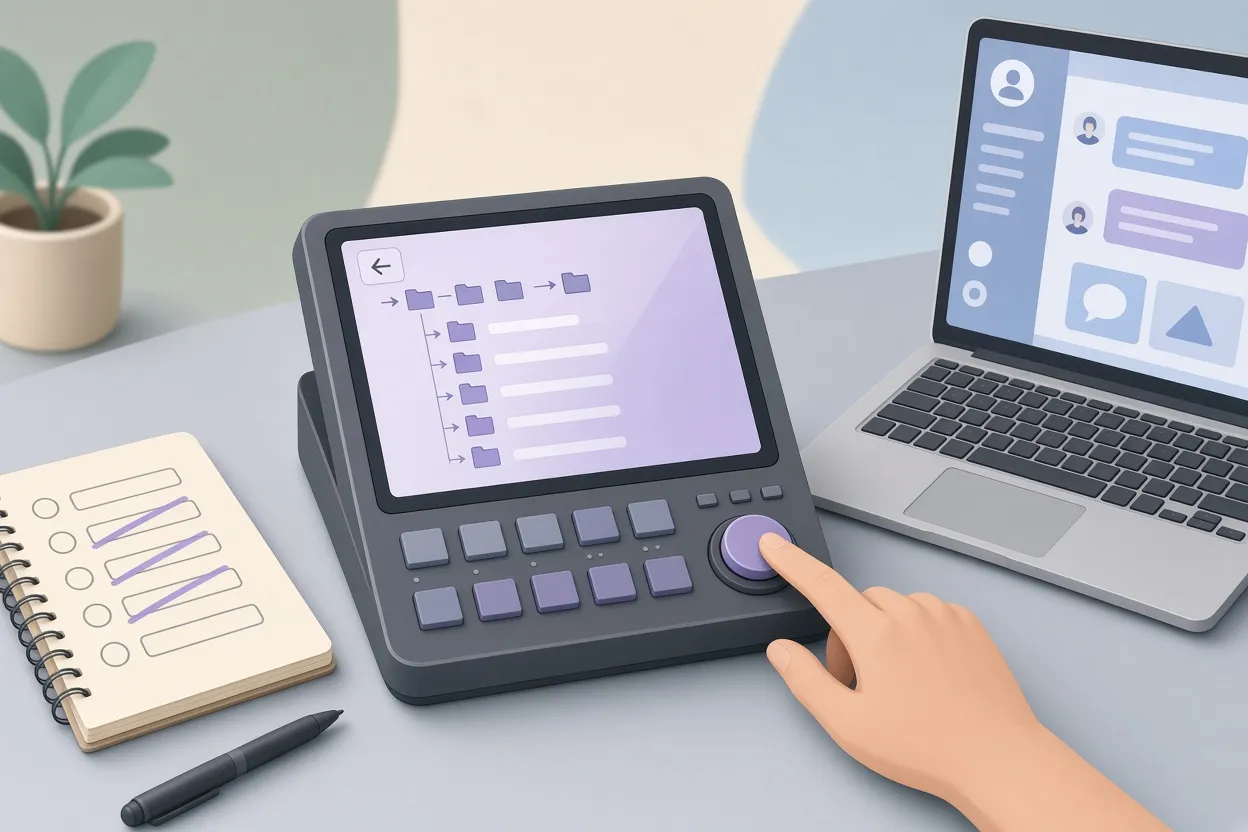
▲ Undo button remapped to go up one folder
Small fixes that remove friction
One of the clearest wins was tiny. In the sample browser, going up one folder level used to require tapping a small icon on the touchscreen. He asked Claude to review how the hardware buttons were allocated, and the AI identified the Undo button as underused in browser mode. Now a press of the physical Undo button steps back up through the folder hierarchy, which saves touchscreen wear and speeds up navigation.
Other interface changes borrowed selectively from 3.0 without importing its larger structure:
- The sample waveform display from 3.0 now appears in the 2.15 main track view, which originally lacked it.
- Custom vertical channel strips and pad mixer faders replaced the stock horizontal layout.
- A dedicated "Stock" button on the mixer screen toggles instantly back to Akai's original horizontal view.
Mastering on the device with LUFS metering
A standalone LUFS metering screen was coded directly into the firmware. LUFS, or Loudness Units relative to Full Scale, is the standard measure of perceived loudness used by streaming services. The meter shows short-term and long-term integrated loudness, dynamic range and target presets for streaming platforms during real-time playback. With that in place, the producer can finalize and master a track on the MPC One itself instead of exporting stems to a computer-based digital audio workstation (DAW) to check levels before uploading to Spotify.
The way this feature came together illustrates how the collaboration actually runs. Claude did not generate the code blindly. It started debugging sessions by asking the producer to strike pads and confirm that incoming audio data looked right. The human has to test specific parameters such as BPM calculations and interface responsiveness before the AI can refine the code. Success, in his view, depends heavily on the user understanding the hardware workflow and knowing exactly what the instrument should do.
Capturing audio and MIDI after the fact
Two features bring ideas from other gear into the MPC One.
The first is an audio Skip-Back function mapped to Shift + Record, modeled on the retrospective recording feature of the Roland SP-404MKII. Pressing the shortcut dumps the audio buffer onto the next empty pad, such as Pad 4, ready for slicing in Sample Edit. It works for internal resampling and for any external input, so an improvised drum pattern or effects chain can be grabbed after it happens.
The second is a retrospective MIDI capture mapped to Shift + Overdub. MIDI is the data format that records which pads were hit and when. The producer wanted something comparable to the capture feature in Ableton Live and Ableton Push, and he felt Akai's native retrospective MIDI simply dumped notes into a grid. After about a day and a half of prompting, the custom version detects the loop that was played, calculates its length and resets the sequence tempo. In a test, he tapped an unquantized kick-and-snare loop, pressed Shift + Overdub, and a custom pop-up reported 92 BPM along with the loop length. The pop-up offers:
| Control | Options |
|---|---|
| Tempo | Adjust detected BPM (for example, nudge to 87), double or halve |
| Bar length | Crop to 2, 4, 8 or 16 bars |
| Quantize | 50% or 100% strength, or commit unquantized |
A tip for better results: tap the downbeat of the next measure when playing an unquantized loop so the algorithm can find the loop endpoint accurately.
Capture also works as an overdub from any screen. Recording live tambourine hits over the drum loop, then quantizing to 1/16 notes in the Time Correct menu, snapped the notes into place. Because hard quantization can strip the life out of a beat, he added 57% swing to restore bounce, and suggests roughly 55% to 60% swing as a general range for loose overdubs.
A new step sequencer with off-grid nudging
The producer dislikes the native MPC step sequencer, and says that even hardware with dedicated step buttons such as the MPC Live III feels clunky and lacks true off-grid micro-nudging on individual steps. His replacement adapts sequencer logic his partner originally wrote for their desktop sampling app. Claude analyzed that code and translated it to run natively inside the Akai MPC OS, which took about a full day of prompting, coding and debugging.
In use, holding Shift selects pads, and kicks, snares and 16th-note hi-hats go onto the touch grid at a project tempo of 82 BPM. A right sidebar holds Select, Copy, Paste, Rotate and Reverse tools. Controls along the top adjust velocity, note length, probability, ratchets or rolls, and genuine off-grid nudging. Holding a step on the screen opens a contextual pop-up tied to the physical Q-Link knobs, so turning a knob while holding a kick step creates a triplet ratchet, and another knob pushes the second kick slightly off-grid for a relaxed hip-hop swing. The grid also adapts to different time signatures and resolutions, expanding pages when moving from 1/16 to 1/32 divisions.
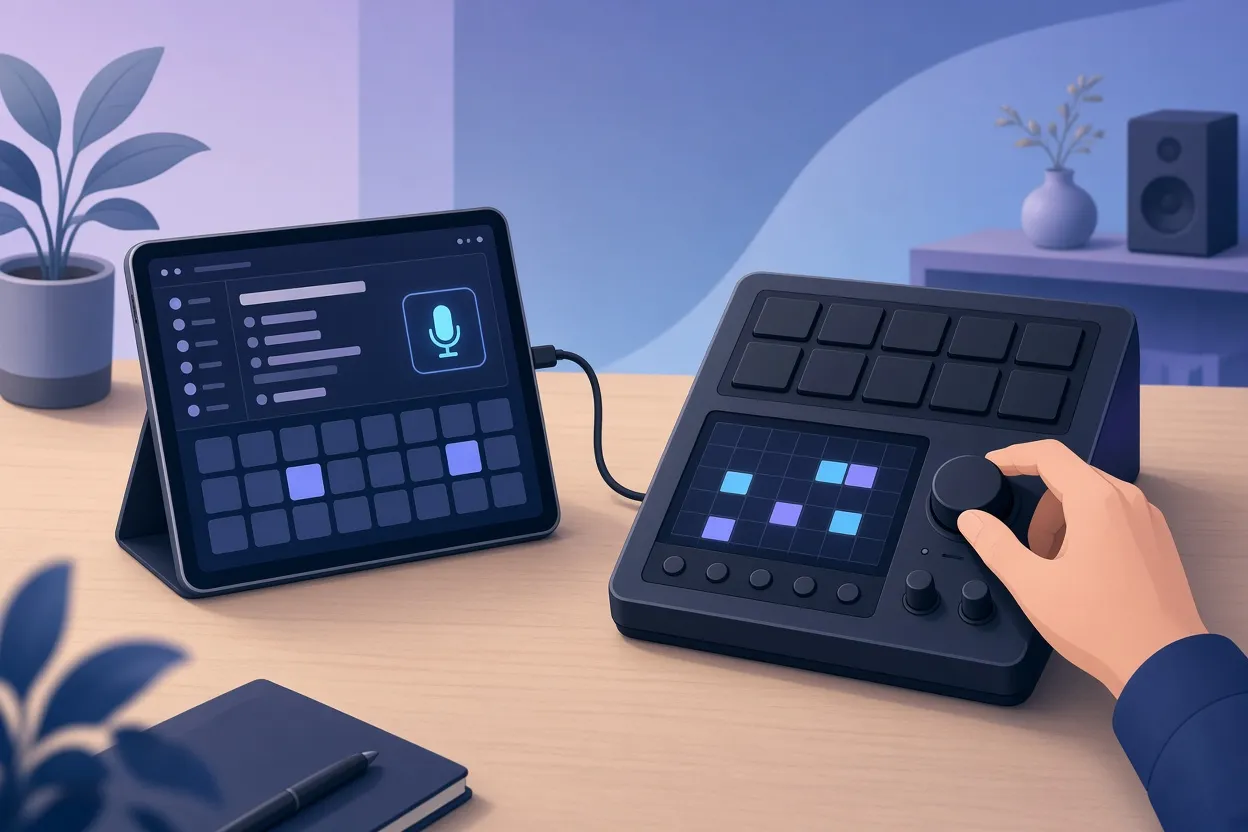
▲ iPad companion app and custom step sequencer
An iPad companion app and in-device web sampling
A custom iPad app, connected by USB-C to USB-B cable or over Wi-Fi, handles tasks the original MPC One makes tedious. Its Files section exposes directory categories such as Applications, Expansions, MIDI Links, Programs and Samples. Selecting a scratch sample named "Ah Fresh", choosing Pad 6 on an on-screen pad matrix, and sending it put the sound on the hardware instantly. A Sample tab records from the iPad's microphone, and a clip of speech and finger snaps went straight to Pad 7 with no manual saving or file dragging.
A "Go Live" feature uses iOS screen broadcast to route the iPad's system audio into the MPC One's sampler inputs. Playing a drum and bass track by Adam F from Spotify showed up cleanly on the sampler's input meters in real time. The point is that the original MPC One does not natively offer class-compliant USB audio, so the companion app gives older hardware a modern streaming workflow.
On the device itself, an experimental Retro buffer continuously records incoming audio, draws the waveform in real time during playback, and places automatic bar markers so one- or two-bar loops can be grabbed immediately. A separate Web sampling tab, running over the unit's Ethernet connection, searches YouTube directly from the touchscreen. Entering "funky drummer break" produced a list of results; selecting one opened a waveform preview with start and end crop markers, and pressing Download assigned the trimmed break to the next free pad. Trimming inside the preview before downloading saves onboard RAM and avoids editing afterward.
Two caveats apply. Internet-dependent features on older MPCs can be throttled by slow Ethernet or local Wi-Fi, and sampling from Spotify or YouTube carries copyright risk that users need to weigh themselves.
What this means for musicians
The producer's conclusion is that AI coding can act as an accessible toolkit for musicians to shape their own hardware instead of waiting for manufacturer firmware updates. He has even asked Claude whether an unsupported wireless USB Wi-Fi dongle could be patched onto older MPC models, and the AI was optimistic that custom drivers could be written. At the same time, he acknowledges legitimate concerns about the broader pace of AI development, so this is enthusiasm with reservations rather than an unqualified endorsement.
For readers considering something similar, the practical lessons from this case are consistent:
- Open with safety: ask the AI for backup and rollback procedures before any feature work, and only experiment on gear you can afford to break.
- Know your workflow in detail, because the AI depends on your testing and feedback, not on a single perfect prompt.
- Keep a snag list and separate prompt threads for separate kinds of work.
- Budget for time and API token costs; the UI reskin, the MIDI capture and the step sequencer each took a day or more.
- Look for small wins first, such as remapping an underused button, before attempting whole new modules.
The deeper takeaway is that the line between owning an instrument and being able to change it appears to be moving. With a conversational assistant handling the code, the limiting factor becomes how well the musician understands what the instrument should do.