OpenAI’s latest agent releases share one goal: letting AI agents operate the same apps and screens that people use, instead of waiting for every service to offer an API. The product and engineering lead for computer use at OpenAI says agents that control software this way already finish routine digital tasks faster than an average person. The next target is to beat expert power users, a speed that would make truly real-time products possible. Here is how the new pieces, from the Dot assistant to GPT-6.1 Sol and the Agents and Decisions APIs, fit together, and what developers should check now.
A dedicated computer for every agent
Dot is OpenAI’s new personal assistant, and computer use (an AI model operating software through the screen, mouse and keyboard) is built in. Earlier systems were confined to sandboxed browsers or the user’s own machine. Dot instead gives each agent its own Linux virtual machine in the cloud, and that environment persists over time.
That design widens what an agent can touch. With a full desktop, it can run native desktop applications and web browsers side by side, and because nearly all software is built for people working through a graphical interface, an agent with that access can in principle take on most of what people do on a computer, including services that offer no developer API. The examples are concrete:
- A meal-prep subscription with exact gram amounts of chicken and rice took two hours to set up by hand. Handed to GPT-6.1 Sol, the same order took 15 minutes, roughly an 8x speedup.
- Chores in YouTube’s creator tools that have no public API, such as posting to the Community tab or setting up thumbnail A/B tests, are natural candidates. OpenAI’s internal developer experience team already relies on computer use agents to run its YouTube operations.
- Agents have also handled sign-ins, identity checks and account troubleshooting with customer support, configured DNS records and paid large bills.
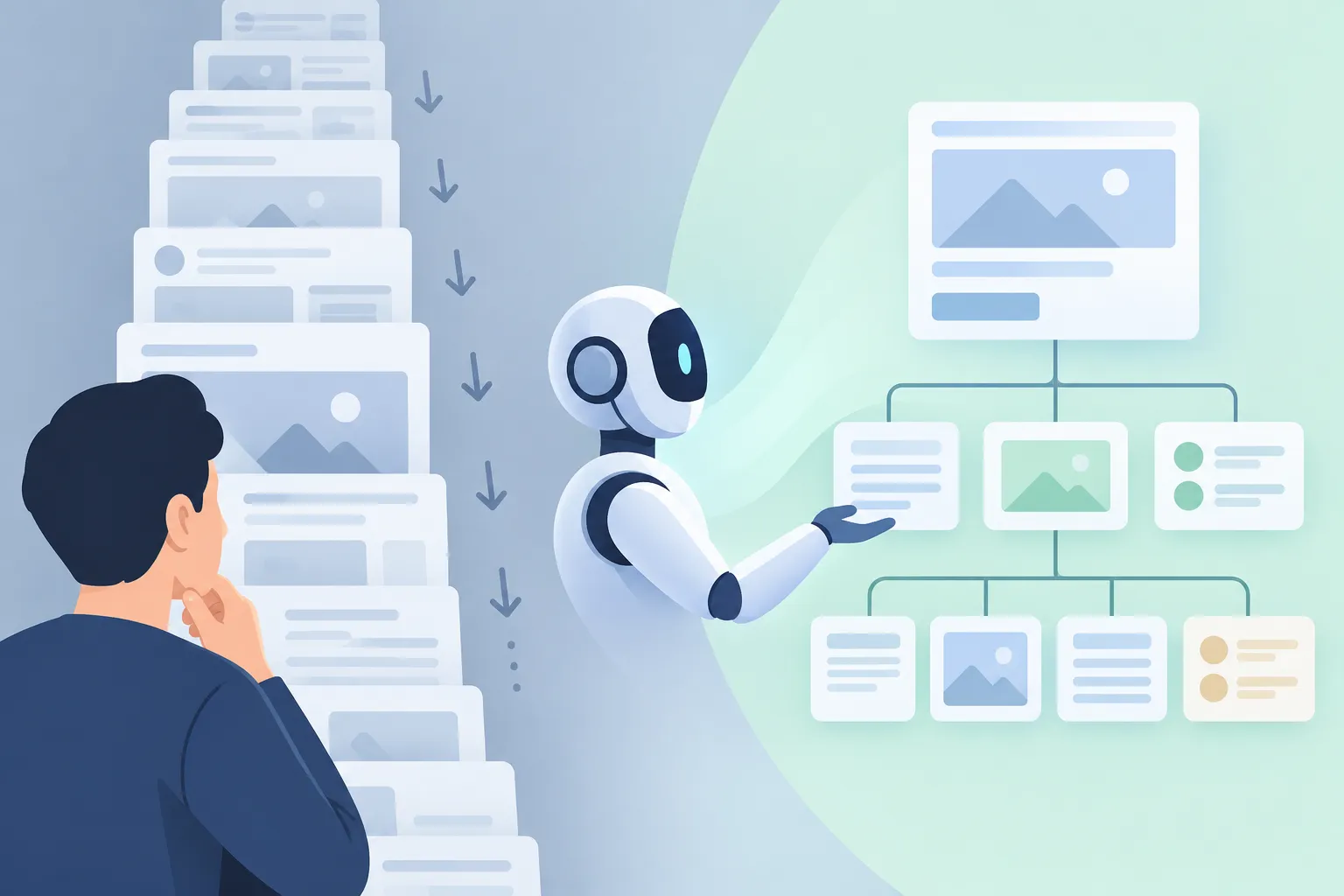
▲ From screenshots to interface structure
From screenshots to structure
Older computer use relied on pixels alone. An agent took a screenshot, scrolled, took another one and stitched the views together. Over the past year, three things changed:
| Before | Now |
|---|---|
| Piecemeal screenshots plus scrolling | Page structure from the DOM (Document Object Model) and operating system accessibility trees, showing a whole screen at once |
| One click per round trip | Generated JavaScript that runs several actions in a single pass |
| A dead end at any unexpected bug or popup | Inspecting the failed step, diagnosing the state and self-debugging |
The model also mixes its inputs to fit the task, combining accessibility trees, Playwright browser automation and screenshots. Accessibility technology was originally built for screen readers, and it now lets language models pull out buttons, labels and text fields in a token-efficient form. With the full structure of a screen in hand, a model can write a multistep script in one go instead of making disjointed single actions.
Appshots, shown at DevDay, put this approach in users’ hands. Pressing the Command key twice in Codex or ChatGPT captures an app’s metadata, structure and accessibility tree rather than raw pixels. A plain screenshot loses details such as where a link points or the full text of a truncated calendar entry, while an appshot keeps them. In Codex, clicking the attachment shows the raw accessibility data that was sent, and expanding a tool call shows the JavaScript an agent wrote to batch several interface actions.
The slowest part is often the website
The DevDay keynote cited a 7x speedup in computer use. The gains came from the model and the harness (the software layer that lets a model use tools) improving together, and while daily progress can look subtle, months of it add up to large jumps in reliability and speed. Costs fell too: GPT-6.1 Sol runs at about one fifth the price of Astra on general work and about one seventh on computer use tasks.
As inference gets faster, the bottleneck moves outside the model. When an agent places an order on DoorDash, most of its run is spent waiting for pages to finish loading. Fixed sleep timers waste time, so the goal is to shrink the gap between the moment a page finishes rendering and the agent’s next action. Listening for browser load events beats arbitrary waits, but many web apps still do not emit a clean signal when their interface updates. Customer service chats add their own delays, with replies taking anywhere from 30 seconds to three minutes.
Why OpenAI steers developers to the Agents API
OpenAI has built computer use into its Agents API, giving outside developers the same tool-use harness that Codex and ChatGPT rely on. Building a custom harness is possible, but OpenAI trained its models on its own harness, so the official implementation brings advantages in accuracy, latency and cost.
Trust is the other prerequisite. Early adopters are far ahead of the broader public in handing critical tasks to agents, and wider adoption depends on safeguards:
- Ask the user to confirm irreversible actions, such as financial payments.
- Restrict each agent to the domains and apps its task requires.
Development work changes as well. An agent can modify an app, build it, run it and check both how it looks and how it behaves, taking over the manual QA that developers used to do for model-written code. Visual playtesting catches layout regressions, and the same skill supports cloning existing app interfaces screen by screen.
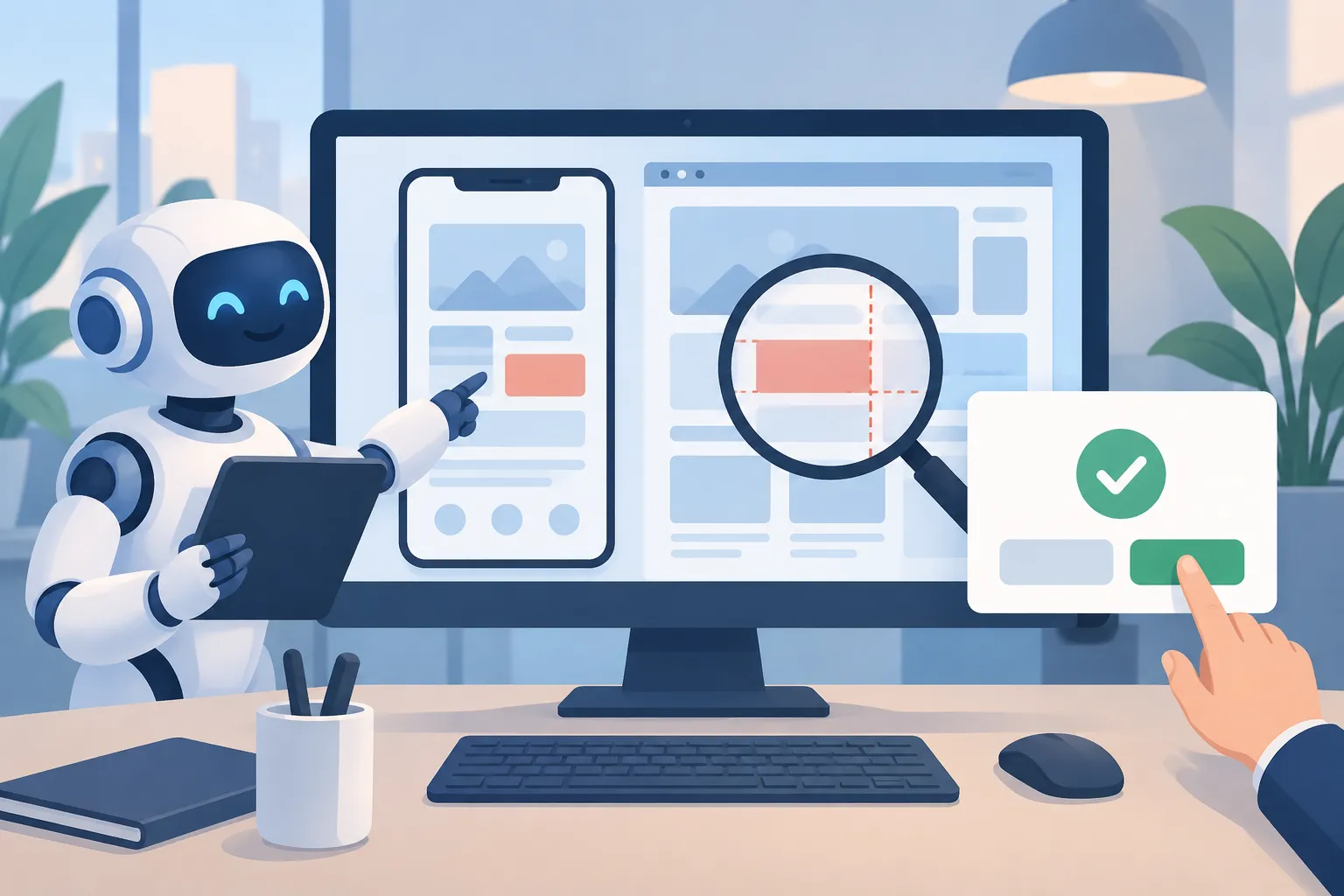
▲ Agent self-testing and user confirmation
Fast decisions versus long tasks
The Decisions API targets quick classification and single-step choices. It cuts latency by running a smaller model in parallel without extended reasoning. According to OpenAI’s head of product for the API, it is not a new model: it runs on existing Luna weights, with an inference stack tuned for time to first token and structured outputs evaluated in parallel batches. The first version ships zero-shot, so OpenAI can gather feedback before training specialized fine-tunes, and it inherits Luna’s vision support with no extra integration work.
OpenAI points to two main uses:
- High-volume classification. OpenAI’s own user operations team adopted it to sort incoming customer support tickets.
- Fast steps inside computer use flows. A deep model such as Astra can write a complete multistep script, while Luna on the Decisions API picks the next single action.
OpenAI is also testing a voice setup in which GPT Live talks with the user and delegates work while the Decisions API runs tool calls without stalling the conversation.
The limits are clear. Without reasoning, the Decisions API is a poor fit for long or ambiguous tasks, and combining fast execution with deliberate reasoning remains an open research problem.
API changes built for agents
Several platform updates target long-running, interactive agents:
- Asynchronous tool calls, introduced with GPT-6, let a model start a slow tool and keep generating and reasoning, then pick up the result when the tool finishes.
- Mid-turn steering lets developers inject new instructions while the model is still reasoning.
- WebSockets keep a full-duplex connection open between an app and the model, cutting the overhead of repeated tool round trips.
- Faster responses come from a rewrite of the Responses API backend aimed at time to first token and time between tokens.
- Cache guarantees promise hits within a 30-minute window, with a 12-hour guarantee for enterprise users still in preview. Developers can pay the cache write fee in advance to pre-warm prompts, and diagnostic tools show where a prompt prefix stops hitting the cache.
- Compaction happens automatically inside the Agents API harness. In the Responses API, the server can condense history at a token threshold you set, or you can trigger it yourself with a compact command.
OpenAI also introduced Ultrafast, a mode that pushes frontier models toward the fastest speeds currently possible. Earlier efficiency work had already cut the price of Luna by about 80%.
What developers should do now
OpenAI’s direction appears to favor building blocks, such as a computer, a decision call or a cache, over a single all-in-one agent framework. OpenAI’s API product lead frames the balance between low-level primitives and convenient higher-level abstractions through his time at Stripe, where payment primitives let many products grow on top. Practical next steps:
- Pick a repetitive multistep task with no public API and try handing it to a computer use agent.
- Have agents wait on page signals such as load events instead of fixed timers.
- Put a user confirmation in front of payments and other irreversible actions, and limit each agent to the domains it needs.
- Route fast classification and single-step choices to the Decisions API, and leave multistep work to larger models.
- Keep system instructions and prompt prefixes stable to raise cache hit rates, and use the diagnostic tools to find where caching breaks.