Hermes Agent setup has two distinct stages: connect an AI model and outside services to make one assistant useful, then create specialized profiles and coordinate their work. The second stage needs more than extra chat windows. It needs clear roles, task assignments, and a shared board that tracks which job can begin next.
Get one assistant running
Hermes Agent is an open-source AI agent system developed by Nous Research. It can run on a personal computer, but a sleeping laptop pauses background work, including scheduled tasks. A cloud virtual private server, or VPS, is a computer hosted elsewhere that can keep the installation running while the laptop is closed.
One deployment route uses the Hermes Agent template in Docker Manager’s Compose catalog. Set an administrator username and a strong password before deploying; those credentials protect the dashboard. Once signed in, check the Gateway Status indicator. The gateway is the service that keeps agent connections and task dispatch operating, so it must show Running.
The dashboard separates several functions that are easy to confuse. Models selects the large language model, or LLM, that generates responses. Keys stores credentials for outside services. Channels connects messaging apps. Profiles defines agents with separate roles and memory. Skills holds reusable task instructions, while Cron runs jobs on a schedule. The Kanban tool is a visual task board for work shared across profiles.
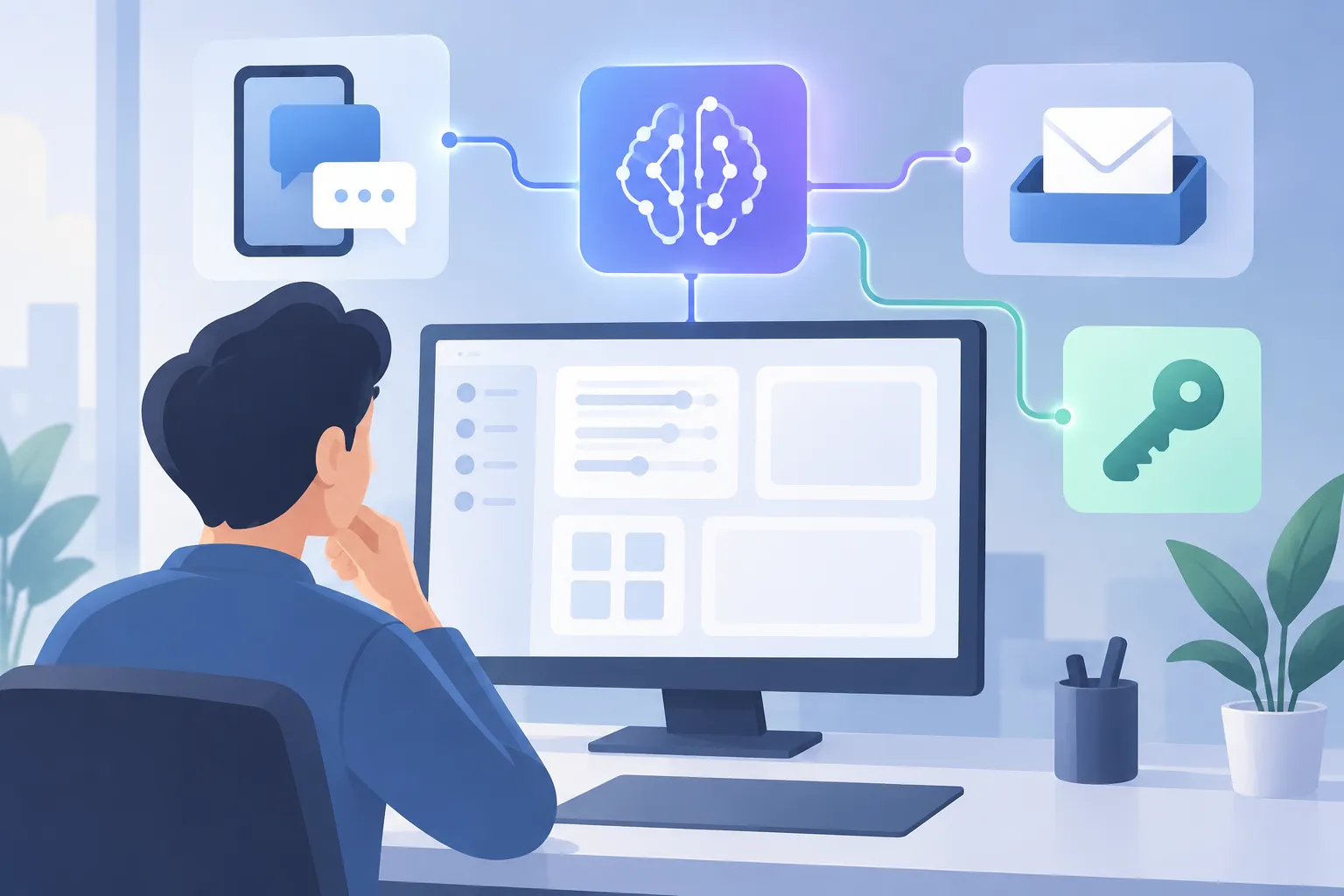
▲ Separate model and service connections
Connect the model, messaging, and email
Hermes coordinates work, but the connected model supplies its reasoning. In this setup, an Anthropic API key—a private credential that permits access to its models—goes in Keys, under Providers. In Models, the main assistant then selects Claude Opus 4.6. Keep the key out of screenshots and public notes.
WhatsApp and Gmail require separate setup. Pair WhatsApp in Channels by scanning its QR code with the phone’s linked-devices feature. The code expires quickly, so have the phone ready. Add the owner’s number to Allowed WhatsApp Numbers to restrict who can issue commands, then restart the gateway to activate the connection.
For Gmail, request email setup through the dashboard chat and follow the built-in email skill’s instructions. The connection uses a Google App Password rather than the primary Google Account password; two-factor authentication must be enabled to create one. Connecting an inbox does not, by itself, assign research or writing to other agents. At this point, one assistant has access to more tools.
In one test, that single-assistant setup sorted 120 unread messages and identified three high-priority emails. A follow-up request prompted web research and a proposed response. The response remained a draft pending explicit permission to send it. That approval boundary matters whenever an agent prepares outbound communication.
Build profiles for distinct jobs
A profile gives an agent its own job description, model choice, and memory. To add a Writer, open Profiles, choose Create, and select Clone config from default. Cloning carries forward the configured credentials and core settings instead of starting with an empty configuration. Give the profile a description specific enough for the manager to recognize writing assignments.
The example team divides models and responsibilities this way:
| Profile | Responsibility | Model |
|---|---|---|
| Default manager | Plans work, delegates tasks, and reports back | Claude Opus 4.6 |
| Writer | Drafts posts and newsletters in a specified style | Claude 3.5 Sonnet |
| Researcher | Gathers news and source material | Claude Haiku 4.5 |
| Editor | Checks drafts and their sourcing | Claude Haiku 4.5 |
The Writer also receives style guidance in its own chat, including short sentences, a strong opening, and no corporate jargon. Hermes retains those preferences in that profile’s memory. Separate Researcher and Editor profiles let the team gather material and check the draft without asking the Writer to assess its own work. This model allocation places the more capable model with the manager and uses lighter models for the research and checking roles.
Let the task board enforce the sequence
After creating the profiles, switch back to the default manager and enable Kanban in Plugins. Kanban organizes cards in stages including Triage, Ready, In Progress, Blocked, and Done. Unlike a board that depends on a person moving every card, this one lets agents create, claim, and advance assigned tasks.
A request for a weekly AI news LinkedIn post illustrates the difference between connected tools and coordinated agents. The manager creates a parent task and assigns research, drafting, and checking to the relevant profiles. The Writer’s card stays locked until the Researcher adds source material. Once drafting finishes, the Editor performs a separate check. The completed test delivered a 185-word post to WhatsApp with sourcing notes and review information.

▲ Dependent research, writing, and review tasks
The dispatcher checks for available work every 60 seconds by default. During a test, Nudge dispatcher starts an immediate check. A card in Blocked may signal a dependency that is not complete or an incorrect agent assignment; a misspelled profile tag can be corrected on the card before selecting Unblock.
Schedule the workflow, then verify it
Cron can repeat a request without a new message each day. In the demonstrated routine, a daily 7:00 AM job combined inbox triage with a team-produced industry post. The schedule appeared in the Cron tab, where its timing and instructions could be reviewed, changed, paused, or run immediately for a test.
Hermes can also turn a completed procedure into a reusable skill. After the post workflow, a new writing skill appeared in Skills. One comparison put a post made from scratch at roughly 18 minutes, a run using the skill at four minutes, and a later automated run at three minutes. Those are results from this workflow, not a promise of how long another setup will take.
For a first deployment, make one assistant work before adding profiles: confirm the gateway, model, and each service connection separately. Then give every profile a precise duty, test a Kanban request, and inspect any blocked cards. Finally, run a scheduled job manually and review its output. Keep approval of outbound drafts with a person rather than treating a finished task card as permission to send.