Git keeps the code. It does not keep the conversation that produced it. When an AI coding agent builds a feature, the prompts, the retries, the shell commands it ran, the tests it executed and the moment a human said "this is wrong" all disappear once the repository is committed. AgentGit is a platform built to capture that missing layer: it records complete agent sessions from Claude Code, OpenAI Codex, Cursor, OpenCode, Hermes and WorkBuddy, lets developers inspect every turn, share the session by link, and resume it on another machine. It is currently free to use, with no paid pricing tiers.
What a session actually contains
The core idea is that the final repository is only the last frame of a much longer process. AgentGit stores the whole process as a sequence of numbered turns. For each turn it keeps:
- The original request or follow-up prompt from the human
- The agent's reasoning and its attempts, including ones that did not work
- Every tool call, with expandable shell execution output, character counts and execution runtimes
- File patches shown as Git-style diffs
- Test runs and their results
The session view sits alongside a normal workspace tree, so a reader can browse the files that exist at the end while also stepping through how they got there. A summary panel counts the tool operations in a session; one of the example projects below lists 22 tools.
Installing the command-line tool is a one-liner, npx -y create-agit@latest, which syncs local agent sessions to the cloud repository. The documentation also provides agent skill configurations for each supported assistant, so the agent itself knows how to work with AgentGit.
Case study: a Chrome extension for browsing the past
A public session titled "growth-usability," created by one AgentGit user, documents an agent building a Manifest V3 (MV3) Chrome extension. The project, described in its own documentation as "Web Archaeology," lets a user type a URL, pick a year and pull snapshot data from the Wayback Machine's CDX API, which returns the Internet Archive's archived captures of that page. The session metadata dates the work to September 23, 2026.
The workspace shows folders for documentation, the extension itself, test fixtures, landing page material and execution logs, plus an experiment plan file. The extension files can be downloaded directly from the session, loaded into Chrome as an unpacked extension via the chrome://extensions page, and tested. Entering the Amazon homepage address with the year 2020 returns a list of archived captures and renders Amazon's homepage as it looked in January 2020. These results come from the Internet Archive's copies, not from the user's own browsing history.
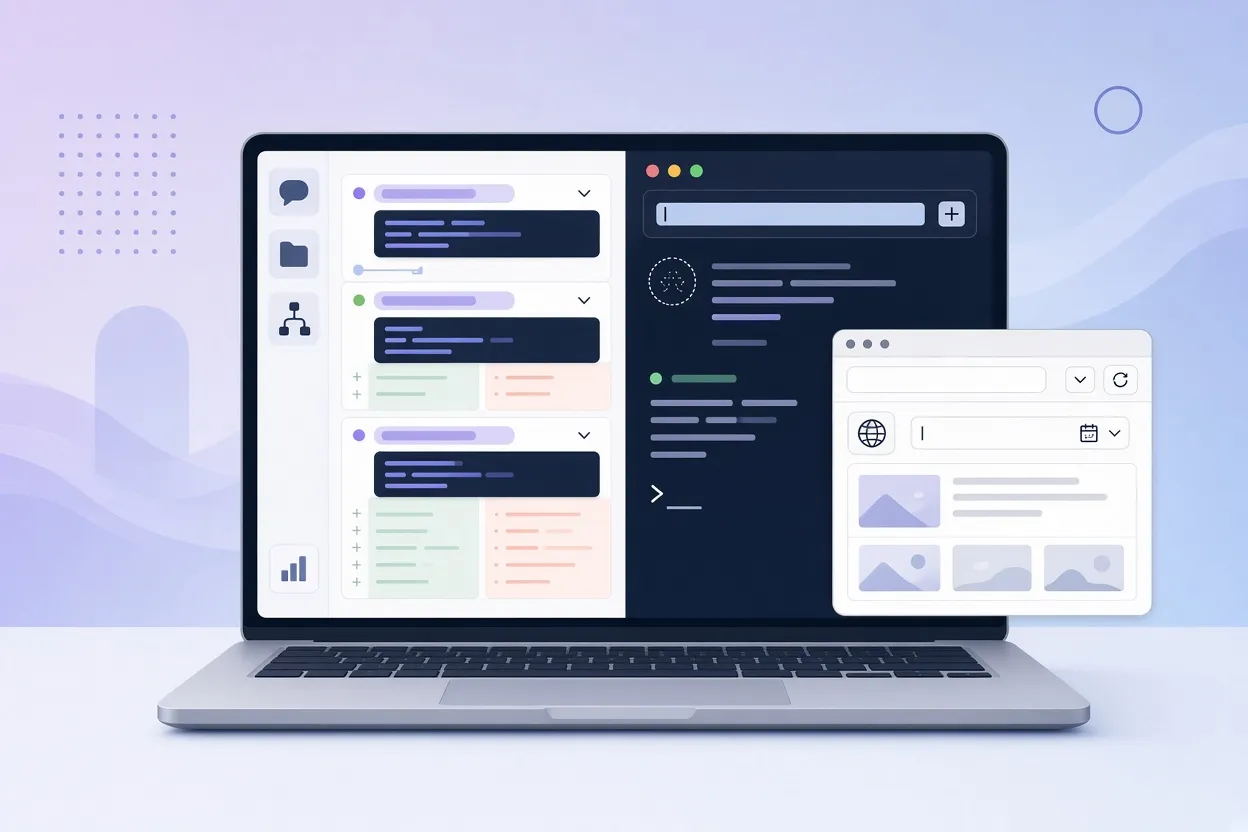
▲ Session transcript, local resume and the extension popup
The more interesting part is reading the transcript. Turn 1 and Turn 2 show the shell commands the agent ran, the JSON patch diffs it applied and the verification steps it took. One detail stands out: the logged checks ran against local fixture data, not live visitor traffic. That distinction matters because an agent's test log can look convincing while only exercising synthetic inputs. Having the full execution trace makes it straightforward to tell the two apart, which is one of the stronger practical arguments for recording sessions at all.
Picking the session back up in Codex
Every session has a "Continue locally" button. Clicking it copies a resume command for the terminal. Running that command in Windows PowerShell reopened the session inside OpenAI Codex (version 0.106.0) with its context intact. From there, prompts such as "Explain the extension" and "What does each extension file do?" produced answers grounded in the recorded work, without having to re-explain the project. In practice this means a teammate can inherit not just the code but the agent's working memory of why the code looks the way it does.
Case study: debugging a broken mystery
The second public session, "Last elevator," is a browser-based Chinese-language text deduction game. The setup: at 23:47 an elevator door closes on the 13th floor, and an umbrella with red stains is found inside. The player gets three inquiries to question three suspects, a receptionist, a guest and a repairman, before naming who left the umbrella. The original prompt asked for a fully playable HTML puzzle with clues, limited questions, win and loss conditions and a restart mechanism.
In Turn 1, the agent produced a first version of index.html. Reviewer feedback then identified a logical flaw: the culprit could not actually be deduced from the clues provided. In a typical chat-based workflow, finding the exact point where a reasoning chain broke means scrolling through long logs and diffing files by hand, which can be genuinely painful. In AgentGit, the flagged turn is visible as a discrete step, followed by the turn where the agent revised the clues and testimony.
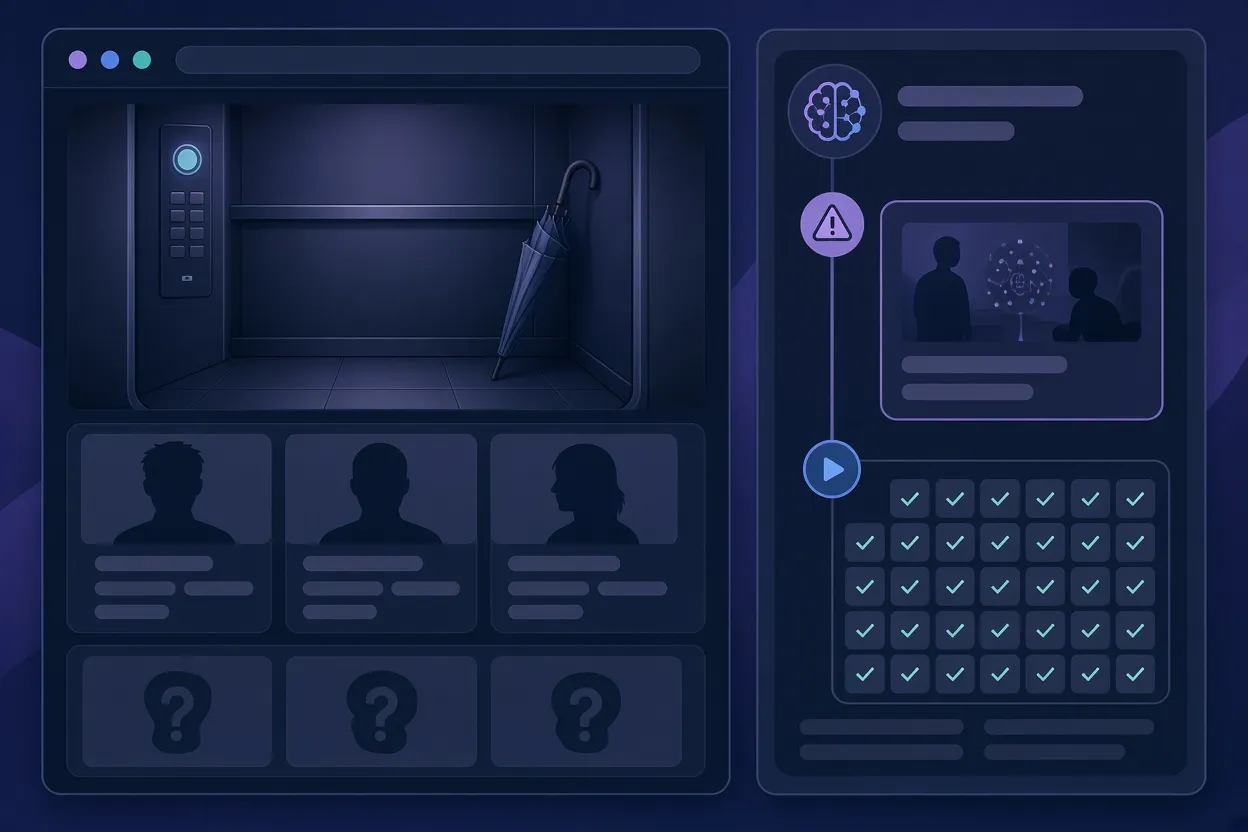
▲ Flagged reasoning turn followed by replay test results
The repair did not stop at rewriting clues. The agent added a test suite:
| Test file | What it checks |
|---|---|
| reset-test.cjs | State resets correctly on restart |
| replay-test.cjs | All 75 question combinations produce correct endings and false-accusation handling |
| Fake browser smoke tests | The page's DOM behaves as expected without a real browser |
The transcript shows the Node.js test runs across Turn 1, Turn 2 and Turn 3, so anyone reviewing the project can confirm that the logic fix was verified rather than asserted. For logic-heavy projects built with AI, automated replay tests of this kind appear to be a sensible guard against puzzles or flows that quietly become unsolvable.
Sharing and handoff
AgentGit's collaboration features center on links. A session can be shared with one of two options: "Let someone continue," which allows the recipient to pick up the agent workflow, or "Share for viewing," a read-only mode suited to teammates who only need to audit the prompt and execution history. The platform also offers a remote control feature, where an agent runs on one machine and is directed from another computer or a mobile device.
Compared with the usual handoff artifacts, a screenshot of a chat, an exported Markdown transcript or a bare repository, an interactive session seems to carry far more usable context. The reviewer sees the prompt, the attempt, the diff and the test in one place, and can continue from there instead of reconstructing it.
Why it matters and what to do
The shift to agent-written code creates a new kind of technical debt: decisions nobody can trace. AgentGit's answer is to treat the session itself as the unit of version control. For developers already using Claude Code or Codex, the practical steps are modest:
- Install the CLI with
npx -y create-agit@latestand add the skill configuration for your agent. - Browse the public sessions, such as growth-usability and Last elevator, to see what real agent development patterns look like turn by turn.
- When a session matters, share it by link rather than by screenshot, choosing view-only for audits and continue-enabled for handoffs.
- Use "Continue locally" to resume work in your own Codex environment instead of re-prompting from scratch.
- Read the test logs in any session you inherit and check whether they ran on fixtures or on real data before trusting the results.
One caveat: the platform is free today with no paid tiers, but that may change as it develops. For now, the cost of trying it is a single command, and the payoff is a record of how your AI-built software actually came to be.