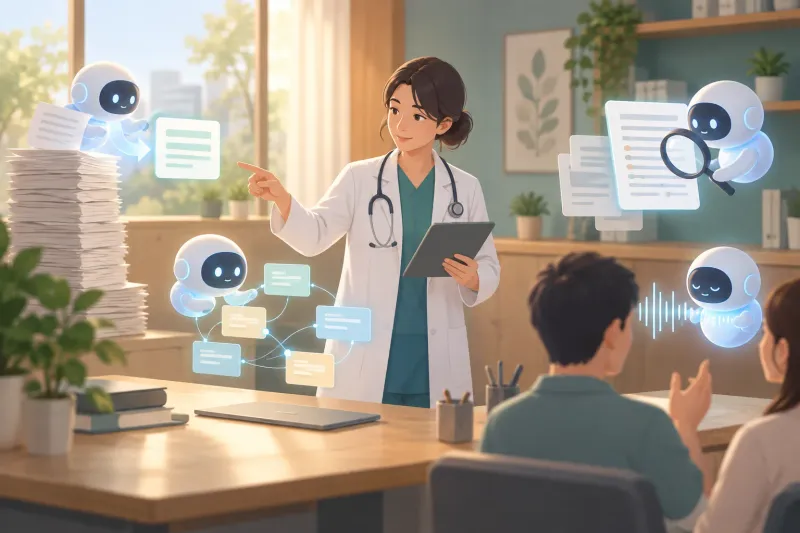
An orthopedic surgery resident who has tested hundreds of AI tools over several years now runs a working day on six of them. Each tool has exactly one job: ChatGPT teaches, Wispr Flow turns speech into prompts, OpenEvidence prepares surgical cases from peer-reviewed literature, Granola captures teaching in the operating room, Claude Design builds slides, and OpenAI Codex builds personal dashboards. The thinking behind the list matters as much as the list itself. In a field where a wrong answer can harm a patient, the general-purpose chatbot stays in a classroom role, clinical questions go to a tool built on medical literature, and AI output serves as a checklist the clinician confirms rather than a decision the clinician accepts.
Why a shorter list beats a longer one
The case for fewer tools starts with the scale of the market. The directory site There's An AI For That tracks more than 51,000 AI tools and has added 44 in a single day. Medicine is not insulated from this flood. A 2026 American Medical Association survey of 1,692 physicians found that 81% reported awareness or regular use of AI in clinical practice, more than double the figures from recent years.
The cost of chasing all of it has a name. A Boston Consulting Group study published in Harvard Business Review, based on 1,488 US enterprise workers, describes a condition it calls "AI brain fry": constant monitoring and juggling of AI utilities that drives mental fatigue, decision overload, higher error rates and a greater intent to quit.
The pattern will feel familiar to anyone who has started medical school. Students arrive to find competing lecture decks, question banks and platforms such as Anki, UWorld and AMBOSS, and many freeze until they narrow their choices. The resident's view is that the same paralysis now hits working clinicians with AI, and that the fix is the same: commit to a small set of tools and spend the saved attention on the actual work.
Three rules for earning a place
Every tool in the workflow has to pass three tests:
- It must do one specific job noticeably better than any competing product the resident has tried.
- It must stay simple and frictionless to use every day.
- It must be woven deeply enough into the routine to be used at least weekly.
Anything that fails one of these tests is dropped, no matter how impressive it looks in a demo.
ChatGPT: a tutor that remembers how you learn
ChatGPT holds the role of foundational knowledge tool, and its single job is teaching concepts. It has largely replaced Google for both complex medical topics and everyday questions. The advantage over a search engine is memory. After extensive use, the model recognizes how this user likes information structured: it lays out first principles before technical detail. A typical prompt asks it to teach fracture fixation principles, and the answer walks through foundational mechanics, stability concepts and how implants bear load before getting into specifics.
The resident is explicit that Claude, Gemini and Grok can play the same role. The recommendation is to pick one chatbot and stay with it so it learns your style, and to tell it directly how you want concepts explained and formatted.
Wispr Flow: talking instead of typing
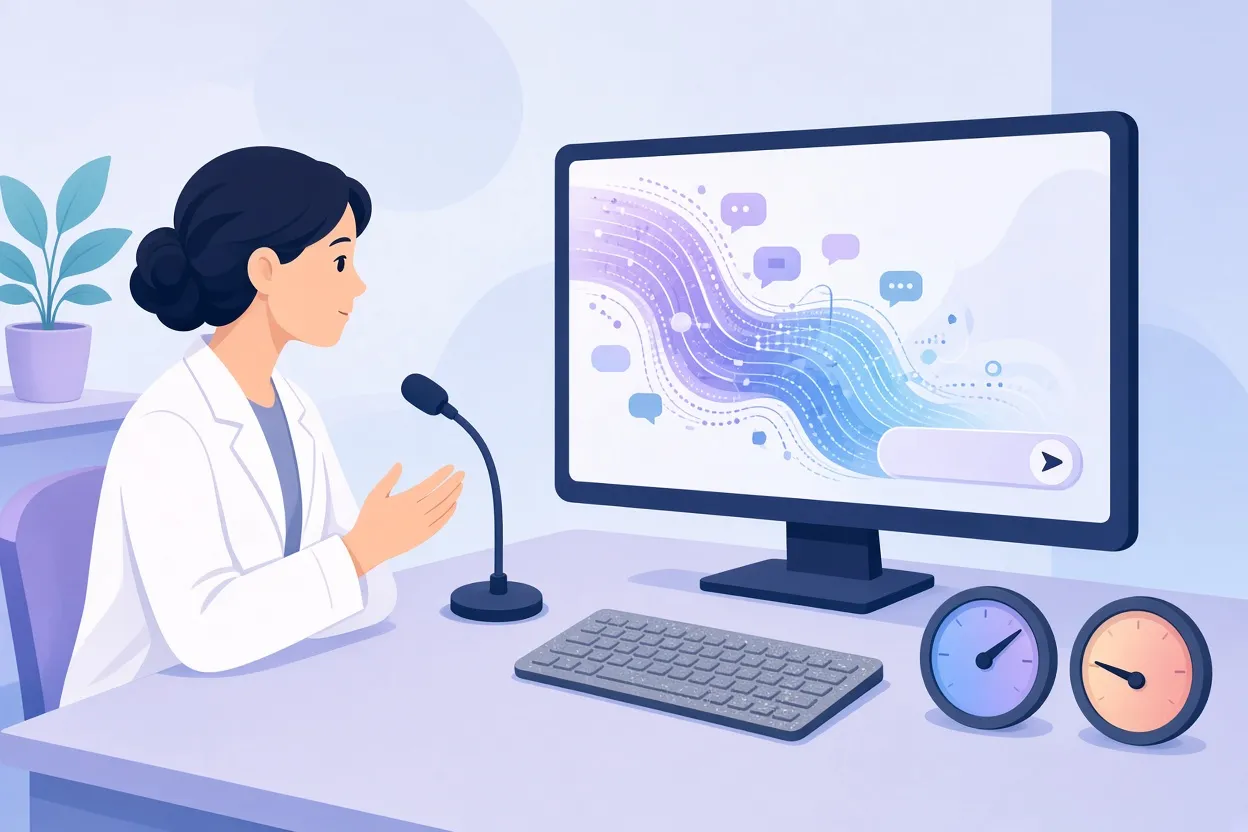
▲ Voice dictation outpacing typed prompts
The second tool addresses input speed. Wispr Flow is a voice dictation app that types what you say into whatever window is active, and the resident uses it mainly to feed AI prompt boxes.
| Measure | Figure |
|---|---|
| Average professional typing speed | About 40 words per minute |
| Natural speaking speed | About 150 words per minute |
| Resident's dictation speed in Wispr Flow | 107 words per minute, top 2% of users |
| Total words dictated to date | 256,418, which the app equates to two books |
| Automatic corrections made by the app | 12,193 |
| Share of desktop dictation going into AI prompts | 74%, or 3,184 inputs |
The argument is that large language models give much better answers when they receive rich background, but typing pushes people to abbreviate and leave out nuance. Speaking allows a messy, complete context dump without breaking the train of thought. Saying a question out loud also tends to expose what you do not yet understand. The suggested experiment is to dictate every AI prompt for one full day and compare the output quality.
OpenEvidence: where the clinical line is drawn
For anything touching patient care, the workflow switches tools. OpenEvidence is a clinical AI platform built for healthcare professionals that generates answers from peer-reviewed medical literature rather than general web text. Adoption figures cited for the platform put daily logins at more than 40% of licensed US physicians across 10,000 hospitals.
The resident's main use is operative case planning. A standardized template is run for every procedure, with fixed fields for patient positioning, surgical approach, anesthesia considerations, implant systems, likely complications, patient risk factors and relevant anatomy. In one example, the system produced a structured planning sheet for a 79-year-old woman undergoing a right hip hemiarthroplasty for a femoral neck fracture, including pre-operative notes, approach, anesthesia, implant details and perioperative pearls with literature citations.
Two boundaries define how this is used. First, general chatbots are considered inadequate when someone's health is at stake; the job belongs to a medically designed platform, with ChatGPT for Clinicians named as another option. Second, the AI is not expected to generate new medical theory. Its value is as a reliable checklist that enforces the same rigor on every case. That framing appears to keep the surgeon as the decision-maker: the sheet organizes what needs to be considered, and the clinician judges what applies to the patient in front of them. Readers should treat it the same way. Any clinical decision about a real patient belongs to the treating medical team, not to a planning sheet.
Granola: keeping what attendings say
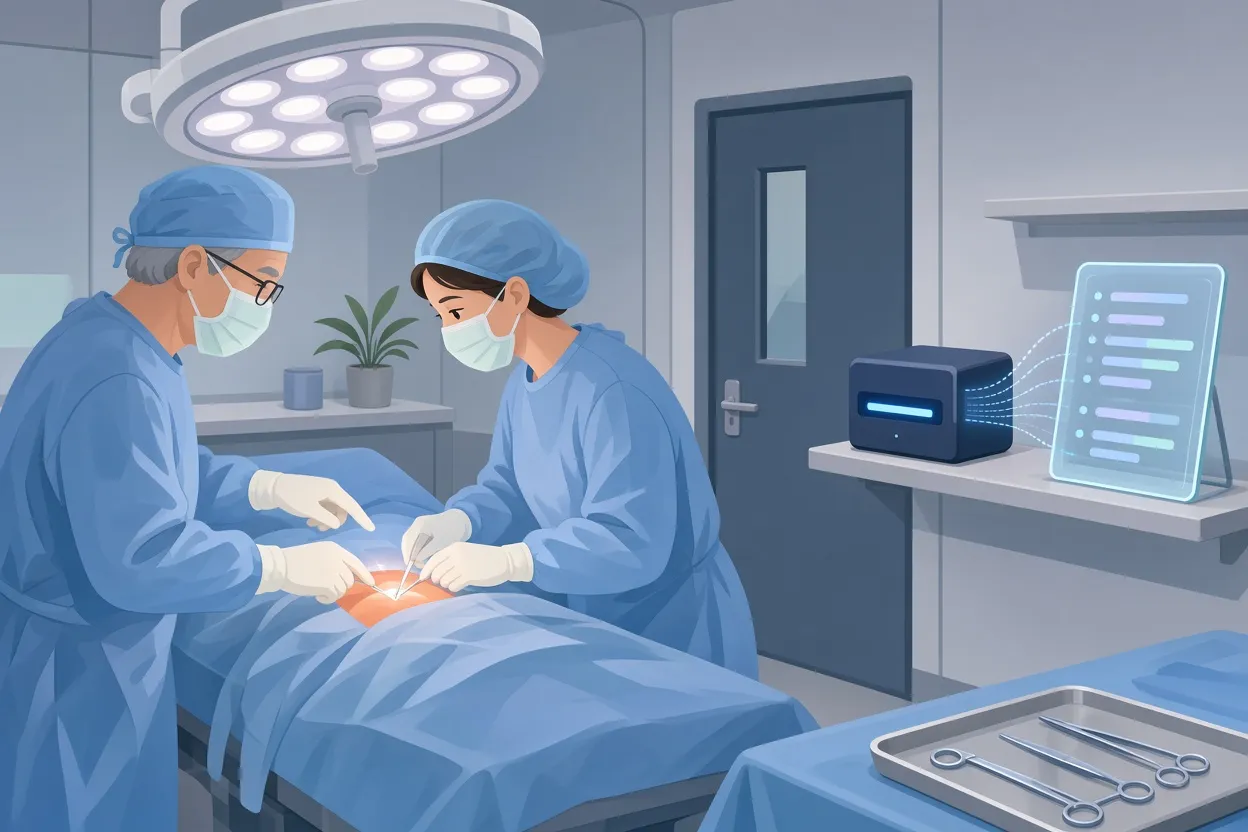
▲ Capturing operating room teaching automatically
Residency delivers a steady stream of lectures, departmental conferences, grand rounds and national meetings, and most of it fades without systematic capture. Granola, an AI transcription and summarization app, records these sessions so the resident can listen actively, knowing a clean summary will exist afterward.
The highest-value use happens in the operating room. The app is turned on just before scrubbing in, and the spontaneous teaching that happens during a case is transcribed and organized: why an attending performs a step a certain way, how to position a retractor, and the judgment calls made mid-procedure. The output lands in a daily summary that groups surgical pearls, techniques and discussions. The governing principle is that if something is worth hearing out loud, it is worth preserving, a trend the resident notes even Apple Watch has joined with conversational recap features. Anyone tempted to copy this should check their own institution's rules on recording in clinical spaces before pressing the button.
Two ways to make slides
Slide decks eat resident evenings. Claude Design is the tool that earned a place among the core six, but a document-to-slide converter, AiPPT, also gets used for journal club.
AiPPT turns a document into a presentation. In one example, a published PDF of the ESCAPE trial on meniscal tears from JAMA Network Open in 2022 became a 10-slide journal club deck. The agent mode took the PDF plus a brief on what the audience needed: study design, patient population, primary outcomes and discussion questions. Within minutes the draft covered the trial's 11-point non-inferiority margin and 3.5-point overall effect, five-year follow-up data, a 32% crossover from physical therapy to delayed partial meniscectomy, secondary outcomes and limitations. Follow-up requests, such as simplifying the statistics or reordering the discussion slides, refine the deck, which then exports to PPTX, PDF and other formats. The transferable lesson for any paper-to-slides tool is to set an academic or medical expert persona and ask explicitly for discussion questions.
Claude Design, from Anthropic, handles presentations built from scratch. The resident supplies an approved template and dictates what each slide should accomplish, which eliminates the late-night fiddling with fonts, margins and layouts. One deck prepared for a Student National Medical Association regional conference, on professional online presence in medicine, was refined by speaking revision requests, such as changing how survey figures were shown. The slide compared figures including 70% of employers researching candidates on social media, 40% of residency program directors reviewing applicants' accounts, 65% of graduating medical students using social media to research programs, and 73% of patients relying on online reviews to pick a provider. Each spoken instruction updated the visuals across the deck.
Codex: software that fits the user
The final tool is OpenAI Codex, used for "vibe coding," which means building software by describing what you want in plain English while the AI writes the backend logic, database structure and interface. No programming knowledge is required.
The resident has built two personal systems this way. One organizes projects outside the hospital, with task lists, calendars and analytics. The other is a residency dashboard that centralizes Granola case summaries, prep schedules, daily active-recall flashcards (for instance, on the structures that stabilize the long head of the biceps tendon) and a board of scholarly publication projects. The case for custom software is that commercial apps rarely match an individual's workflow, so users bend their habits to the tool; a bespoke dashboard reverses that. Both Codex and Claude Code have usage limits; the resident currently prefers Codex because it allows more tasks before hitting them.
What to take from this workflow
| Job | Tool | Why it stays |
|---|---|---|
| Learn concepts | ChatGPT | Remembers how the user likes to be taught |
| Enter prompts fast | Wispr Flow | 107 words per minute versus about 40 typed |
| Prepare cases | OpenEvidence | Answers from peer-reviewed literature, checklist discipline |
| Capture teaching | Granola | Preserves spontaneous pearls from the operating room and conferences |
| Build slides | Claude Design (plus AiPPT for journal club) | Template plus dictation, or paper to deck in minutes |
| Build personal tools | OpenAI Codex | Software shaped to the workflow, not the reverse |
The underlying philosophy comes from Cal Newport's idea of digital minimalism: choose a very small number of tools that strongly serve your goals and happily ignore the rest. The resident recalls spending a first year of medical school managing productivity tools instead of studying, and argues that the strongest AI users in medicine and elsewhere master a few applications, give each a distinct role, and switch only when something clearly better arrives.
For readers, the practical moves are concrete. Write a single-sentence job for every tool you keep, and cut anything without one. Pick one chatbot and teach it how you learn. Try dictating prompts for a day. If you work in a high-stakes field, route domain questions to a tool built for that domain, and treat its output as a checklist to verify, never as a verdict. In medicine especially, the final decision about a patient stays with the clinician.