For a doctor, the most practical way to use AI may be to stop looking for one app that does everything. A better fit appears to be a small team of narrow tools, each handling one job while the physician assigns the work and checks the results. In one doctor’s daily routine, NotebookLM digests long clinical guidelines, Obsidian with the Obsidian Copilot plugin answers questions from years of personal notes, OpenEvidence and Heidi return cited answers during patient care, Readwise keeps reading from slipping away, and the AI scribe Lyrebird drafts consultation notes. None of these tools makes clinical decisions, and the doctor still has to check whatever they produce.
Treat AI tools as staff, with the doctor in charge
Exam candidates and doctors in training often raise the same questions. Will AI take over the doctor’s job? Can it help them pass their exams? Many are already trying AI tools, often without a clear plan for how those tools should fit together.
The plan here starts with a change in mindset. Instead of seeing AI as a stand-in for a physician, it helps to think of each tool as a new hire with a narrow job description. The doctor plays the part of a chief executive: each tool gets a defined assignment, the final word on content and clinical judgment stays with the physician, and so does the duty to check what comes back. Routine paperwork no longer has to be done by hand, but accountability does not move to the software. The working rule is simple. The clinician learns to steer the tool instead of letting the tool shape the work.
The same thinking drives tool choice. A modular set of single-purpose tools, each doing one job well, appears to work better than an all-in-one suite that does many things poorly. The stack looks like this:
| Job | Tool | What it handles |
|---|---|---|
| Digesting new guidelines | NotebookLM | Summaries of what changed, flashcards, quizzes and mind maps |
| Storing and querying knowledge | Obsidian with Obsidian Copilot | One vault of notes searched with plain-language questions |
| Keeping up with reading | Readwise Reader, Readwise, Obsidian Web Clipper | Saving articles, reviewing highlights and turning papers into study notes |
| Evidence during care | OpenEvidence, Heidi | Answers to diagnostic and management questions, with citations |
| Teaching material | AI agents | Reordering and reformatting sources into lesson notes |
| Documentation | Lyrebird | First drafts of visit notes, referrals and other paperwork |
Shrinking a long guideline with NotebookLM
Imagine a freshly published guideline on chronic kidney disease that stretches across hundreds of pages. Instead of working through it page by page, the doctor uploads the whole PDF to NotebookLM, Google’s AI notebook that answers questions and writes summaries based on documents a user provides. The tool boils the guideline down to what changed and what matters most.
The summary then becomes study material. NotebookLM can turn it into flashcards and multiple-choice questions that test how much has stuck. It can also sketch a mind map of how related clinical ideas link up. The effect is similar to handing hours of heavy reading to an assistant and getting back something that takes minutes to review. Those summaries are still machine output, though, and the doctor remains the one who confirms they are correct.
A personal knowledge vault that answers back
Distilled material moves into Obsidian, a note-taking app that keeps notes as plain text files in Markdown, a lightweight formatting syntax, and links them together. That collection, or vault, holds years of study notes, practice guidelines and case write-ups.
A large vault is hard to search by scrolling. The Obsidian Copilot plugin adds an AI layer to the vault, so the doctor can simply ask questions in everyday language. It assembles each answer only from what is already stored there. Typical requests include:
- My own summary of how to manage heartburn
- The hypertension protocol I wrote up
- Counseling points prepared for teenagers with acne
- Steps for managing an acute myocardial infarction
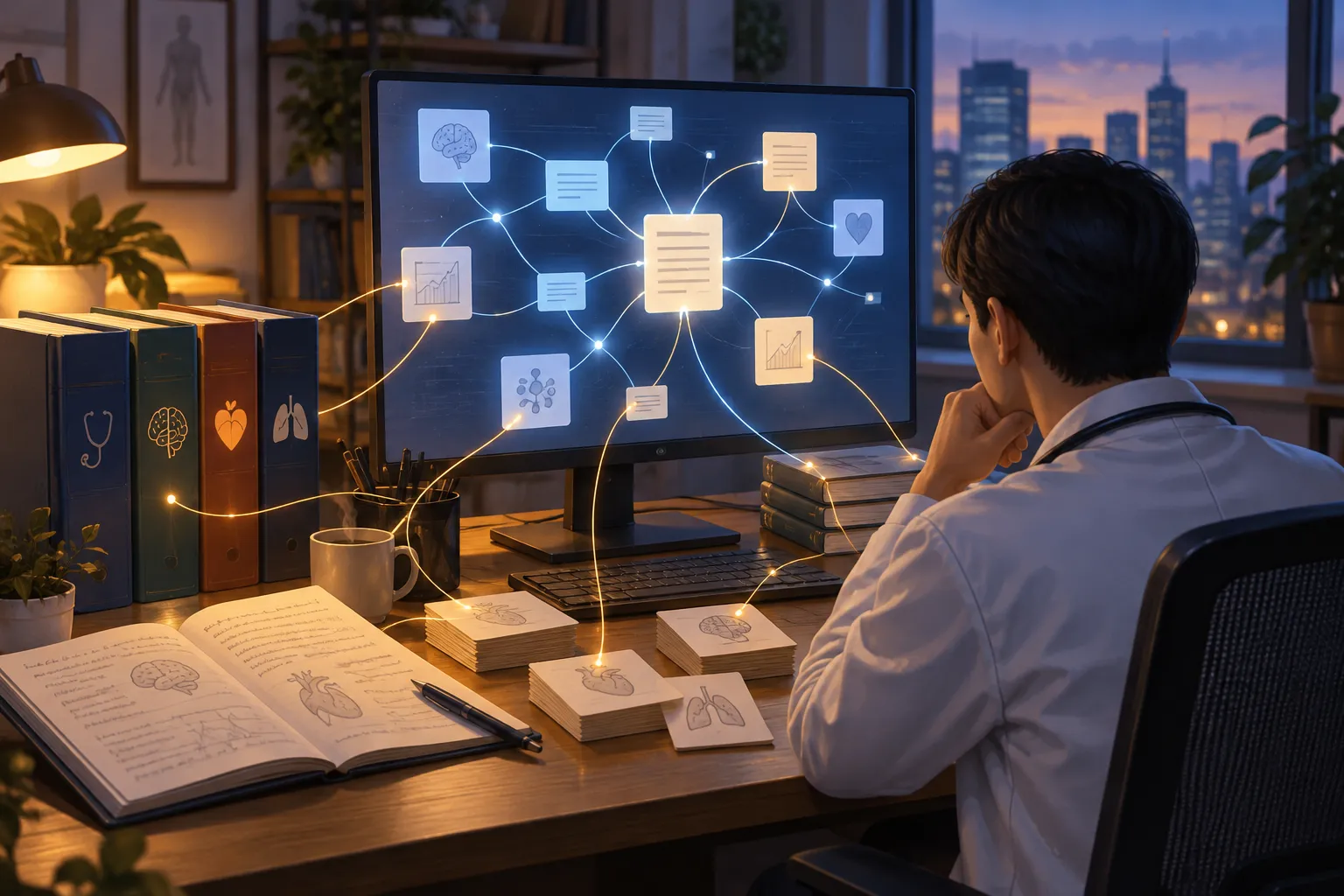
Because the answers draw only on the doctor’s own notes, they stay tied to material the doctor has already worked through, which looks like the main appeal of this setup. Obsidian’s graph view, a visual map of the links between notes, adds another angle. It shows how a newly learned guideline relates to past cases and to what the doctor already knows.
▲ A personal knowledge vault linking notes and guidelines
Keeping reading from fading
Articles read during a busy day are easy to forget. To hold on to them, the workflow relies on the Readwise family of tools. Readwise Reader, a read-later app, gathers the articles, web pages and ebook chapters that turn up during the day. Each morning, Readwise brings back earlier highlights for review. This is spaced repetition, which means seeing material again at intervals so that it sticks.
Readwise also includes an AI assistant that can search those past highlights. It once pulled up a specific prescribing recommendation from an article the doctor had marked three weeks before.
For deeper study, the Obsidian Web Clipper extension for the browser pulls out the text of an article, reshapes it into a study note with consistent fields, and drops it into the vault without extra steps. A contraception article from an Australian general practice journal is one example.
Evidence during care, and why every citation needs a click
Personal notes are not enough when a question comes up in the middle of patient care. For those moments, the doctor turns to OpenEvidence and Heidi. Each has a built-in research assistant for targeted questions on diagnosis and management, and each lays out its answer in a structured way with citations and a reference list.
A question about hormone testing shows how this works. The doctor can ask when testing should be considered, how to read the results and when to do it. Heidi gives priority to local evidence, placing Australian primary care guidance and references at the top.
The major caveat is hallucination, the tendency of AI systems to produce false information that sounds convincing. Clinical search tools and research assistants can make up data and even references, and this may happen often. Legal, ethical and clinical responsibility for any action stays with the doctor, so the cited sources must be opened and read before a patient’s care changes.
These are tools for clinicians. Patients who get similar answers from an AI chatbot should not treat them as a diagnosis or a treatment plan, and decisions about their health belong with a medical professional.
Teaching notes: AI arranges, the doctor designs
Once sources sit in the vault, the doctor uses AI agents, software that can carry out multistep tasks on its own, to turn them into teaching notes. They put references in the order a presentation needs and rewrite dense guidelines into plain explanations for people studying for registration or fellowship exams.
The logic of the lesson stays with the doctor. The physician decides on structure, tone and which clinical points come first. The AI’s job is limited to reformatting, merging material and writing a first draft from the sources the doctor picked.
An AI scribe that gives eye contact back
For practicing clinicians, ambient AI scribing takes over much of the paperwork: software follows the conversation in the room and drafts the record. Lyrebird fills that role in this stack. It plugs into general practice software such as Best Practice, an Australian electronic records system, and turns the conversation into visit notes, referrals and forms. Templates can be tailored to the visits that come up most, such as repeat-prescription reviews, going over test results or prevention-focused appointments.
The main benefit is human rather than technical. With no screen between doctor and patient, the doctor can keep eye contact and pay full attention to the conversation. Typing notes usually takes about 5 minutes per consultation, and the scribe can give that time back.

▲ Eye contact instead of a screen during a consultation
The trade-off is review. Scribes mishear and misrecord, and the slips are often small enough to miss. Every draft needs to be read, corrected and confirmed as soon as the visit ends, and no note should be saved or finalized without that check. Even with the review built in, the time saved adds up to hours of paperwork each week compared with typing everything.
Doctors trained overseas who are not yet treating patients in Australia, along with medical students, may have little use for this part of the stack for now.
Six stages, started one tool at a time
The full workflow runs through six stages:
- Research
- Synthesize
- Store
- Customize
- Apply
- Document
Each stage relies on a tool that does one job well. The premise throughout is that AI adds leverage to the doctor’s existing skill and does not do the diagnostic thinking. The bigger career threat may come less from AI than from peers who have learned to work with it efficiently.
For readers who want to try this approach:
- Choose a single tool and give it a week of daily use before bringing in a second one.
- Use NotebookLM to break down long guidelines, then check the summary yourself.
- Open and read every citation from an evidence tool before acting on its answer.
- Proofread each scribe draft as soon as the visit ends and fix errors before saving.
- Set the structure, tone and priorities of teaching material yourself, and leave only reordering and drafting to AI.