Anthropic has added Mods to Claude Code, and the change goes further than a typical feature update. Where plugins bolt on outside capabilities and hooks watch the tool from the outside, mods run inside Claude Code itself. That lets them redraw parts of the interface, add buttons and side panels, and change how the tool behaves during a session. Claude Code can also write a mod for you from a plain-English description, so you do not need to know how to code to build one. The requirement is Claude Code version 2.1.287 or newer, in either the command-line interface or the Code tab of the desktop app.
What a mod is, and how it differs from plugins and hooks
The easiest way to think about mods is the way game players think about modifications for a title like Grand Theft Auto: the base game stays intact, but you can change its look, add features, and layer new systems on top. Mods do the same for Claude Code.
That puts them in a different category from the two extension mechanisms Claude Code already had:
| Mechanism | Where it runs | What it does |
|---|---|---|
| Plugin | Alongside Claude Code | Adds custom skills, MCP servers and slash commands |
| Hook | Outside Claude Code | Listens for session events and runs external scripts to allow, block or annotate actions |
| Mod | Inside Claude Code | Listens to the same events but can render buttons, text widgets and dedicated panels, and change behavior |
MCP, the Model Context Protocol, is the standard that lets Claude connect to outside tools and data sources. Claude Code emits events constantly during a session: a message is sent, a subagent spins up, a tool is called. Hooks respond to those events from outside. A mod is technically a relative of a plugin, but because it sits inside the tool, it can react to the same events with interface changes rather than just scripts.
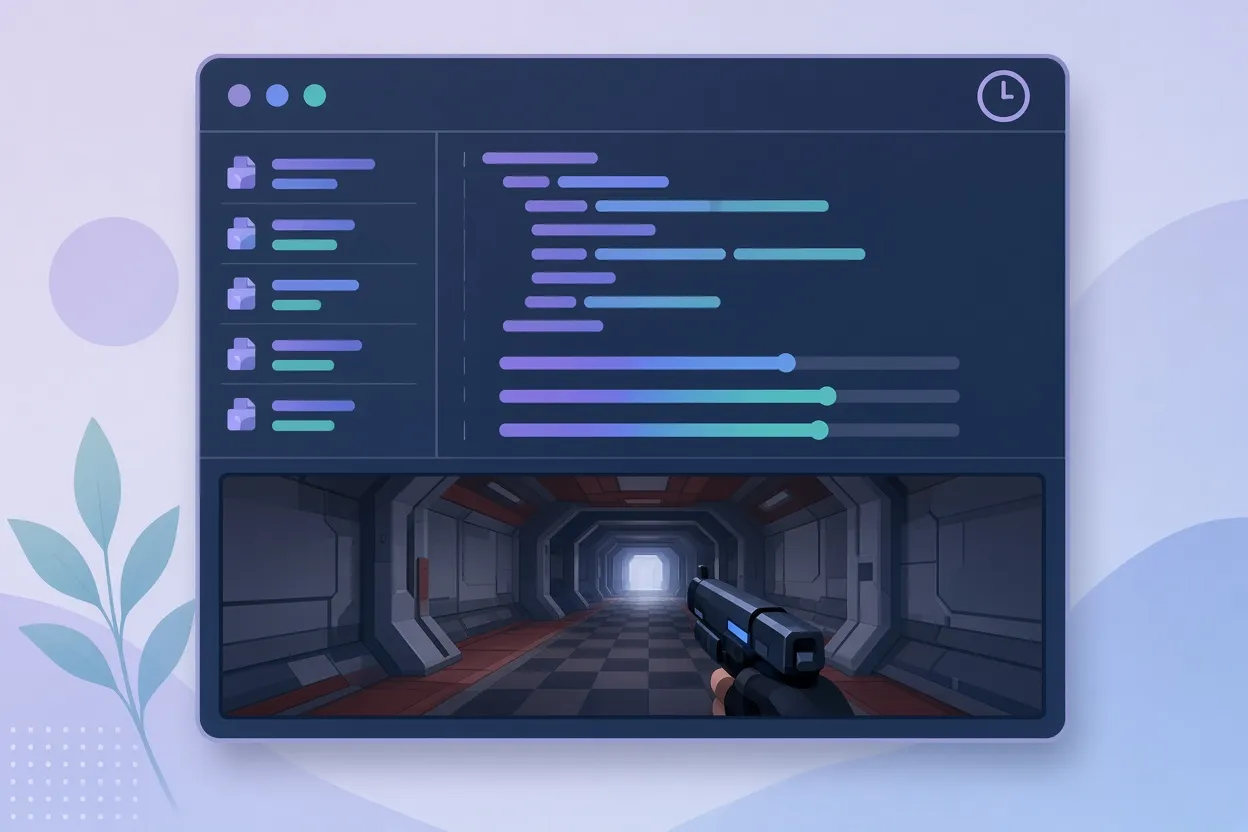
▲ Doom mod running while Claude works
Doom in the terminal, and why it is not just a joke
Community developers moved quickly. One built a multiplayer Doom server mod that embeds directly inside Claude Code. When Claude starts a long task, such as exploring a repository, running test suites, or editing many files at once, the mod drops you into a live deathmatch. The moment Claude finishes, the mod exits the game and reports your kill-to-death ratio for the session.
It sounds like a distraction, and in part it is. But some agentic tasks run for around 10 minutes, and that wait tends to end in scrolling a phone. The more serious point is what the mod proves: if a 3D multiplayer shooter can run inside the terminal, the mod system is deeply integrated and far more versatile than a simple add-on.
Where to find mods and how to check them
There are three main routes to a mod:
- Community marketplaces such as aitmpl.com, which lists skills, agents, MCPs and a dedicated Mods tab with more than 45 components. Listings typically link to the source repository on GitHub so you can read the code first.
- Anthropic's official community directory, which runs automated validation and security screening on submissions.
- Claude Code's built-in mod and plugin authoring skill, which generates a mod from a natural-language request.
Because mods execute code inside Claude Code, an unvetted community mod can introduce risk. Before running an install command, open the repository and look at the hook files (for example, hooks.js) for anything that downloads files, makes unexpected network requests, or pipes a remote script into a shell. If you cannot explain what a command does, do not install the mod.

▲ Cache Tracker countdown above the prompt
Cache Tracker: watching your prompt cache before it expires
Cache Tracker, listed as Prompt Cache Control, solves a cost problem that many Claude Code users never see directly. Claude Code has no built-in multi-turn memory; on every prompt it re-reads the full conversation history. In a long session that means more latency and a lot of tokens spent re-reading text you already sent.
Prompt caching works like a bookmark. The static part of the history is cached, so Claude reads only what is new. The catch is that the cache has a lifetime, and that lifetime depends on how you pay:
| Access method | Approximate cache lifetime |
|---|---|
| Claude subscription | About 1 hour |
| API credits | About 5 minutes |
The difference is roughly twelve-fold. Once a cache expires, the next prompt pays for a full re-read. Cache Tracker adds a heads-up display above the prompt that shows the live cached percentage, the tokens read from cache, and a countdown to expiry, so you can keep a session warm or decide to pause deliberately.
Installing it
The install from aitmpl.com is one command:
npx claude-code-templates@latest --mod observability/prompt-cache-control claude
Run it in a fresh terminal. It copies the mod files into the workspace and launches Claude Code. On first launch Claude Code asks you to confirm that you trust the workspace folder. The mod's hooks activate on your first prompt. In a test with a simple question ("how do I log an error"), the bar rendered as a cached badge at 50 percent, 23.3k tokens read, and a timer showing 09:47 remaining on a 1-hour cache, with a "warm: keep going" note.
Managing installed mods
Type /plugins at the Claude Code prompt to open the plugin manager. It has tabs for Discover, Installed, Marketplaces, Errors and Stats. The Installed tab lists each mod with options to inspect, disable or remove it.
Next Steps: the command you should run next
Next Steps reads the state of your project and suggests what to do next directly in the terminal. The suggestions are specific rather than vague: an exact slash command, a terminal instruction, or a skill script to run. On a large, multi-phase codebase this spares you from memorizing command sequences. It also appears to help on small scripting jobs simply by keeping the next action in front of you.
Deck: a control panel above the prompt
Deck turns the line above the input prompt into a dashboard. It tracks:
- Usage against the 5-hour session limit
- Usage against the 7-day rolling quota
- Context window consumption as a percentage
- The active model
- The current effort setting
It also includes a pixel-art pet. The pet animates while Claude works and raises a red exclamation point when Claude is waiting on your confirmation. Ignore the prompt and the pet turns visibly red and angry. Deck offers several bar styles and a collapsible single-line view for when terminal space matters. Watching it run alongside an expense-tracker web app build, the panel keeps quota, context and permission state visible without any extra commands.
Letting Claude design a mod from your own habits
The most personal route is to ask Claude Code to study how you actually work. A prompt along the lines of "look through my past sessions and suggest mods that would help" has Claude scan historical session transcripts for repeated commands and time sinks. In one example, the analysis found a developer had typed "run the tests again" 14 times in a week, had recurring pnpm warnings, and had lost about 6 minutes waiting on the test suite. Claude proposed a one-click test runner button as a mod.
Accept a suggestion and Claude writes the full mod code on the spot. The first version may not be perfect, but you can refine it conversationally until it fits. This is where mods may matter most: not as downloads, but as custom tooling shaped around each engineer's workflow.
What to take away
Mods are early, and the ecosystem looks likely to grow alongside plugins and MCP tooling in the way browser extensions once did. For now, a sensible starting path is:
- Update Claude Code to 2.1.287 or later.
- Browse aitmpl.com or Anthropic's directory, and read the source of anything you plan to install.
- Install Cache Tracker if you run long sessions, especially on API credits where the cache expires in about 5 minutes.
- Try Deck for quota and context visibility, and Next Steps if you work across complex codebases.
- Ask Claude Code to review your past sessions and propose a mod for the task you repeat most.
Treat every community mod as code you are choosing to run, and use /plugins to disable anything that does not earn its place.