Anthropic has shipped Claude Mods for Claude Code, a way to change how the coding tool looks and behaves with a few lines of TypeScript. A mod can reshape the interface, alter what a tool call does, or bolt on an entirely new feature, and you do not have to write it yourself: describe what you want, and Claude Code can write, install and activate the mod for you. It is arguably the biggest change to how Claude Code can be extended since Skills arrived. The practical question is which mods are worth having, and the most useful answer may come from your own session history rather than from a public catalog.
What Claude Mods change
Almost any behavior inside Claude Code is open to modification: tool calls, prompt requests and the components of the terminal interface itself. That design treats nearly every part of the tool as a plugin, an add-on module that can be swapped in or out, which puts it in the same “everything is a plugin” camp as DeepSeek Harness.
The feature took a few weeks to go from teaser to release.
| Date | Milestone |
|---|---|
| September 9, 2026 | Anthropic engineer Boris Cherny first teased “function hooks” |
| September 2026 | Work on function hooks and mods tracked in GitHub issue #91870 |
| October 1, 2026 | Claude Mods ship as part of Claude Code’s plugin system |
Mods live inside the existing plugin manager, which you open with the /plugins command. That directory listed 4,576 discoverable plugins at the time, with the Superpowers plugin showing 1.2 million installs and code-review showing 492,100. Once installed, a mod runs on its own; you do not need to invoke it with a prompt.
Users started building mods almost immediately. One AI engineer made a mod that drops you into a multiplayer Doom server while Claude grinds through a long coding task. Another mod draws live, multi-stage progress bars in the terminal so you can watch several parallel jobs advance.
Four places a mod can step in
A mod changes behavior by attaching a hook, a piece of code that runs at a specific moment, to one of four points around a tool action. Picture Claude about to delete a build folder that holds 41 files.

▲ Four points where a mod can intervene
| Hook | When it runs | What it could do with the deletion |
|---|---|---|
| Before | Just before the action | Show exactly which files will go and ask for confirmation |
| Instead | In place of the action | Skip the permanent delete and move the files to the system trash |
| After | Once the action finishes | Post a notice and an itemized receipt: 41 files, 2 MB removed |
| Wrap | Both before and after | Take a backup snapshot first, then offer an undo button |
The choice follows from the goal. If you want to swap a destructive default for something safer, Instead is the natural fit. If a record of what happened is enough, use After. If you want a way back after a mistake, Wrap gives you both the backup and the undo.
Two mods worth trying first
Next Steps: one-click follow-ups
The Next Steps mod adds a pane at the bottom of the terminal that offers three follow-up actions whenever Claude finishes a task. After Claude built a single-page habit tracker in plain HTML, CSS and JavaScript, the pane suggested adding and renaming habits, polishing the design with impeccable, or dismissing the suggestions. Clicking one drops that instruction straight into the prompt, so you keep moving without typing out the next request.
Cache Clock: knowing when your cache goes cold
Every turn in Claude Code sends the full conversation history back to the model. Prompt caching, which stores content the model has already seen so it can be reused, cuts the cost of those input tokens by about 95 percent. The cache only survives an hour without activity, though. Let it expire and the next turn pays full price to re-read a context that can run to many thousands of tokens.
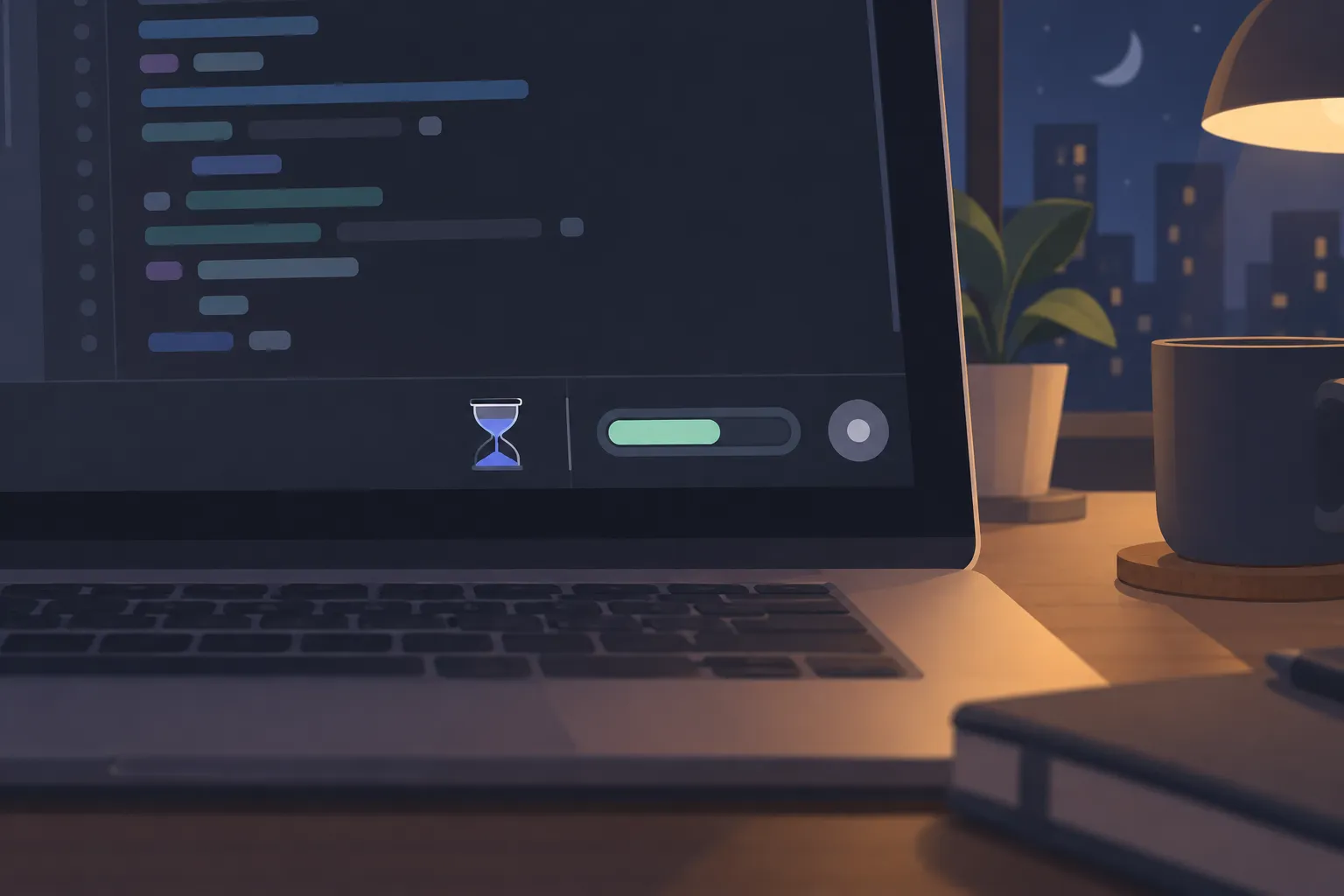
The Cache Clock mod puts that information in the status bar: how much of the context window, the amount of conversation the model can hold at once, is in use, and how long the cache has left. In one session it showed 160,500 tokens, or 56 percent of the window, with 43 minutes and 12 seconds remaining. A Compact button sits next to it, so you can shrink the conversation with one click before stepping away from your desk.
▲ Cache countdown in the status bar
Let your session history pick your mods
Public mods are handy, but the most valuable ones are likely to be the ones built around your own habits. A practical way to find them is to have Claude Code study how you already work.
- Claude Code keeps session transcripts as JSON files in the ~/.claude/projects/ directory.
- Ask Claude to read your last 30 sessions and look for questions you repeat, status checks you run by hand, and routines you perform before or after tasks.
- Have it rank its top five mod ideas based on what it found.
- Pick one, and Claude writes the TypeScript and registers it as a plugin.
- Reload your plugins to switch the mod on.
One such audit produced this shortlist:
- Rehearsal Deck: automates test runs of a demo script and resets state afterward
- Project Pulse: tracks progress on a multi-day project across drawings and planning documents
- Mod Doctor: checks whether loaded plugins are working and which ports are open
- Cache Clock + Compact: the cache timer and compaction button described above
- Undo Shelf
- Dictation Fixer, as an honorable mention: cleans up speech-to-text errors before the text reaches Claude
Your list will look different, and that is the point. The audit grounds each suggestion in work you already repeat.
Where to start
Claude Mods let you rewrite Claude Code’s behavior and interface in TypeScript, and the ecosystem looks likely to grow quickly over the coming months, much as Skills did. A sensible way in:
- Open /plugins to see which mods you already have and what the public directory offers.
- If deletes and other hard-to-reverse actions worry you, use an Instead or Wrap hook to route them through the trash or a backup.
- If you run long sessions, add a cache timer and a Compact button to the status bar so you can act before the cache expires.
- Ask Claude to audit your recent sessions, then install the suggested mods one at a time.