OpenAI’s all-new Codex Cloud lets a coding task continue after the laptop that started it closes. The developer can check progress and add instructions from a phone, then return to the desktop to inspect the result. Its more consequential feature for teams may be the saved cloud environment: a configured workspace that can be reused for multiple tasks without repeating the same setup.
A task that outlasts the laptop
A Codex Cloud task runs on remote infrastructure rather than depending on the local computer to remain open. In one laser-animation project, a request sent to Astra with the Extra High setting asked for an animation of “the answer to life.” The task kept running after the laptop was shut.
The same task remained accessible on a smartphone. Text and voice follow-ups added context while it ran, and the assistant asked a clarifying question about what the laser should animate. That exchange illustrates a practical difference from a workflow tied to one open computer: the developer can leave the desk without losing the opportunity to guide the work.

▲ Mobile task monitoring
The project used a browser-based laser animation simulator, built with help from Astra, for exploring ideas intended for a laser projector. The completed task produced an eight-second loop at 24 frames per second, with cyan laser strokes forming 42. Its completion report showed two changed files and 19 passing automated tests. Those are results from this task, not a measure of how every Codex Cloud job will perform. Playback on physical laser hardware had not yet been tested.
Configure once, then reuse the workspace
To create a cloud environment, a developer switches Codex from “This computer” to “Cloud” and links a GitHub repository, a collection of project code. A conversational setup process examines the repository, installs dependencies and checks whether development servers can start. The developer can also specify a working directory and scripts needed to prepare the workspace.
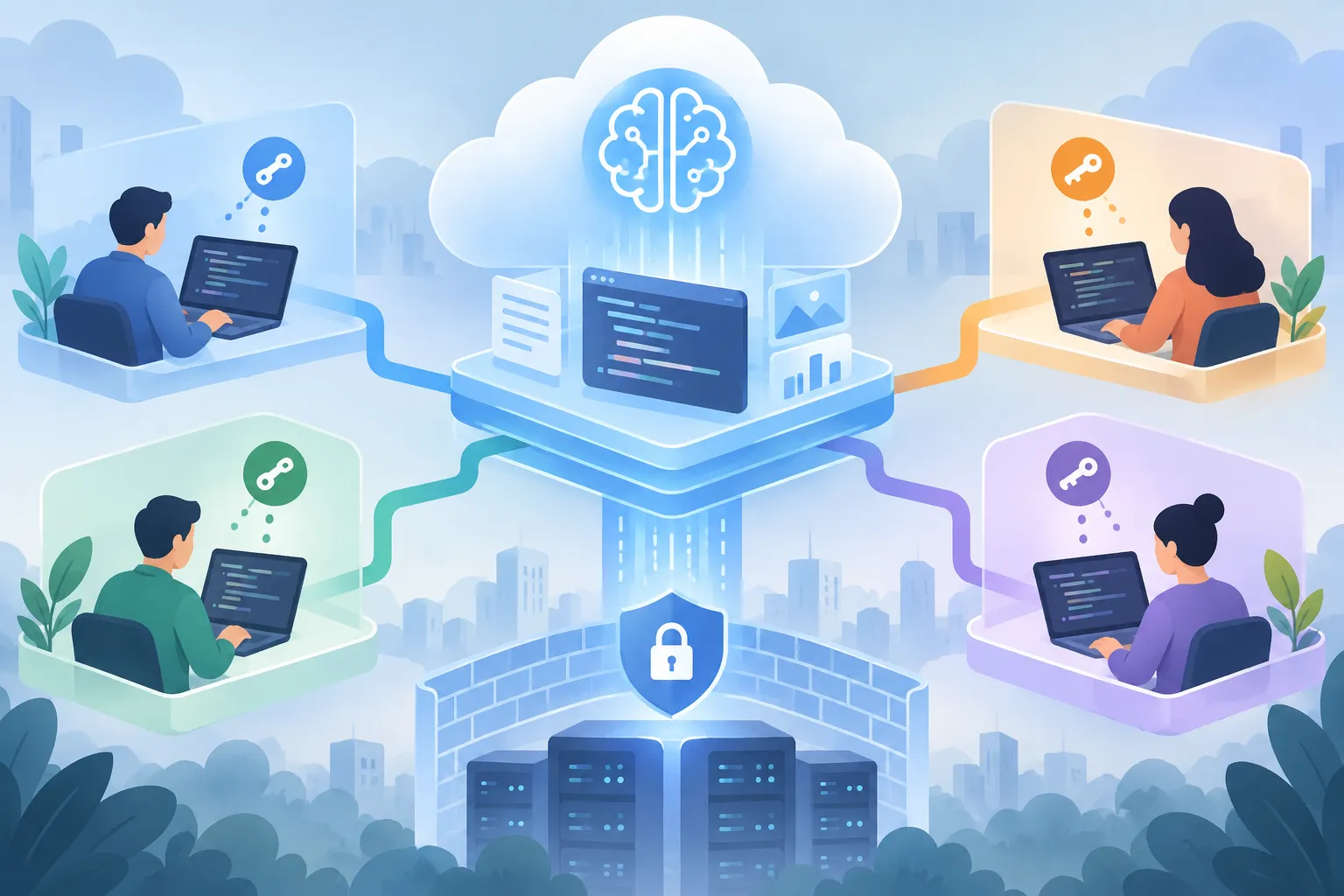
The configuration extends beyond code. Internet access can be controlled, allowed domains can be set, and proxy secrets can be supplied. Advanced VPN settings support a Tailscale authentication key when the cloud workspace needs access to private network resources. Environment variables—named values used to configure software—can apply to the shared environment or use a Personal setting so each team member supplies their own private credential.
▲ Shared setup with personal credentials
Once published, the configured environment becomes a snapshot: a saved version of the workspace that can be used to start new tasks. Several distinct jobs can run from that setup without repeating its installation scripts. Team members can share the environment while retaining personal secret overrides. That combination matters when a project needs the same dependencies and network settings for everyone but should not require everyone to use the same private keys.
A snapshot does not remove the need to choose settings carefully. Before sharing an environment, developers should decide which configuration belongs to the team and which credentials belong to individuals. The available Internet, domain and VPN controls give them places to make those distinctions.
Return to the code, not the setup
When the animation task finished, its result was available on the phone and could be inspected again on the desktop. Codex also offers a code review interface for examining a pull request—a proposed set of code changes—alongside file differences, validation checks and reviewer comments. Developers can use that interface or follow a standard pull request workflow.
A separate voice request asked the assistant to create a pull request, run tests and flag issues. The assistant acknowledged the request; the reported 19 passing tests belonged to the earlier animation task. The distinction matters: asking an assistant to handle review steps is not the same as inspecting the completed changes and validation results.
What to do with the flexibility
For a long-running job, Cloud mode lets developers start work at a computer, close it and follow progress from a phone. For recurring work, a saved environment can spare a team repeated dependency and workspace setup while keeping personal credentials separate. Start with the repository and access settings the project needs, use mobile follow-ups when context changes, and review the resulting code and tests before accepting changes.