Smart glasses can provide a small window into an active Claude Code session without moving that session off the computer. In this personal setup, a custom script sends session updates through a phone to the glasses, while a handheld button controller handles navigation and voice input. The distinction matters: this is a working combination of purchased glasses and self-built hardware and software, not a feature someone can turn on in Claude Code or the glasses’ standard app.
Keeping the computer session at the center
The sessions run on a Mac mini with an M4 Pro chip. They remain available through tmux, a tool that keeps terminal sessions running and lets a user return to them later. The glasses show a list of active sessions, so the user can choose which one to follow. A sample session involves a pottery studio landing page built with HTML, CSS and a small amount of JavaScript.
Claude Code writes an ongoing session transcript to a file on the computer. Rather than forwarding an image of the terminal, the custom script watches that file for new content, processes it and passes it through dedicated phone software to the glasses. This lets the glasses display both earlier exchanges and new replies while the original session stays on the Mac. The approach is intended to avoid the separate session pipeline of the glasses’ built-in terminal mode.
The handheld controller is also custom-built, with dedicated circuit boards and a 3D-printable case. Its buttons let the user scroll through transcript lines, move a page at a time and expand long supplementary material, such as project documentation. These controls make the small display more useful for reviewing work than a feed that shows only the latest response.
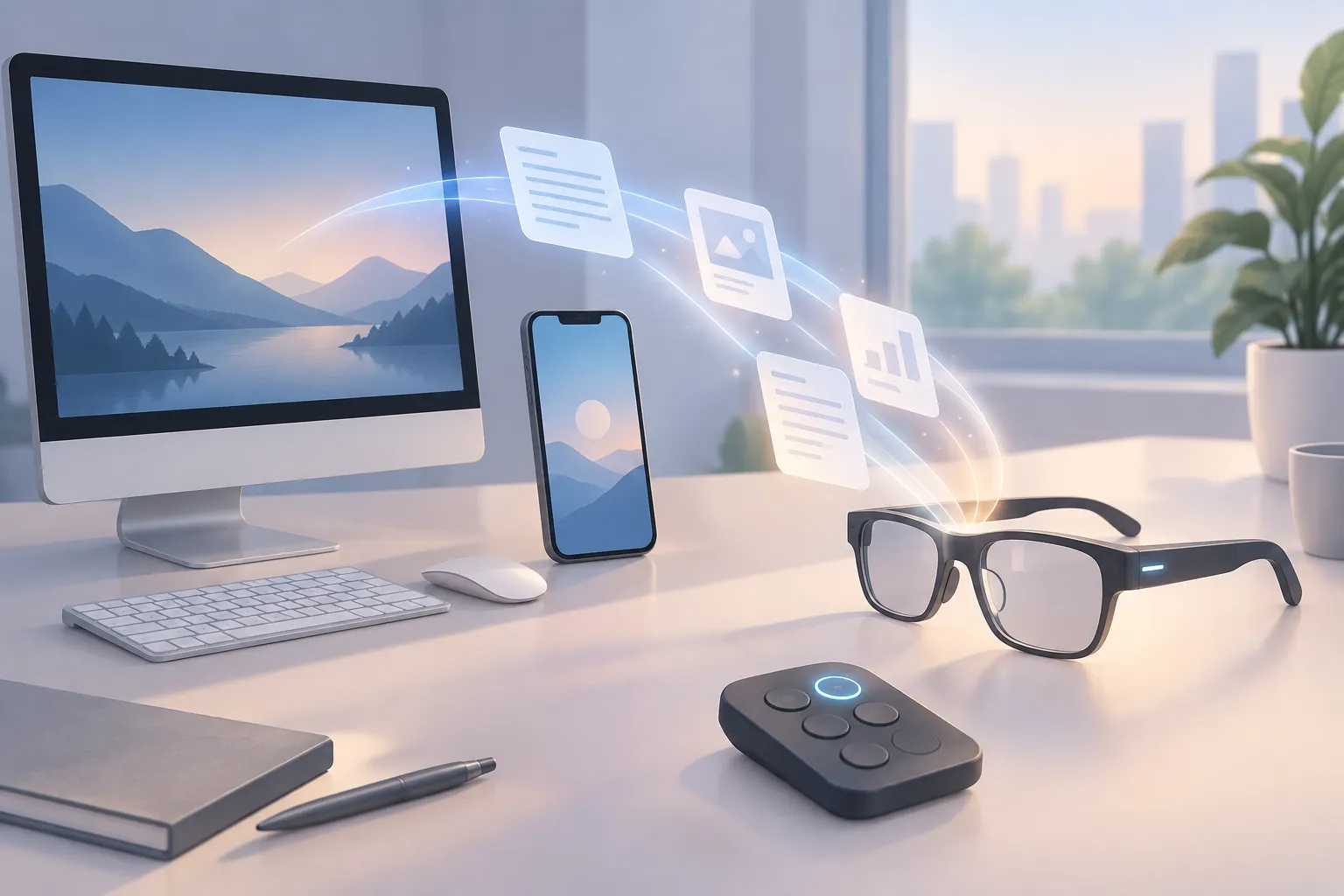
▲ Custom session path to the glasses
Speaking a prompt, then choosing to send it
For input, the setup uses Whisper speech recognition running locally on the Mac. It uses Metal, Apple’s system for accelerating computing tasks on its chips. As the user speaks, a draft transcription appears in the glasses’ heads-up display, the small display within the wearer’s field of view.
When speech stops, a 3-second countdown begins. Whisper then completes a final transcription pass and marks the text as ready to send. In one test, the interface displayed a transcription speed of 205 words per minute. That readout describes the test, not a speed users should expect from every setup.
The recognized words do not go straight to Claude Code. The user presses a controller button to place the text in the prompt input and submit it to the existing tmux session. A request to summarize the sample website produced a structured reply that appeared line by line in the glasses. Audio recognition happens on the Mac without sending the audio to an external cloud API; that describes the dictation step, not every part of the Claude Code workflow.
This separation between transcription and submission gives the user a chance to see the recognized text before acting on it. It also makes the controller more than a scrolling device: the same small set of physical controls connects spoken input to an existing computer task.
Match the display to the task
The glasses are best suited here to short text reviews, prompts and status checks. They can show a captured website screenshot in green monochrome, with controller buttons for panning and zooming, but that view cannot provide the detail or color of a phone display. The phone offers a way to inspect full-color imagery. For extended coding or complex keyboard work, the user can return to the Mac terminal without abandoning the session.
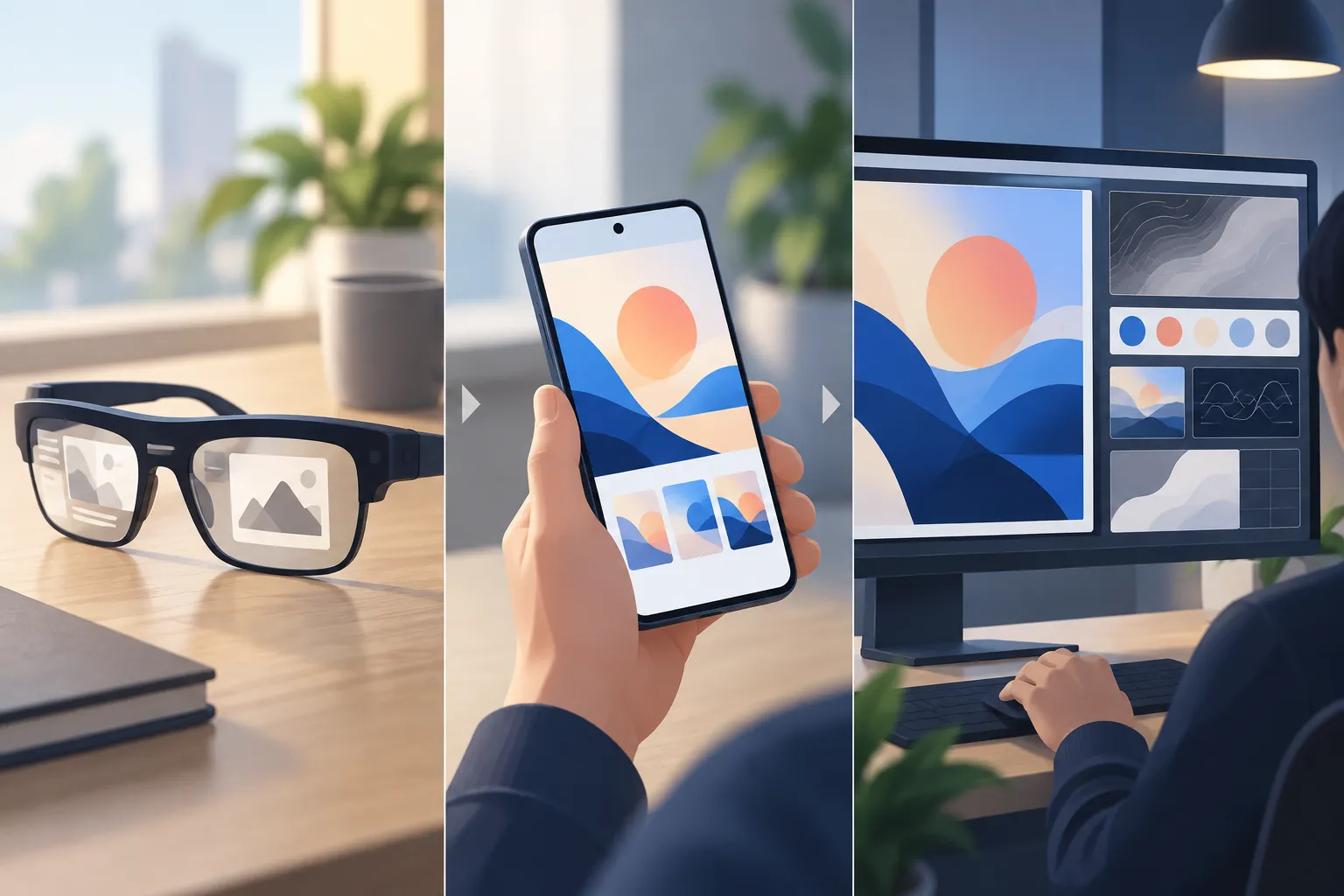
▲ Review across three displays
That progression—from glasses to phone to desktop—is the organizing idea behind the setup. It does not require every task to fit on a tiny display. It keeps quick review available away from the desk while preserving a larger screen and keyboard when the work calls for them.
What to take away
This workflow connects voice input and a glasses display to Claude Code by building around persistent session transcripts, local transcription, phone software and a custom button controller. Its appeal is the ability to check work or submit a prompt while standing or moving, then resume detailed work at the computer. Claims that it reduces fatigue or repetitive strain reflect an assessment of this personal setup, not a measured health result. Anyone considering a similar workflow should first decide which tasks fit a small text display, which need a phone, and which still belong at a desktop—and account for the custom components needed to connect them.