As AI agents take on more work across websites, Google Chrome’s role may shift from displaying pages for people to coordinating work between people and software. Chrome’s engineering and product leaders describe a browser that can support background automation while still giving users a place to read, judge, intervene, and approve.
In June 2026, traffic from automated software overtook human-generated web traffic for the first time. Company deployments of AI agents worldwide are estimated to be growing by 8,000% a year. The practical question for Chrome is what people need from a browser when software can use the web on their behalf.
Delegation does not mean leaving the browser
Chrome’s vice president of product describes web tasks as a spectrum. At one end, an agent could check calendars and prepare a morning briefing without requiring someone to follow each page it opens. In the middle, a person might ask Gemini in Chrome to explain a technical passage or compare information across several tabs, then decide what to do with the result. At the other end are experiences people want to have themselves, such as watching a video or assessing how a home looks.
The product leader argues that human judgment matters both when a task begins and when it ends: a person defines the goal and constraints, then evaluates the outcome. This is also why the browser need not become merely a hidden runtime for agents. Some research can run in the background, but other work calls for a person to take control of one tab while an agent handles others.
The leaders put time spent watching video at about 40% of browser use. That estimate reinforces their broader point: not every visit is an information-retrieval task that a summary can replace. Browsing also involves visual assessment, commentary, and personal preference.
Giving agents a clearer view of pages
For an agent to help inside a browser, it needs a usable account of what is on a page. Chrome’s engineering leader describes annotated page content, a distilled representation drawn from the browser’s layout tree. The layout tree records elements rendered on a page and their spatial relationships. Chrome can use it to convey visible content, form states, and interactive elements rather than handing a model only raw page code or an image.
This approach is intended to let agents work with existing sites without requiring developers to reorganize every page for AI. It also differs from asking an agent to repeatedly inspect screenshots and guess where to click. An agent using visual controls can, in principle, operate a broad range of interfaces, but that approach can be slow, resource-intensive, and fragile.
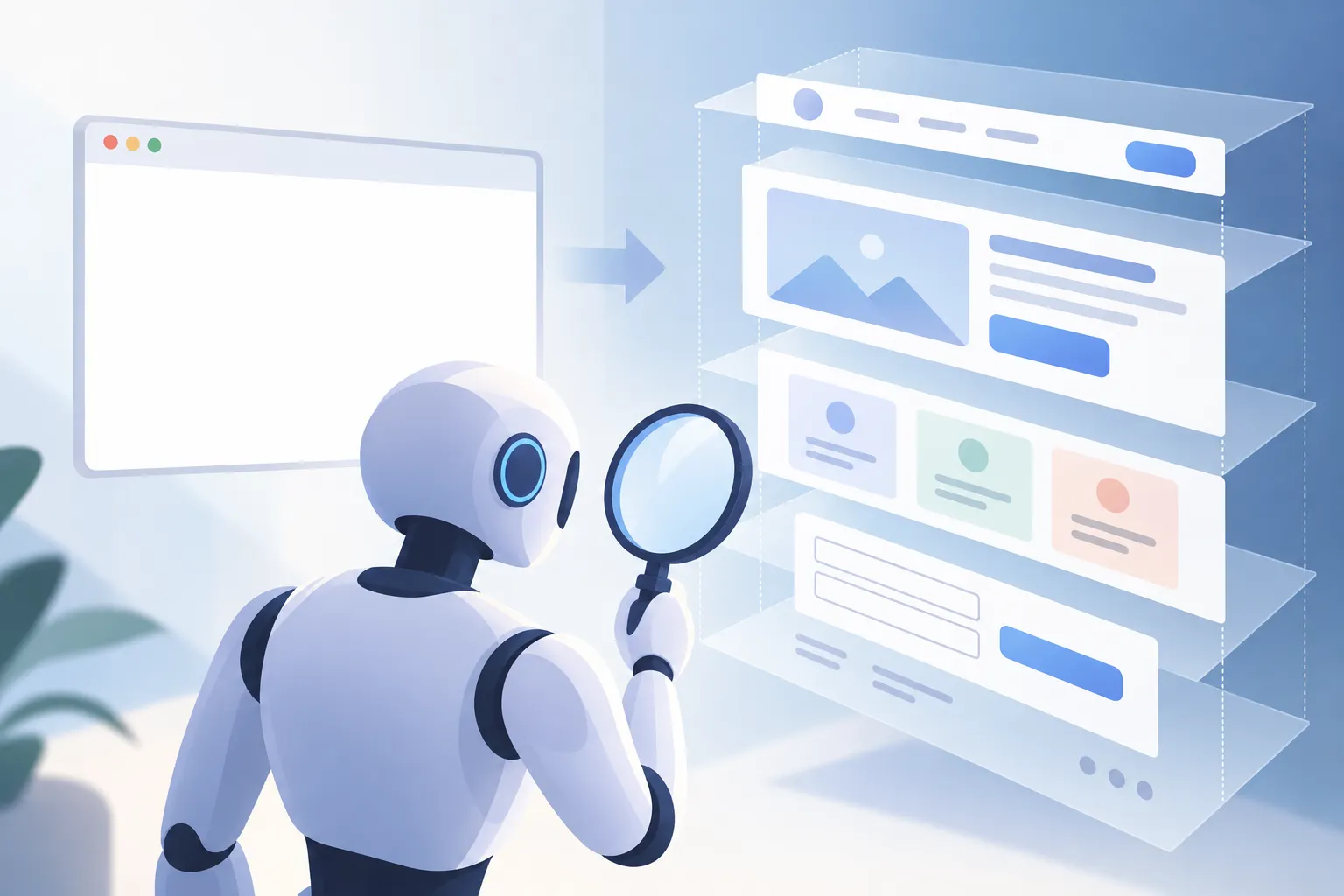
▲ Structured page context for agents
Web MCP, short for Web Model Context Protocol, offers another route. It lets a website describe available actions in plain English through a manifest, a file that lists functions an agent can call. The agent can then use exposed page functions directly instead of working out the coordinates of a button. Chrome DevTools can help developers inspect and generate these manifests.
Chrome’s leaders position Web MCP between two demanding options: having agents navigate visual interfaces for every action, or maintaining separate, custom-built APIs for them. Web MCP is in an Origin Trial, an early testing program, with about 3,200 registered participants. Developers still choose which actions to expose; the approach does not require a separate website built only for agents.
Keep the consequential step visible
A shopping task shows how those roles can fit together. An agent could search for products and assemble a 17-item cart, while the person checks its contents and makes the final payment decision. Similarly, an agent could compare openings on an external booking page with a person’s calendar, reducing manual navigation without removing the person’s ability to check the choice.

▲ Human review before checkout
Chrome’s product leader proposes judging delegation along two dimensions: the stakes of the action and the demonstrated capability of the model doing it. A low-stakes purchase does not call for the same scrutiny as a financial or otherwise consequential task. Trust may develop one task at a time rather than through a blanket decision to let an agent act independently.
The interface can support that judgment. An agent can ask for missing details before acting and show a step-by-step plan so the user can inspect what will happen before an irreversible step. The distinction is not simply between automation and manual browsing; it is between actions that can proceed in the background and decisions that deserve a checkpoint.
One web for people and agents
The engineering and product leaders favor adapting existing human-facing sites instead of building a separate web for software agents. A site may need to show people charts, descriptions, or other visual material while also exposing structured data and selected actions to an agent. Both forms of access can serve the same task, with the person returning to the page when judgment or authorization is needed.
Chrome is also developing browser-level AI tools for work that can happen on a user’s device. Web Embeddings turn text into numeric representations that support searches by meaning rather than exact wording; the described use cases include searching local documents or email collections. On-device processing can avoid a recurring cloud inference charge and keep sensitive context on the user’s machine. These developer capabilities complement, rather than replace, the visible browser where people review results.
What changes for users and developers
The emerging browser is neither a fully autonomous worker nor just a window onto websites. It can provide agents with page context and defined actions, while preserving the places where people make choices.
For users, the useful habit is to state constraints clearly, inspect an agent’s plan for multi-step work, and retain final review for consequential actions. For web developers, the immediate question is which existing site functions an agent should be able to discover and use—and where the design should return control to a person.