Yutori’s Navigator n2 shows why computer-use agents need to be judged on cost and reliability together. The 27-billion-parameter model placed first on four of five computer-use benchmarks and recorded an approximate $1.46 API cost per task on OSWorld-v2. Its design combines visual computer control, code execution and direct service calls, while a recursive training pipeline turns agent failures into new tasks.
What the benchmark numbers show
On OSWorld-v2, Navigator n2 received a 65.2% partial-accuracy score and placed a close second. The benchmark includes desktop tasks estimated to take a person one to two hours. The reported cost comparison puts n2 alongside frontier models including Claude 3.5 Sonnet, Claude Opus and GPT-4o:
| OSWorld-v2 comparison | Reported result |
|---|---|
| Navigator n2 | About $1.46 in API cost per task; 65.2% partial accuracy |
| Compared frontier models | About $15 to more than $40 in API cost per task |
At comparable accuracy, the frontier models in the comparison cost roughly 10 times as much. At an equivalent cost budget, n2 achieved more than three times their task-completion accuracy. These are benchmark comparisons, not a promised cost or success rate for every deployment. In particular, the $1.46 figure describes per-task API cost, not the compute required to train the model.
Yutori lists Navigator n2 API prices of $0.50 per million input tokens, $0.05 per million cached input tokens and $4.00 per million output tokens. A token is a unit of text processed by a model; those rates are another input for estimating a workload’s cost, but the benchmark’s per-task figure is the more direct comparison for an agent that may take many actions.
Choosing the right way to operate a computer
Navigator n2 is a computer-use agent: it can work across desktop software and browsers rather than only navigating web pages. Its central design choice is to switch methods within a task. It can inspect and operate a graphical user interface (GUI), write and run Python or shell commands for structured work, and use an application programming interface (API) when a service offers a direct software connection.
That distinction matters when a site has no useful API or when information exists only as pixels. A task run involving a 50-to-60-page scanned annual report shows the division of labor. Navigator n2 first inspected image-based financial tables through the GUI because the PDF had no text layer. It then used a terminal and Python scripts to assemble the figures and calculations into an Excel workbook. Finally, it opened the file in LibreOffice Calc and visually compared the spreadsheet with the scanned report.
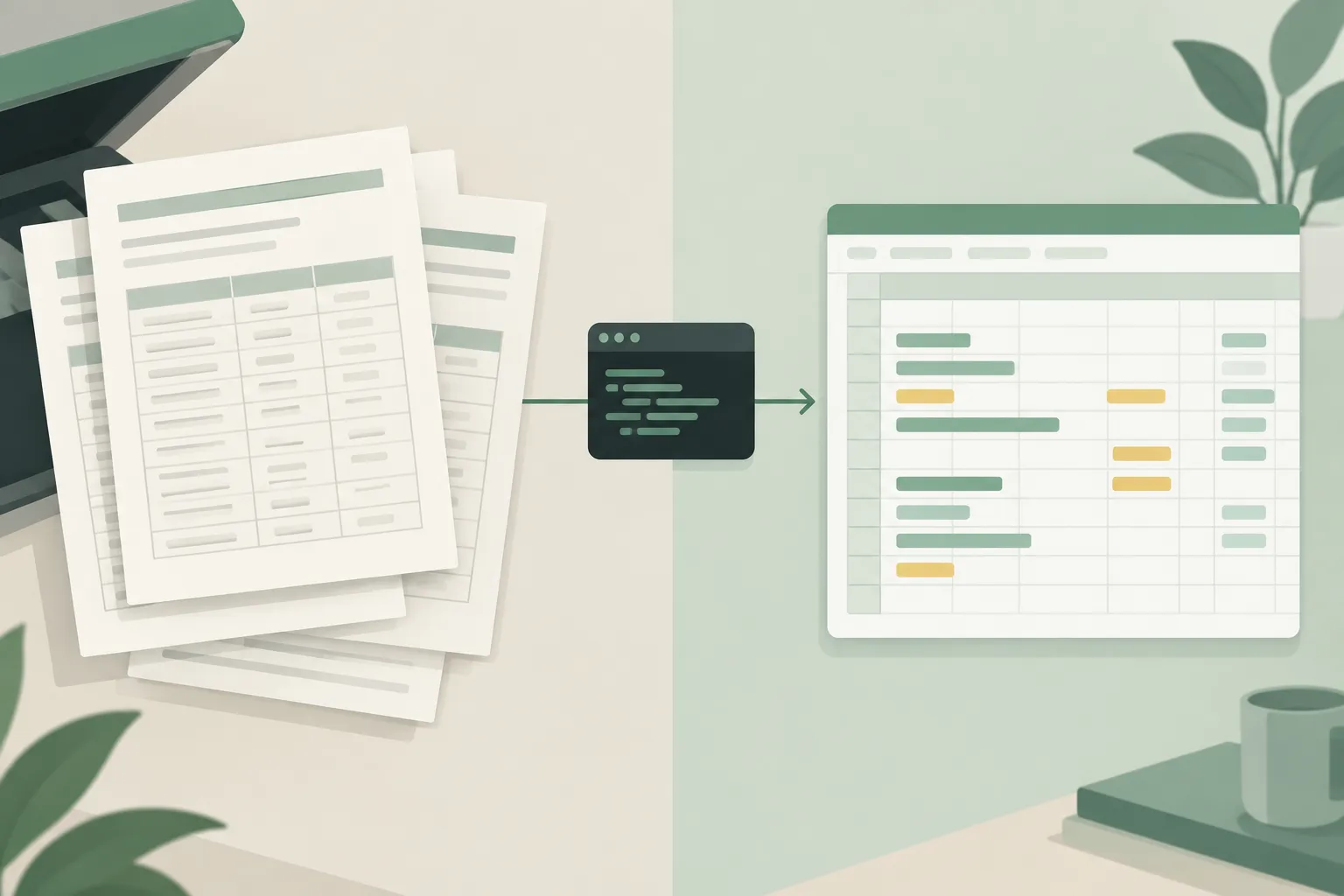
▲ From scanned report to spreadsheet
Using code for the workbook avoided cell-by-cell GUI entry, while visual inspection remained necessary at the beginning and end. The same flexibility applies to web interfaces: Navigator n2 uses both screen pixels and structured page data, so it can identify a visible control even when the page does not expose a useful accessibility entry. The point is not to eliminate clicking, but to reserve it for the parts of a task that require it.
A training loop built around real failures
The reported cost and performance results rest on more than an execution strategy. Yutori uses computer-use and coding agents throughout a recursive data pipeline, rather than limiting them to running the finished model. Over several weeks, the pipeline generated more than 10,000 verified tasks and environments across hundreds of desktop and browser applications.
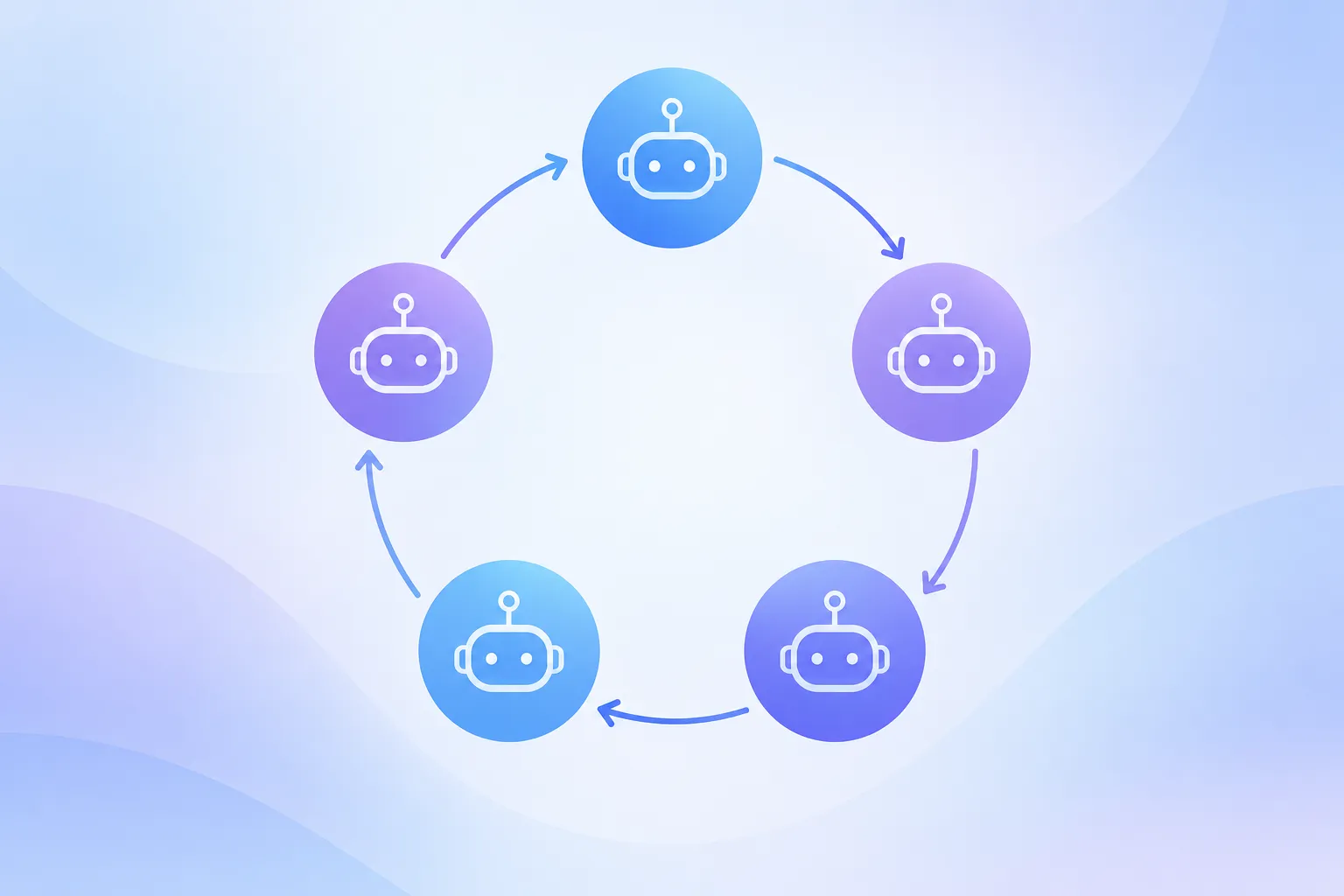
▲ Recursive task and training loop
The loop has five connected stages:
- Task creation: Agents explore actual virtual-machine environments and create tasks with scripts that check whether the intended result was achieved. A virtual machine is a software-based computer used here as a task environment.
- Stress testing: Multiple attempts probe those checks for false passes, false failures, flaws in the environment and ways to satisfy a test without completing its intent.
- Model training: Successful task runs supply examples for fine-tuning, while reinforcement learning tests and improves behavior through further attempts.
- Failure analysis: Agents group errors from completed attempts to find recurring gaps, such as weak spreadsheet scripting or slide formatting.
- Next-round generation: Those gaps guide the next set of tasks and checks.
The checks are especially important. If a faulty test rewards an incomplete result, training can strengthen the wrong behavior. Auditing successful runs and discarding questionable examples may therefore matter more than maximizing the number of examples.
From occasional success to dependable attempts
Yutori alternates two training methods. Rejection sampling fine-tuning, or RFT, trains on successful attempts selected from a larger set of runs. It develops basic skills and raises pass@k: the chance of success across multiple attempts. When an early task is too difficult to produce a successful run, a small prompt hint can help generate an example, which then needs careful auditing.
Reinforcement learning, or RL, aims to turn that potential into stronger pass@1 performance: success on the first attempt. It also exposes the agent to unexpected dialogs, crashes and delays so it can learn recovery behavior. Yutori retains a middle band of tasks for this phase, dropping those the model always completes and those it never completes. Tasks between those extremes provide more useful feedback for learning.
For the RL phase, Yutori uses asynchronous Group Relative Policy Optimization (GRPO) with the Miles framework. In this setup, task attempts run in parallel with model updates, with a limit on how old an attempt can be when training uses it. Dynamic sampling adjusts the task mix as the model improves. Yutori also trains in fp16, a 16-bit numerical format, to match its inference setup and avoid a train-versus-deployment precision mismatch.
What to check before adopting an agent
A useful evaluation should go beyond a single benchmark score. Developers and businesses can compare the cost of a completed task at their required quality level, then inspect whether the agent chooses sensible tools and recovers from errors. A lower token rate alone does not establish the cost of a workflow.
The task mix matters, too. Direct API calls may suit services that provide them; scripts may suit data transformation; GUI interaction may be unavoidable for scanned material or sites without an API. For agents that can make purchases or submit forms, spending limits and clear approval boundaries deserve attention. Responsibility for an unintended autonomous purchase remains an unresolved question, and websites may also impose bot guards that affect whether an automated workflow can operate.
The takeaway
Navigator n2’s results suggest that a specialized model can compete on demanding computer-use tasks while reducing the reported cost per benchmark task. Its training loop supplies varied, checked tasks; its execution strategy lets it use the GUI, code or an API where each fits best. Before deployment, test that combination on the actual workflows you need, measuring per-task cost, task outcomes, tool choices and error recovery—not benchmark rank alone.