A YouTube Short can move from topic research to a finished video through four distinct jobs: vidIQ supplies performance data, Claude develops the concept and prompts, Higgsfield generates the footage, and CapCut assembles clips when the format calls for editing. The workflow takes two different paths after research: a 30-second drama generated as one sequence, or a 40-second ranking video built from five separate clips.
Research the format before writing
vidIQ can connect to Claude through MCP, or Model Context Protocol, a way for Claude to access data from another service. The connection brings YouTube channel analytics, audience metrics, search keywords and competitor trends into the chat workspace. That makes it possible to look for an outlier: a Short that performs substantially better than its channel’s usual videos.
The setup follows three steps:
- In vidIQ account settings, open the MCP menu under API Keys and copy the connector URL.
- In Claude’s profile settings, open Customize and Connectors, add a custom remote MCP connector, and authenticate it with the vidIQ URL.
- Ask Claude to examine trending Shorts and identify formats with outlier results relative to their channels.

▲ vidIQ performance data connected to Claude
That search produces five candidate formats: micro-dramas, numbered rankings, quick educational how-tos, AI tool demos and before-and-after transformations. The micro-drama and ranking formats are the two selected for production entirely from generated images and video. Performance data helps narrow the choice before production; it does not turn an outlier format into a guaranteed result.
Build the drama around continuity
A generated drama works best here when its story stays in one place, follows continuous time and uses no more than two characters. Those limits address a practical problem: a single AI video generation may lose visual consistency when a script jumps between rooms or skips ahead in time. The example scene keeps a wife and husband across a kitchen island for a phone-message confrontation. Its final revelation is that the other woman is the wife’s sister.
Claude develops the premise into a 30-second script with six locked dialogue lines. Before generating motion, Higgsfield’s GPT Image 2 creates a reference sheet for each character at 16:9, high quality and 4K resolution. Each sheet shows a full-body front view, a full-body rear view and a close-up of the face against a neutral gray background. The same hair, clothing and facial features across those views give the video model a consistent visual reference.
Both sheets then go into Seedance 2.5 in Higgsfield. A single prompt specifies the actors’ positions around the island, camera angles, five hard cuts, lighting, exact dialogue and sounds such as a glass touching the countertop. The requested output is a 30-second, 9:16 vertical video at 1080p with synchronized speech and ambient audio.
This is one generation, not one unbroken camera shot. The camera changes happen within the generated sequence, while the characters remain in the same scene and timeline. The resulting example includes lip-sync, facial reactions and native sound, so it needs no timeline assembly before distribution.
Give ranking clips a different job
A ranking Short does not need to preserve characters or a shared scene across clips. Its five parts are deliberately independent. The example concept shows cats asleep in unlikely places, including a fruit bowl, a parked motorcycle’s passenger seat, a supermarket orange display, a laser printer’s paper output tray and an alleyway stair railing.
Claude drafts a separate prompt for each eight-second clip, changing the room, lighting, handheld camera movement, background noise and brief reaction from an unseen person holding the camera. Seedance 2.5 generates the clips in text-to-video mode without character sheets. The goal is an AI-generated image and sound style that resembles casual smartphone footage, rather than a polished presentation with a narrator.
Each prompt also leaves open space at the upper left and center left of the vertical frame. That space has a purpose: ranking text can appear there later without covering the cat. The spoken reactions omit countdown numbers, leaving the order of the list to the edit.
Assemble the countdown in CapCut
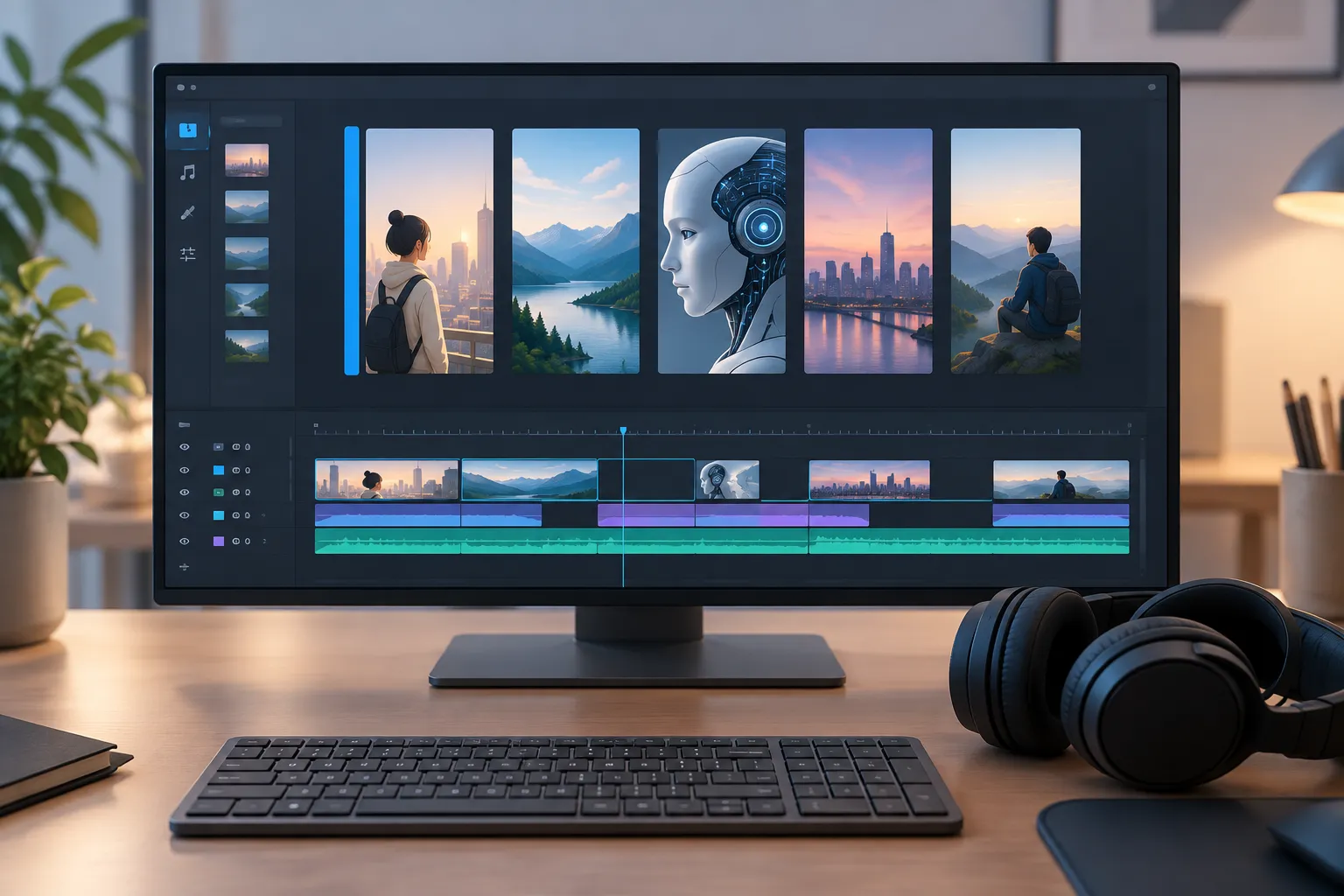
The five eight-second clips make a 40-second Short. CapCut supplies the structure that the individual generations do not have.
▲ Five-clip ranking assembly
The assembly is deliberately simple:
- Import the five clips and order them from fifth place to the final, most unusual first-place reveal.
- Join them with hard cuts. Keep each clip’s generated ambient sound and reaction; omit transitions, background music, motion reframing and speed changes.
- Place a persistent countdown along the left side. Use bold text with a thin dark outline, highlight the active item in yellow, show revealed items in white and dim upcoming items.
- Export the finished vertical video at 1080p.
The changing highlight gives the audience a visible sense of progress without interrupting the footage. Unlike the drama, this format depends on the editing timeline to turn separate generations into one piece.
Choose the production path first
Start with the vidIQ data in Claude, then decide whether the idea needs continuity or variety. For a drama, lock the setting, timeline and character references before asking Seedance 2.5 for one complete scene. For a ranking Short, generate independent clips with room for text, then build the countdown in CapCut. The tools can handle much of the production work, but the format choice and final review still matter.