Claude Code, Anthropic's command-line coding agent, can take a raw talking-head recording and turn it into a publishable cut without ever opening a video editing application. In a worked example, seven prompts entered one after another in the terminal reduced a 1 minute 53 second raw take (113.6 seconds) to a 46.5-second edit with fumbles removed, an 11-second pause shortened to a breath, captions that break at phrase boundaries, and audio normalized to YouTube's -14 LUFS target. Claude's processing time across the seven prompts was about 14 minutes. The same approach, applied to a full 38-minute recording, produced a 17-minute published video, replacing what had previously been 1.5 to 2 days of manual editing.
The important lesson is not that the tool can do this, but how it has to be asked. A single "just edit it" prompt produces a cut that looks right and is quietly wrong. The workflow below breaks the job into small steps, writes the rules in plain text files, and forces a verification after every operation.
Why one prompt is not enough
The tempting shortcut is a single line such as "cut the dead air and the retakes out of raw.mp4 and save it as edited.mp4." Claude Code will inspect the file, extract the audio, run a transcription, look for retake marker phrases, and write a new video. The retakes and fumbles do disappear.
Measuring the output tells a different story. The integrated loudness of the one-shot edit came out at -22.2 LUFS, roughly 8 dB quieter than YouTube's -14 LUFS delivery standard. LUFS (Loudness Units relative to Full Scale) is a measure of how loud audio sounds to a listener. Just as important, the one-liner leaves nothing behind: no cut list, no verified transcript, no way to see which decisions the model made or why.
Earlier automated attempts showed what that lack of a paper trail costs. In one run, the Whisper speech recognition model silently dropped the final 18 seconds of speech, and Claude still reported the job as fully passed. In another, the picture and the audio were trimmed at slightly different points, so the sound ran about two frames ahead of the lips, and the model's own self-check approved the result. Watching every second of every edit to catch such problems would cancel the time savings that automation is meant to deliver.
The fix has two parts: put editing rules in files the agent reads fresh on every run, and add a self-checking sentence to every prompt so the agent must prove its work instead of asserting it.

▲ Seven prompt stages with an audit file at each step
Step 0: Set up the tools
The workflow starts in an empty folder with a prompt that asks Claude Code to inspect the system and install only what is missing. Running Claude Code in safe mode keeps personal settings, hooks and plugins from interfering with a clean setup.
The setup checks for FFmpeg and FFprobe (the open-source tools that cut, convert and analyze media files) and Python 3, then creates an isolated virtual environment folder named .venv so nothing touches the system's global Python installation. For transcription it detects the hardware and installs mlx-whisper on Apple Silicon Macs or faster-whisper on Intel Macs and Windows. Whisper, OpenAI's speech-to-text model, acts as the ears of the pipeline: it produces start and end timestamps for every word, which is what lets the agent know exactly where speech stops and starts. The large-v3-turbo model download is about 1.5 GB and takes several minutes, after which an automated test script confirms it works.
The setup also installs HyperFrames, a free, open-source framework from HeyGen that renders HTML, CSS and SVG into frame-by-frame video assets such as title cards, lower thirds and callouts. It requires Node.js version 22 or higher. A quick confirmation renders a 2-second black test card with the word "Ready" in the center, proving the rendering path works before any real editing begins. In the longer 38-minute project, Claude Opus 5.5 wrote the web pages for 61 individual animated design frames through HyperFrames.
Step 1: Write the rules in Markdown
Each project gets its own folder with the source file named raw.mp4. One prompt asks Claude Code to write two configuration files from a plain English description:
- rules.md sets the pacing policy. Pauses longer than 1.0 second are trimmed to a brief breath, gaps between adjacent words are capped at 0.3 seconds, repeated takes are cut so only the final take survives, and false starts, ums and uhs are dropped.
- names.md is an authoritative spelling dictionary for proper nouns that speech recognition tends to mangle, such as a personal name, a brand name and the product name Claude Code.
Because Claude Code re-reads rules.md on every execution, changing the feel of a whole project means editing one line of text rather than re-prompting.
Step 2: Transcribe and verify coverage
The second prompt transcribes raw.mp4 with Whisper large-v3-turbo inside the .venv environment and saves transcript.json, which holds timestamps for every detected word. The prompt explicitly warns the agent that Whisper can hallucinate words or drop phrases, and asks it to check the audio: every stretch where the waveform shows speech must correspond to transcribed text.
Misheard names are deliberately left uncorrected at this stage. Keeping the raw errors in transcript.json means later steps can document the corrections instead of silently masking them.
Step 3: Cut dead air by sound, not by words
The third prompt trims silence from raw.mp4 using rules.md and transcript.json, with one critical instruction: find pause boundaries from the actual audio loudness, not from Whisper's word timings alone. Word boundaries from a speech model can stretch across silent gaps, while measuring the waveform pinpoints where the voice actually stops.
Claude writes and runs a Python script, cut.py, that applies the silence thresholds, records every cut in cuts.json, and renders an intermediate file named tight.mp4. The prompt also requires that picture and audio be cut on exactly the same frame, which prevents the two-frame drift seen in earlier runs. In the sample, this step is where an 11-second gap between takes became a 0.3-second breath.
Step 4: Remove retakes and produce an audit log
Step four works on tight.mp4 and removes repeated takes, false starts and filler, keeping only the final take whenever a line is spoken more than once. A spoken marker word such as "retake" tells the agent to discard the bad take that precedes the marker.
Verification here is a second transcription. Claude re-transcribes the new cut.mp4 and checks the text for lingering duplicates, which is the only automated way to be sure a leftover take does not reach the export. One earlier project went out with duplicate spoken lines because this second pass did not exist. Every action is then written to cuts.md with the timestamp range, the removed words and the reason for each cut. A person can review that file in seconds instead of watching the whole video.
Step 5: Fix names and format captions
The fifth prompt applies names.md to correct transcription errors, for example turning "CloudCode" back into Claude Code, and generates captions.srt. Captions are written as short lines that break where grammatical phrases end rather than mid-clause, which matters because many people watch with the sound off.
When the agent hits an ambiguous phrase, such as "probably a way back" versus "a way back," it asks for a decision rather than guessing. Any newly confirmed spelling is appended to names.md so the next project starts smarter.
Step 6: Normalize loudness and assemble
The final prompt turns cut.mp4 into edited.mp4 with mastered audio: integrated loudness at -14 LUFS to match YouTube's target, and true peaks held below -1.5 dBTP (decibels true peak, a ceiling that prevents clipping and distortion). In the sample, loudness moved from -22.6 LUFS to -14.0 LUFS and the true peak landed at -2.1 dBTP.
Captions are embedded as a soft subtitle track inside edited.mp4 and also kept as a separate captions.srt file. YouTube frequently ignores embedded MP4 subtitle tracks, so the standalone file still needs to be uploaded. Claude closes with a summary report comparing input and output durations, loudness and peak measurements.
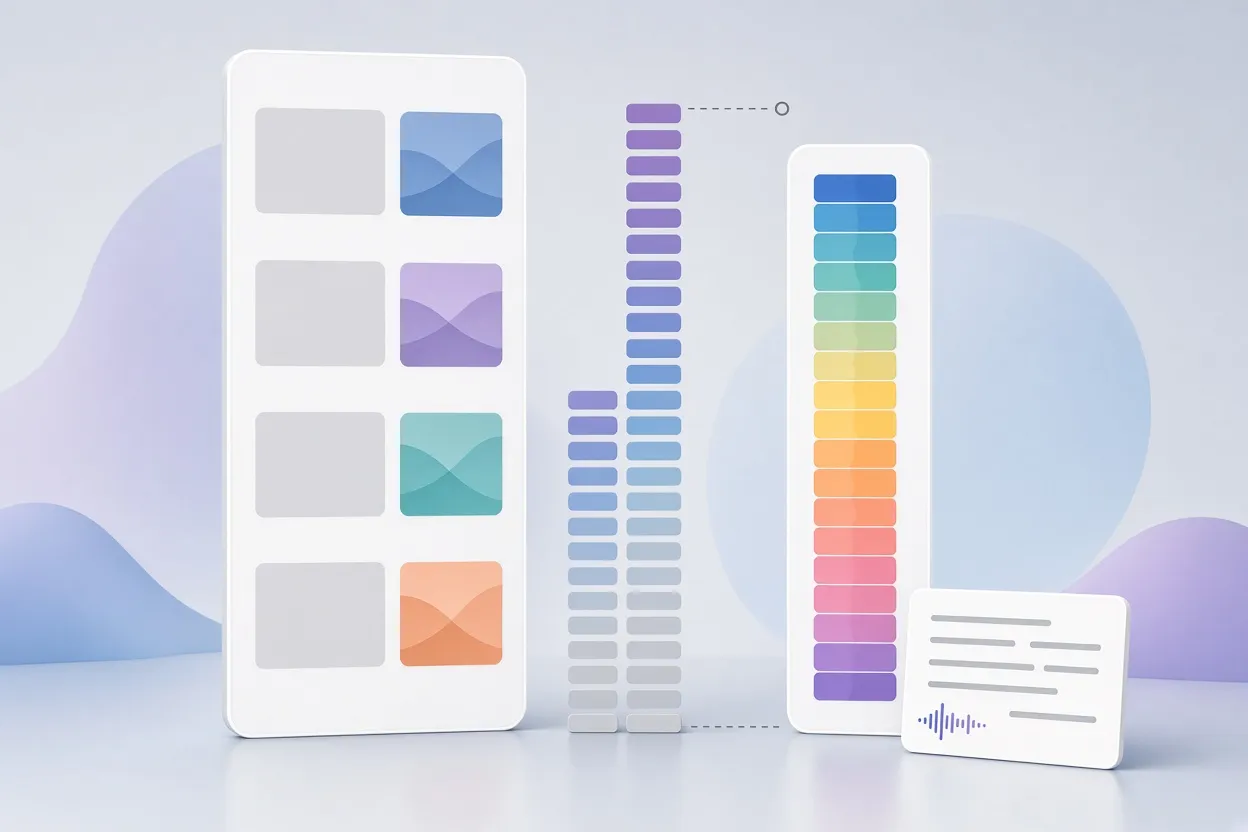
▲ Raw take versus trimmed, leveled, captioned cut
What the seven prompts produced
| Measure | Before | After |
|---|---|---|
| Duration | 1:53 (113.6 s) | 0:46 (46.5 s), about 59 percent shorter |
| Longest pause | 11 seconds | 0.3-second breath |
| Integrated loudness | -22.6 LUFS | -14.0 LUFS |
| True peak | not reported | -2.1 dBTP (ceiling -1.5 dBTP) |
| Captions | none | captions.srt with phrase-boundary line breaks |
| Audit files | none | rules.md, names.md, transcript.json, cuts.json, cuts.md |
Processing time varies a little between runs because Claude writes a fresh Python script each time rather than running fixed code. For the full-length project, the overall shift was from a day of hands-on editing to about 4.5 hours of unattended machine time. A standard Pro subscription may be enough for short clips, but anyone processing long-form videos will likely need a Max plan.
Beyond the clean cut
Steps 0 through 6 give a clean, correctly leveled, captioned video. The same architecture extends to seven more stages that handle brand style, pacing, storyboards, design frames, music, learning from corrections, and publishing. A few of those ideas apply even to a small setup:
- A single frame.md style file (three colors and two fonts is a reasonable start) so every generated graphic matches.
- A text storyboard reviewed and approved before anything is rendered, since fixing a plan takes a minute while re-rendering wastes time and tokens.
- Independent inspector agents, on the principle that the model that generated an asset is the worst judge of it.
- A preferences file that records every approved or rejected cut so the agent stops asking the same questions. In one project run, a pacing report flagged 16 candidate cuts and resolved 5 of them automatically from past decisions. A privacy pass scanned 2,086 rendered frames by OCR for leaked API keys, names or email addresses and found none.
What a solo creator should do
The method appears well suited to anyone publishing talking-head or screen-recorded videos without an editor, provided they accept the discipline it demands. The practical order is:
- Install FFmpeg, FFprobe, Python 3 in a .venv, the right Whisper variant for your hardware, and Node.js 22 or newer for HyperFrames. Render the 2-second test card.
- Write rules.md and names.md before touching footage, and add a line to every prompt that requires the agent to verify its output.
- Transcribe, then cut silence by audio loudness with picture and sound on the same frame.
- Remove retakes, re-transcribe to confirm, and read cuts.md instead of rewatching.
- Correct names, format captions at phrase boundaries, and keep captions.srt as a separate upload.
- Normalize to -14 LUFS with a -1.5 dBTP ceiling and check the final report.
Resist the one-line shortcut. It saves one prompt and costs you the ability to trust the result.