HarnessRouter puts multiple AI agent harnesses in one locally hosted console. A harness is the software that gives an AI model access to tools, files and a way to carry out multistep work. Instead of setting up Claude Code, Codex or Gemini CLI separately for each comparison, a developer can select a harness for a task in the same workspace. Expense auditing, database charts and presentation slides illustrate what that arrangement can support.
One expense file, two harnesses
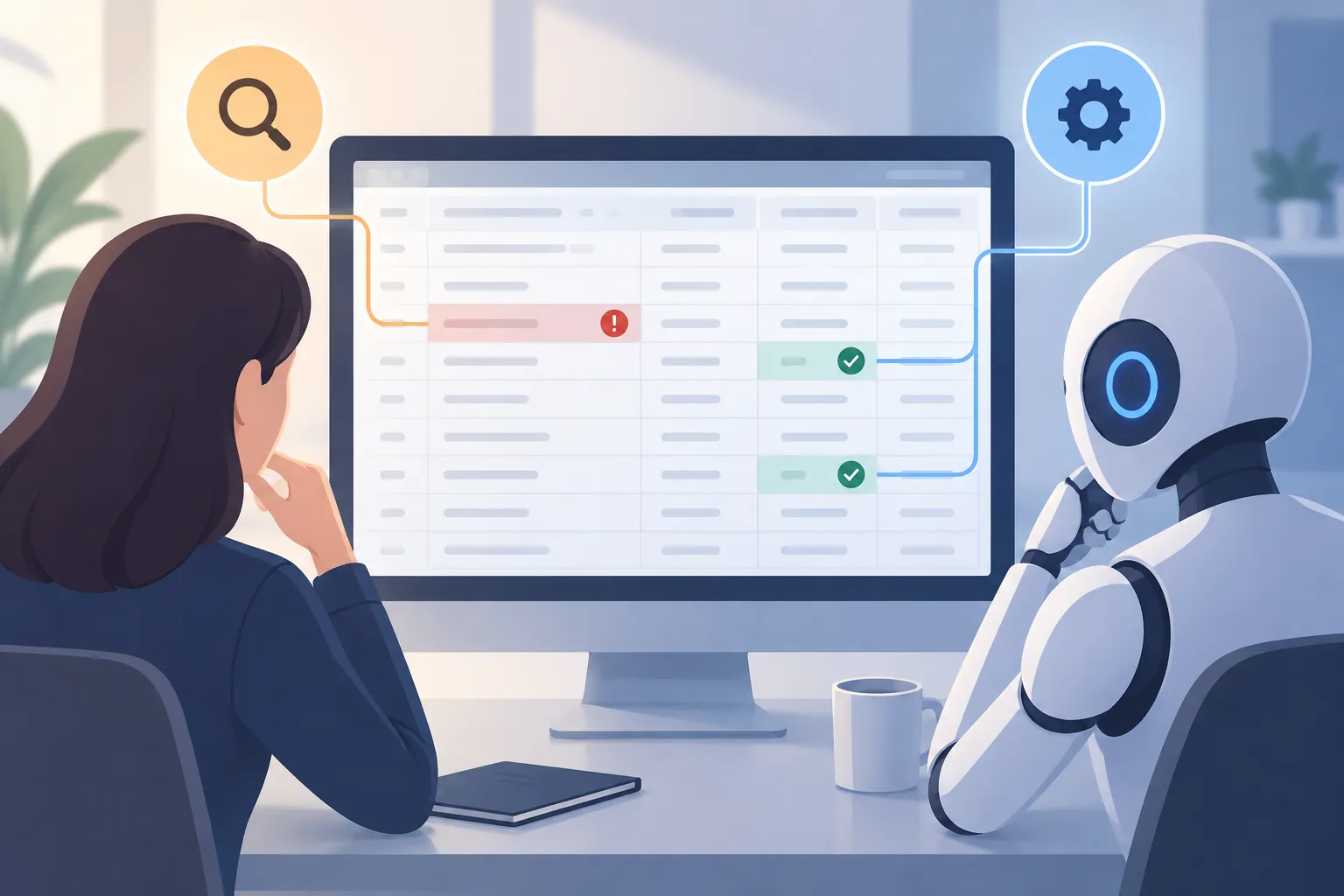
An expense test used a spreadsheet with 34 entries and seven deliberately planted policy issues. The rules required manager authorization for meals above $75, receipts for expenses above $25 and no duplicate claims. That made the expected findings clear before any agent examined the file.
▲ Two harnesses reviewing an expense ledger
Gemini CLI, paired with the gemini-3.8-flash model, inspected the spreadsheet through 61 tool calls. It produced an updated file with a review column and a separate written summary. The result flagged seven rows totaling $487.65, matching the planted issues. HarnessRouter also retained an audit trail of the tool commands, so the result did not have to stand alone as an unexplained answer.
The same file, prompt and model were then run through Pi. It identified the same seven rows without a separate setup for that harness. This is the practical advantage of switching in one console: a team can compare how different harnesses handle a task without changing the underlying model or preparing the input again.
The audit also pointed out two employees who each claimed the same $42.80 taxi fare on the same date, and it inferred that they had likely shared a cab. Flagging both claims would bring the review list to eight rows and $530.45. That distinction matters: the seven planted issues had a known answer, while the extra entry called for a judgment about the claims. Users can inspect the file and audit trail before accepting a flag.
For recurring reviews, a custom harness based on Gemini CLI can store the expense rules in a CLAUDE.md instruction file. Once configured, a new report can be uploaded with a short request rather than a fresh copy of the policy each time.
Why switching the harness matters
A model can generate a response, but the harness determines how it reaches files, uses tools and completes a workflow. Harness choice can therefore affect the result even when the model stays fixed.
A project benchmark used the same language model on 50 spreadsheet evaluation tasks across four harnesses:
| Result | Highest-performing harness | Lowest-performing harness |
|---|---|---|
| Task success rate | 85% | 77% |
| Time to complete the workload | About half as long | Comparison point |
Those figures describe this benchmark, not a guarantee for every task. They provide a reason to test a harness with the files and outputs that matter to a particular workflow. The expense comparison offers a smaller example: two harnesses reached the same known result, while the shared console made their work easier to examine side by side.
A local console with provider keys
HarnessRouter is free, open source and self-hosted. Docker Desktop runs its software container on a local computer, and a single Docker command starts the service on local port 3000. The setup uses a persistent Docker volume to retain harness configurations. After the service reports that it is ready, the console opens in a browser on that port.
The console lists harnesses including Claude Code, Codex, Gemini CLI, Hermes, Pi and OpenCode. It displays operational measures such as status, task counts and success rates. Users can also configure plugins for tools such as a browser, GitHub and Vercel.
The local console does not eliminate the need for model access. Under Bring Your Own Key, users supply an API key—a credential for a model provider—such as one from Google AI Studio or OpenRouter. The project itself is free; its demonstrated model connections use those user-supplied keys.
From database records to charts and slides
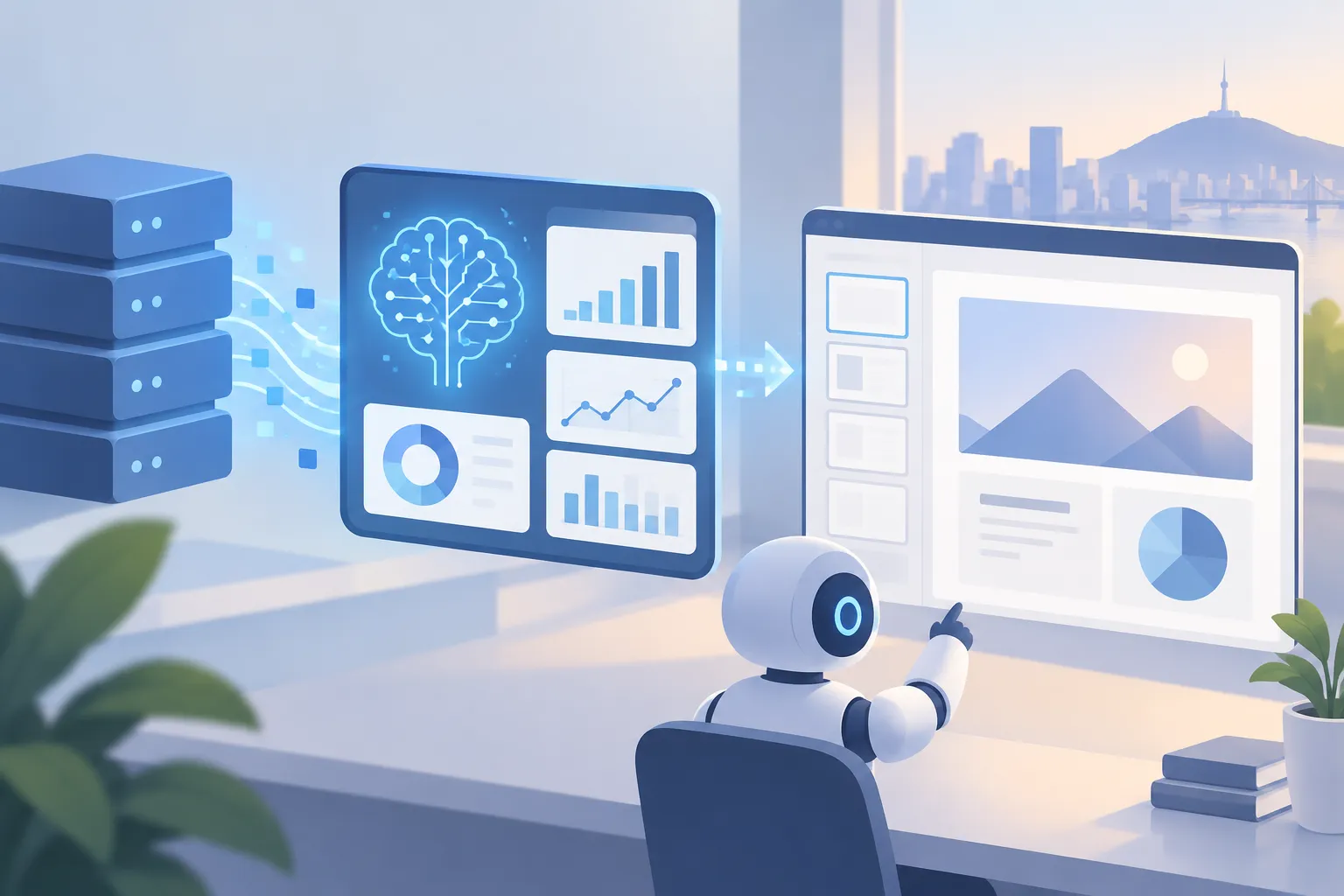
Starter kits extend the same workspace beyond file review. In one dashboard task, Hermes used deepseek-v4-pro to work with a PostgreSQL retail database containing four tables. PostgreSQL is the database system holding the records. Given a request for 12 months of revenue trends, five leading products and regional breakdowns, the agent examined the table layouts, ran database queries and built interactive charts in under two minutes.
▲ Database analysis and editable slides
The resulting dashboard reported $1,482,393 in revenue from 5,705 completed orders, with an average order value of $259.84. Its reported totals matched the underlying database records in this run. These are figures from the example retail database, not expected results for another business.
A Slides starter kit used Hermes to create a five-slide executive deck from the retail metrics in about two minutes. The deck included revenue drivers and potential concerns, including Northeast monthly revenue below $9,000 in June, July and August, and a product return rate of 29.6% against a 4% to 6% baseline. The slides remained editable in the interface, so the generated presentation could be revised by hand.
What to try first
HarnessRouter’s main benefit is a common place to select a harness, run a task and inspect what happened. Developers with Docker Desktop and their own provider keys can start with a file that has known answers, compare harnesses using the same model and review the resulting files and audit trail. If the task repeats, they can save its rules in a custom harness; if it draws on database records, they can check generated charts and slides against those records before using them.