A coding agent designed in response to friction with Claude Code puts a reviewing agent between the developer and the agent writing code. The reviewer can keep a task moving through planning, implementation and checks without waiting for a new human prompt after every response. A server holds the sessions and runs the work, so the local terminal does not have to stay healthy for a task to continue. A feature run shows the workflow in action, including where human judgment still matters.
From a spoken request to a coding task
The workflow starts with a Kanban board, a task board that moves cards through stages. Its fixed columns are backlog, plan, in progress, blocked and done. That limited structure is intentional: instead of letting developers configure many custom statuses and automations, the system gives coding agents a predictable route through a task.
In one run, a spoken request created card 26 for colored Git status dots in the /resume session list. Red meant not pushed, yellow meant not merged, and green meant merged. The voice assistant did more than transcribe the request: it created a card with a user story, requirements and test criteria, then opened it for review. With auto plan and auto build enabled, moving the card to the planning column started code inspection and plan drafting. Those switches determine whether planning and building begin automatically as a card advances.
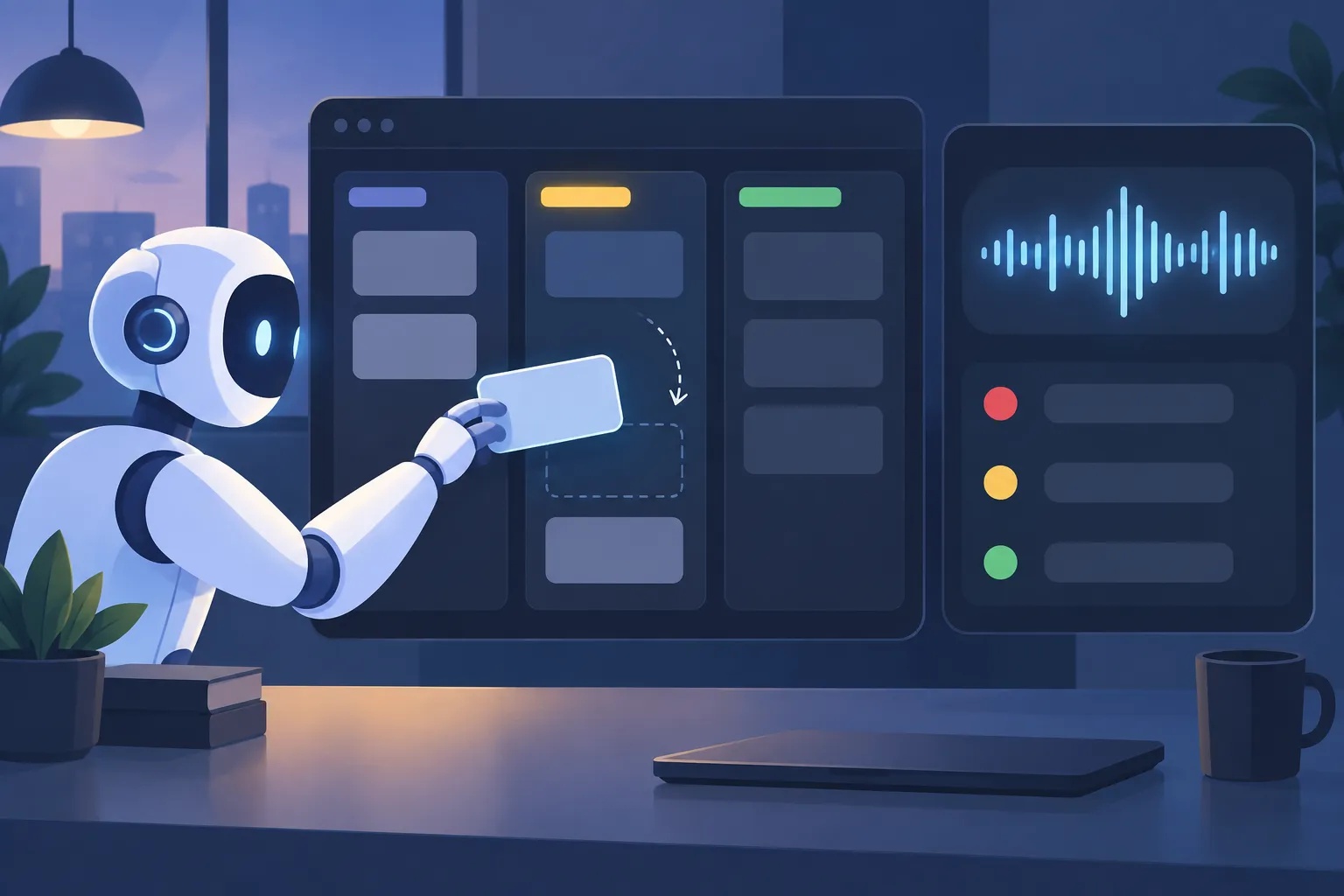
▲ Voice-driven tasks and session states
The same voice controls could open the board and navigate past work. In a separate lookup, a request for an ASCII icon discussion from 16 hours earlier brought up the matching session and its terminal context. That is a concrete use for voice beyond dictation, though it does not establish how reliably retrieval would work across every session.
How the review loop and server fit together
In the turn-by-turn workflow this system aims to improve, a developer reads an agent’s response, evaluates it and writes the next prompt. Here, the developer defines the task requirements first. A reviewing agent then examines the coding agent’s progress, can reject a plan that misses the requirements and prompts further work until the completion criteria are met. Ambiguous trade-offs can still go back to the developer rather than being settled silently by the agents.
A command-line interface, or CLI, provides the terminal controls, but the sessions and chat history live on a central server. The design allows a task started at one terminal to be resumed from another machine or through Telegram. The /resume view lists sessions and their Git states, and developers can switch between concurrent sessions with the Tab key.
Each coding session runs in its own Docker container—an isolated environment with its own tools and dependencies—and uses a separate Git branch, a parallel line of code changes. File reads, edits and commands take place in that server-side workspace rather than directly in the developer’s local working tree. Standardizing the environment is meant to reduce differences in available utilities between client devices. It also lets separate tasks proceed without having agents edit the same local files at once.
A terminal crash tested the separation
While card PHA-26 was active, the React-based terminal interface crashed with a “Maximum update depth exceeded” error. The CLI had a real fault, but the coding task kept running on the server. Reopening the interface restored access to the ongoing session.
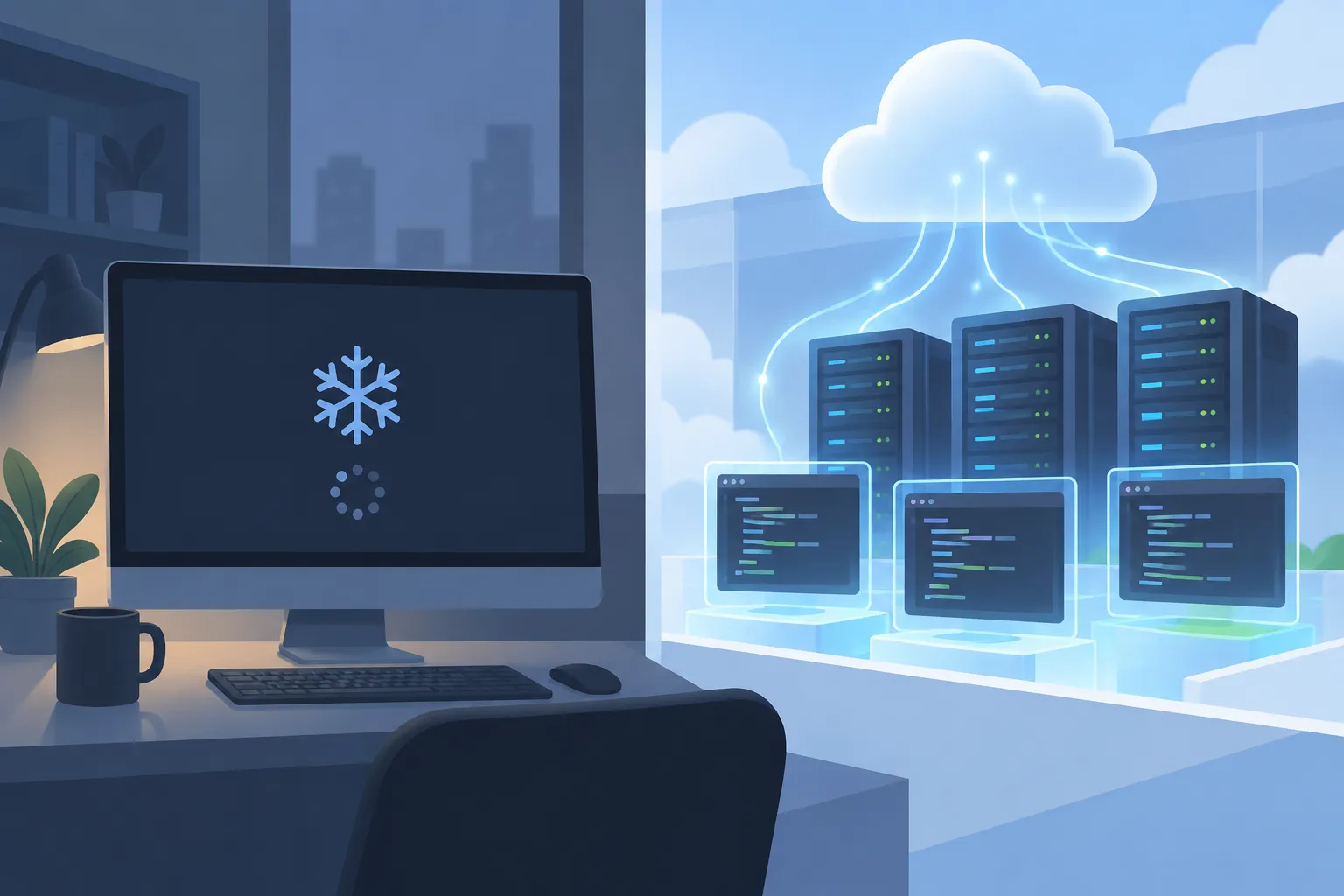
▲ Coding work continues after a terminal crash
That incident provides a narrow but useful test of the architecture: this particular interface crash did not stop this particular background job. It does not show that every server failure or interruption would be harmless. It does show why separating a long-running coding process from its terminal view can matter during ordinary development.
The feature task subsequently ran 337 tests. Of those, 334 passed and three failed; the three failures were identified as existing baseline failures. The result is more informative than calling the run simply successful or unsuccessful: the requested change reached verification, but the reported test suite was not entirely green.
What happened after the code was written
Once the finished card moved toward completion, an automated Git synchronization routine took over. The system pulled upstream changes, integrated the task branch and pushed the result. A GitHub commit, 5cca2fa, showed the status-indicator change across five files. A later /resume view displayed session histories with merge states and the colored dots, making the feature visible in the workflow it was meant to improve.
The integration process is designed to account for changes made upstream while an agent works. If it cannot reconcile a conflict, it marks the task blocked for human intervention rather than treating the merge as complete. The feature run demonstrates a completed sync, not that concurrent branch conflicts can always be resolved automatically.
Two agents—the reviewer and the coding agent—also share six decision principles. They are directed to inspect existing code before changing it, look for established approaches before building their own, justify added complexity, test assumptions, stay within the requested scope and consider the end-user experience. These principles can pull in different directions. A simpler implementation, for example, may not deliver the requested interface behavior; the design calls for such unresolved choices to reach the developer.
What to take from the workflow
The clearest improvement shown here is continuity: a task moved from a spoken request to a card, a plan, code checks and a Git commit, and it survived a local terminal crash along the way. The trade-off is a prescribed board and workflow rather than extensive customization. The test failures, possible merge conflicts and need for human approval also remain part of the process.
For a similar coding workflow, start by defining requirements and test criteria on each task. Keep long-running execution separate from the terminal interface, isolate parallel branches, and check test results and merge states before accepting a completed task. Use automatic planning and building where continuous progress helps, but keep a clear path for a person to resolve ambiguity or a blocked integration.