An AI agent, meaning an AI system that carries out tasks for a person instead of only writing text, runs on the same kind of language model as a chatbot. What changes is the access people hand it: inboxes, calendars, files and photo libraries. That access raises the stakes of prompt injection, in which instructions planted in content the AI reads pull it away from its task. The most useful safety habit for an ordinary user is to give an agent only what the task requires.
From writing text to taking action
The piece that makes action possible is the connector. A connector is an access permission that plugs an AI assistant into another application or account. It lets the model pull your data into its working text without manual exporting, and it lets the model trigger actions inside that application on your behalf.
ChatGPT, Claude and Gemini each offer connectors, though not every tool connects to all three. The range is wide:
- Communication and scheduling tools such as Gmail, Google Calendar, Microsoft Outlook, Slack, Microsoft Teams and Zoom
- File and office tools such as Google Drive, Microsoft OneDrive, Microsoft SharePoint, Microsoft Word, Microsoft Excel and Microsoft PowerPoint
- Project tools such as Airtable, Jira, Confluence, Asana and Smartsheet
- Research sources such as PubMed, bioRxiv, Elicit and Consensus
- Design and development tools such as Figma, Autodesk Fusion and GitHub
A simple case shows the difference. Suppose you want help softening the tone of an email that gives a coworker critical feedback.
| Setup | What you do | What the AI does |
|---|---|---|
| No connector | Six steps: copy the coworker's email into the chat, copy your draft, ask for a revision, review it, paste it back, press send | Revises the text |
| Connector with review | Three steps: ask the AI to find the email and draft and revise, check the revision, send it yourself | Finds, reads and revises |
| Connector, fully delegated | One command | Finds, reads, revises and sends |
The third option is living a little more dangerously, because the person no longer checks anything before the message goes out. The working distinction is functional: generative AI concentrates on creating content, and agentic AI concentrates on taking actions.
The model stays the same
The term "agentic AI" can make the technology sound more mysterious or more powerful than it is. The underlying model does not change. It still predicts the next token, a small chunk of text, one at a time. Connectors do not alter the model's training or its core mechanism.
What changes is the kind of text the model produces. Instead of prose for a person, it writes a short structured request in JSON, a text format that software can read reliably. Turning on a connector automatically adds instructions to the model's context window, the working text it reads before responding. Those instructions list the available tools, their parameter names and the exact format a request must follow.
Take the question "What should I wear today?" The model recognizes that a good answer needs weather data. It writes a request naming a tool called get_weather with the location San Francisco, CA. A layer of software intercepts that request before the user sees it. Call this layer the connector manager, a descriptive label and not an industry term. It sends the request to a weather service and puts the reply, cold fog, back into the context window. The model runs again over the updated text and writes an ordinary sentence recommending a fleece.
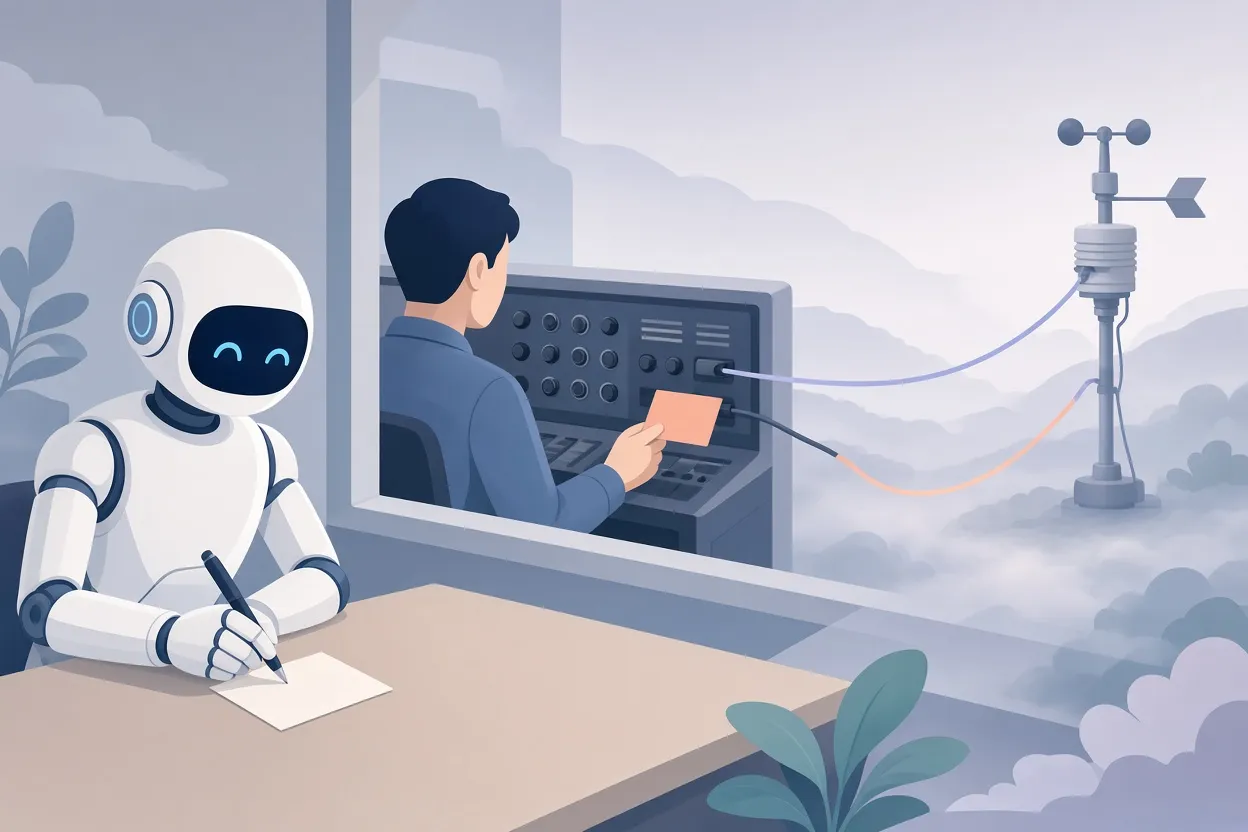
▲ How a tool request reaches an outside service
The model itself never touches the outside world. It outputs formatted instructions, and the surrounding software carries them out. The arrangement in which models send these structured messages to outside software is formalized as the Model Context Protocol, or MCP. The services that receive the messages are called MCP servers. Using connectors does not require a deep understanding of MCP, but the term is now common in industry branding.
Because the model works by probability, it can get details wrong. It might ask for a tool called check_weather when the real one is get_weather. The connector cannot resolve a request like that, so the system has to notice the error and recover.
Seven parts of an agent
A well-defined agent reads like a detailed scope of work. Consider one that schedules a team dinner.
- Goal: a confirmed reservation on the calendar that everyone can attend.
- Context: who is on the team, working hours, dietary needs and the kind of restaurant wanted.
- Tools: calendar connectors and messaging connectors such as Slack or email.
- Permissions: whether the agent may read everyone's availability freely, and whether it needs approval before messaging people.
- Memory: whether it remembers past dinners and preferences or starts fresh each time.
- Actions: check availability, draft an invitation, send it, track replies and try another date if there is a conflict.
- Stopping conditions: success, meaning a confirmed booking, or a failure limit, such as handing the task to a person after three failed attempts.
Stopping conditions are the newest and most critical item for people used to chat. An agent works in a loop: it analyzes the context, acts by issuing a tool request, observes the result and goes around again. Without a clear stopping point, the loop can run indefinitely. Observation also happens at two levels: whether the request technically succeeded, and whether the returned data serves the goal.
How much the person stays involved
Every agent design answers two questions: when the person is informed, and when the person has authority to approve or block a step. With no connector, the person is in every step. With a connector and review, the mechanical work goes away but the person still approves before anything is sent. In the fully delegated version, human involvement disappears.
Human review remains valuable even in sophisticated setups. In a pattern developed by a Google Distinguished Engineer for large software projects, one agent interviews the person for 30 to 40 minutes and writes a four-to-six-page scope of work. Fresh agents with no background then test whether that document stands on its own. The loop could run without people, yet the recommended practice keeps a human in it to dismiss trivial questions and to review the final document before any implementation begins.
Asking what the worst outcome could be
A useful exercise is to think like an especially pessimistic chief information security officer and ask one question of any agent: what is the worst that could happen? Three hypothetical agents show how the exercise works.
- A dorm maintenance reporter. It can view all phone photos and send email through Microsoft Outlook. It finds photos of a leaking window, emails facilities and waits up to 24 hours for a reply.
- A job hunt assistant. It reads and sends LinkedIn messages, searches the web for background on companies and runs for one month.
- A disk cleanup agent. It can read and permanently delete any file on a laptop, and it removes Downloads files untouched for six months until storage drops below a target.
The failure modes are easy to find. The cleanup agent could delete application or system files that have not been modified in six months only because they are run, never edited. It could also erase something irreplaceable, such as the only copy of a photo with a grandparent who has since died. The maintenance agent could email the wrong room details every 24 hours, wasting staff time, or write follow-ups that read as hostile. With access to an entire photo library, it could attach a picture of a passport page to a work order.
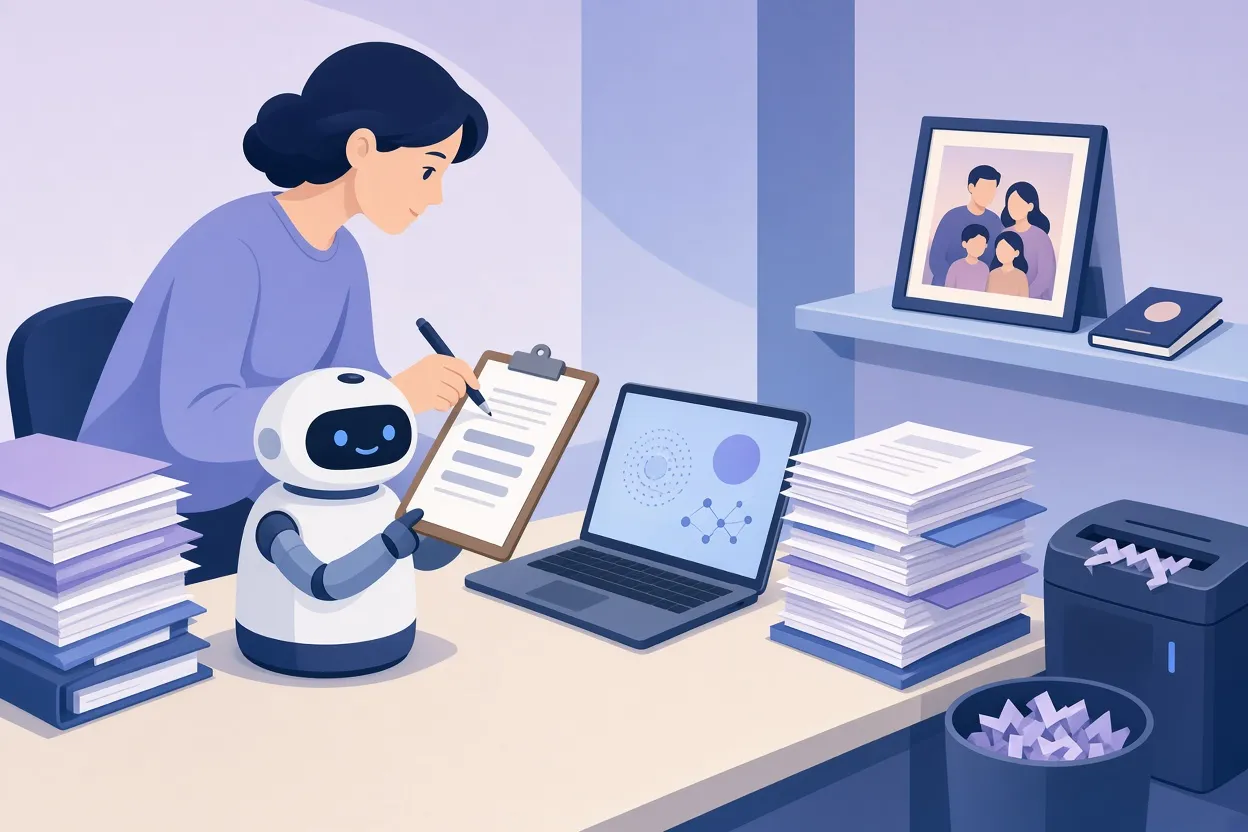
▲ Human review before an agent deletes files
Why prompt injection matters more for agents
The job hunt assistant carries a different risk. Prompt injection is the practice of planting instructions inside content that an AI will read. This agent pulls recruiter messages and web search results into its context window, so untrusted outside text lands in the same place as its owner's instructions. A page or message can contain wording that tells the model to drop its earlier task and do something else.
When the model can send messages, read private data or delete files, a successful injection can lead to real actions. Models work by probability, so the chance of being fooled is never zero. With wide permissions, even a small chance is an unnecessary risk.
A lighthearted case shows how readily automated systems follow planted text. Some LinkedIn users, tired of automated recruiter messages, reply that they will continue the conversation only if the sender shares a favorite minestrone soup recipe. A human recruiter spots the odd condition immediately. An automated recruiting bot looks up a recipe and sends it, revealing itself as a bot.
Least privilege as the default
All three example agents share one flaw: their permissions are too broad. The remedy is a foundational security rule called the principle of least privilege. An agent should have access only to the specific resources its task needs.
For the maintenance reporter, that means handing over the three most recent photos of the leak, not every photo on the phone. For the cleanup agent, it means producing a list of candidates for a person to approve instead of holding blanket power to delete. In systems with several agents, each one can have its own narrower set of tools, memory and permissions.
What to do before you connect an account
Agents do not think differently from chatbots; they are connected differently. The risk appears to come less from the model than from the reach it is given, and that reach is something users control. Before granting access, a few habits help:
- Write down the agent's goal, context, tools, permissions, memory, actions and stopping conditions, then ask what the worst outcome could be.
- Start with setups where you review drafts and proposed actions before anything is sent or changed.
- Separate permission to read from permission to write or send.
- Share only the specific files or items a task needs, not a whole folder, inbox or photo library.
- Treat anything the agent reads from the web or from incoming messages as possibly containing planted instructions.
- Do not allow permanent deletion or messages to third parties without your approval.
- Set a clear success state and a retry limit, after which the agent hands the task back to you.
Asking what the worst outcome could be is not gloom. It is a curious, slightly mischievous way of probing how a system could fail, and it points directly to the guardrails worth setting.