A rough interface can be a better product-design tool than a polished one when the question is whether an interaction works. At Deel, designers use quick AI-generated prototypes to test ideas before settling requirements. Once a concept holds up, they move to coded prototypes built with Deel UI components, where details and edge cases matter more.
Test the interaction before polishing the screen
An early reconciliation project posed a choice: should someone match transactions to statement entries by dragging them into place, or select matches in a fixed, side-by-side table? A designer built clickable versions of both approaches in Lovable, an AI tool for generating web applications. The early interfaces looked rudimentary and did not follow Deel’s production design system.
That lack of polish served a purpose. A refined screen could have drawn attention to colors, typography or spacing while the central question remained unanswered. The rough versions made it easier to discuss the mechanics of finding and confirming a match. Testing with internal users favored the table: in this case, it reduced human error more effectively than drag-and-drop.
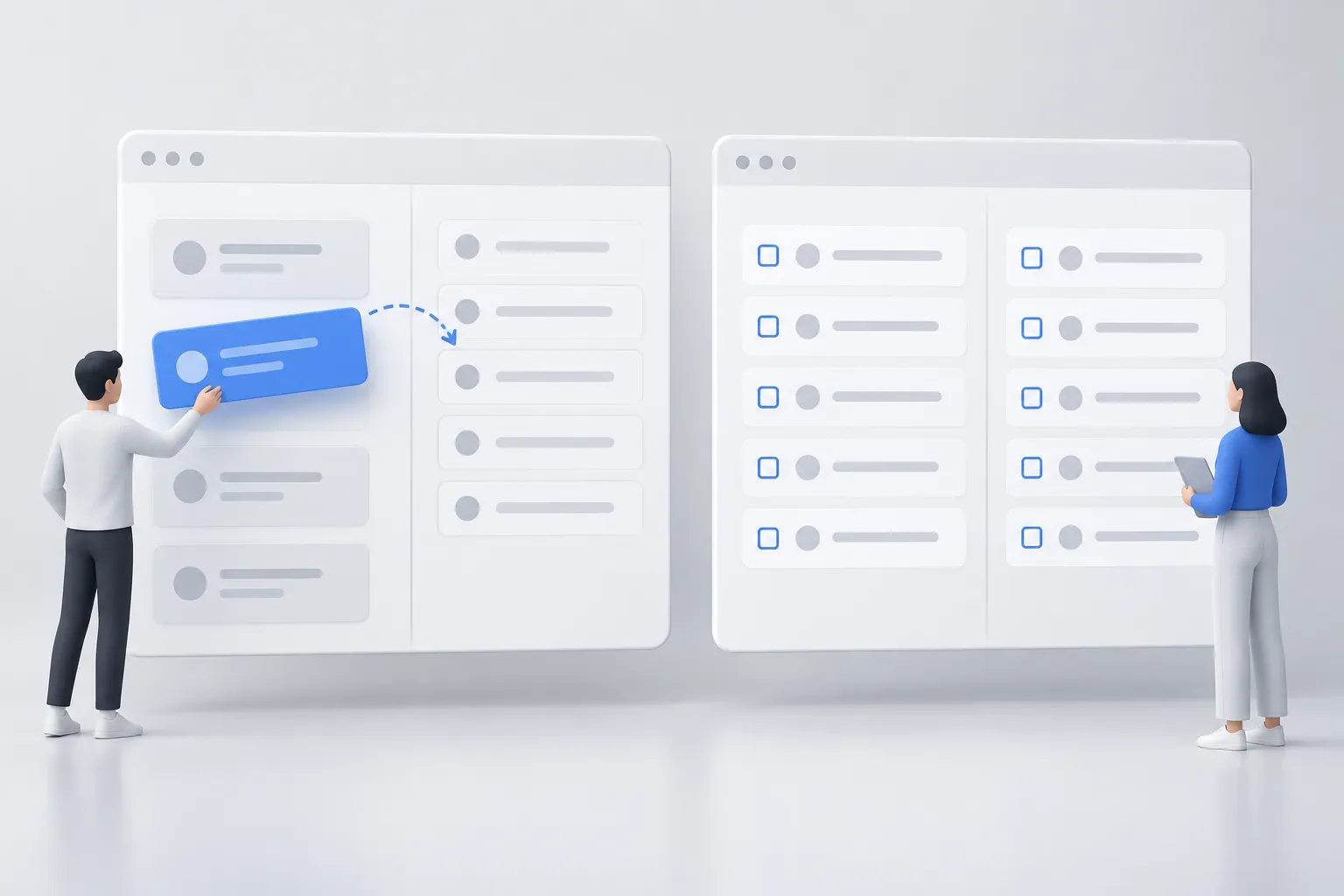
▲ Two approaches to matching transactions
The concept prototype took under two hours of prompt work. Paired with a roughly two-minute Loom walkthrough, a clickable prototype could gather stakeholder validation in one to two days, before a full product requirements document, or PRD, was finalized. That timing matters because a team can change an interaction while it is still disposable, rather than carry an uncertain idea into engineering planning.
Rough does not mean careless. The prototype still needs enough behavior for people to try the decision the team is considering. It simply does not need to look like finished software to answer that first question.
Match the process to the problem
Not every Deel project starts with a prototype. Some begin with a proposed solution that needs a fast test; more complex work begins with discovery. AI can help organize research and explore patterns, but it does not replace understanding the system or aligning the people responsible for it.
For work on a treasury management system, designers mapped stakeholders, payment flows, accounting requirements and edge cases in FigJam before settling on screens. Those maps also captured constraints involving bank partners and APIs—the interfaces through which software systems exchange information. In a payment flow, a seemingly small interface decision can have consequences beyond the screen, including a failed client payment or a worker not getting paid.
Deel also uses an internal AI workflow platform to turn interview transcripts, surveys and other research inputs into structured reports. Its research workflow checks for problem context, complete inputs, translation accuracy and actionable recommendations. The reports can speed up synthesis; the design team still has to decide what the findings mean for the product.
Move validated ideas into the design system
When a concept needs a more faithful test, designers use Deel UI Playground, an internal GitHub repository set up by Deel’s engineering team. It contains Deel UI design rules, dependencies and documented components. Designers provide Claude Code with requirements, flow diagrams and component documentation to generate interactive React interfaces. React is the software library used to build the interface components in these prototypes.

▲ A coded interface prototype
The distinction between the two stages is important. A Lovable sketch can help settle whether an interaction deserves further work. A Playground prototype can expose how that interaction behaves with the components and constraints closer to those engineers will use. The resulting code can be inspected by engineers or offered through a pull request for handoff.
The Checks Module shows why that deeper stage is useful. Its prototype included check lists, status filters, a drawer for creating a check and a CSV bulk uploader. CSV, short for comma-separated values, is a file format for tabular data. Internal users could try uploads, edit bank accounts and simulate approval or denial. Working through those flows brought integration questions into view, including provider API response times and check statuses such as queued, mailed, cashed and reconciled.
A coded prototype still needs careful review. When Claude Code produces an incorrect component or styling, designers can supply the exact specification and component code from Storybook, a tool for documenting and inspecting interface components. Deel UI’s rules help constrain the output, but a designer must still catch details such as inconsistent padding, border radius or typography. High fidelity can also mislead stakeholders if they mistake a working prototype for completed software, so its status needs to remain clear.
Review behavior without waiting for a meeting
Deel’s review flow pairs functional prototype links with short Loom walkthroughs in Slack threads. Product managers, engineers and designers can inspect the behavior and comment across time zones. A Checks Module review thread drew participation from 23 people. Engineers flagged edge cases, missing validation rules and API states, while AI helped consolidate comments into action items for the next code revision.
This approach makes feedback more specific than a review of static screens alone: someone can try a flow and point to what happens. It does not make every review automatic or remove the need for discovery. It gives the team a shared, testable artifact while decisions are still open.
What to take into the next prototype
The practical lesson is to choose the smallest artifact that can answer the current question. Start with a plain-text description of the user goal and a rough clickable concept if the interaction itself is uncertain. Map system flows and constraints first when the work crosses payments, providers or other complex dependencies. Once the concept earns a more realistic test, build with documented design-system components and share the working link with a short walkthrough.
Keep the rough version disposable and the coded version open to correction. Neither polish nor AI-generated code is the goal on its own; the goal is to learn what should be built and give the people building it something concrete to examine.