A website may soon need to serve two visitors at once: a person trying to finish a task and an AI agent acting on that person’s behalf. The practical goal is not to build a separate site for machines. It is to make essential information easy to find, actions easy to take, and results clear enough that both a person and an agent know what happened.
Start with the visitor’s task
An AI agent differs from a conventional script that follows a fixed sequence. It can assess a page, pause, choose a next action, and change course as conditions change. That flexibility lets agents research information or attempt tasks such as bookings, but it does not make them immune to confusing websites.
Google’s agentic calling feature illustrates why accurate business information matters beyond the page itself. It can call local businesses to check hours or reservation availability. A business needs accessible operating details and a working phone channel if an agent is to connect a customer with it.
The same principle applies to human visitors. Someone ready to buy an air fryer needs product details and a clear path to purchase, not a long detour through unrelated company history. A short visit can be a success if the person finishes the task quickly; time on page alone cannot tell a team whether the experience worked.
Make essential content available before scripts run
Client-side JavaScript is code that runs in a visitor’s browser after a page loads. Many AI systems do not run it when they retrieve a page. If pricing, stock status, sizing, or other essential details appear only after that code runs, an agent may receive an incomplete page.
Disabling JavaScript provides a useful check. On product pages such as those from Adidas, that test can reveal missing sizing and availability information or broken schema markup, the structured data that describes page content to machines. Site teams should check whether those details remain legible in the HTML delivered before browser scripts run.

▲ Product details beneath the visual surface
Readable content also needs a sensible hierarchy. The opening roughly 200 words of a page may carry particular weight when language models retrieve information. Put the main answer near the start, but do not mistake that retrieval consideration for a rule that an agent performing a task will read only the opening text. Its goal may require it to find a specific control farther down the page.
Semantic HTML helps with that search. It uses elements such as native buttons and forms to identify what controls do, rather than making a generic page block act like a button through a JavaScript click handler. Clear labels and standard controls support people using accessibility tools as well as agents trying to locate an action.
Give every form an observable result
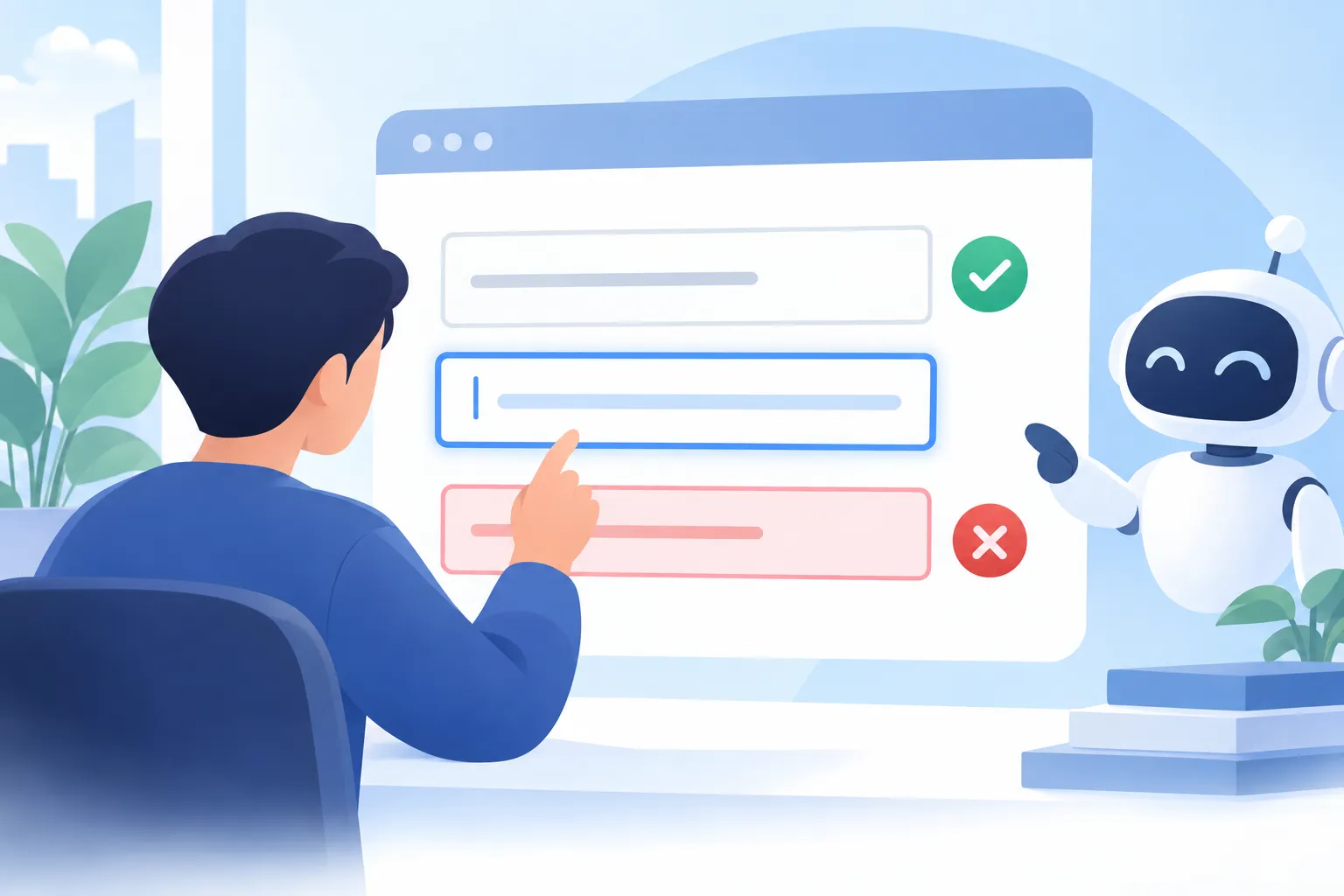
Submitting a form is not the end of a task if the visitor cannot tell whether it succeeded. An agent often relies on the document object model, or DOM—the page structure software can inspect—and the accessibility tree, which describes page elements to assistive technology. If a form merely changes a button label, the agent may not detect a clear confirmation state, so it may try again or abandon the task.
▲ Clear form outcomes
A form should provide an explicit success message within the page structure. Errors also need inline, accessible messages rather than relying solely on a browser’s native validation tooltip, which may not appear in the DOM or accessibility tree available to an agent. These changes give human visitors a clearer account of what they need to fix and give agents a result they can detect.
Teams should also remove unnecessary form steps, intrusive pop-ups, and disruptive notices where possible. Those obstacles frustrate people and can interrupt automated navigation for much the same reason: they get between the visitor and the intended action.
Test real tasks and read the limits of the data
A useful audit combines direct task testing with a check of what automated visitors can access:
- Inspect the page without JavaScript. Check that core product or service details remain readable.
- Try the intended task with ChatGPT or Claude. Ask an agent to find information or complete the relevant workflow, then observe where it hesitates or stops. A custom browser automation script alone may not reflect how a commercial agent behaves.
- Check every form outcome. Confirm that success and error states appear as accessible page content.
- Review server logs and Cloudflare data. These records can show which page paths automated visitors request. Server logs record requests made to a site, but they do not reveal an agent’s purpose or explain every failed task.
Google Analytics does not provide a complete picture of agent friction or abandoned tasks. Logs offer a starting point, not a measure of whether an agent achieved what its user wanted. Agent behavior can also vary across attempts, so one successful run is not a guarantee.
Keep facts consistent across the web
Page design cannot fully control what an AI system says about an organization. A useful defense is a canonical identity document: one maintained, version-controlled record of the organization’s core facts, offerings, and public details. Teams can then compare their website, directories, profiles, and other public descriptions against that shared reference and correct conflicts.
This work builds on technical SEO, or search engine optimization: making content accessible, structured, and discoverable. Generative Engine Optimization, often shortened to GEO, does not remove the need for those fundamentals. Fast pages, clear structures, consistent facts, and usable controls remain the starting point, even though no site can guarantee how an AI system will describe or recommend it.
What to do now
Start with one important visitor task. Check that an agent can read the necessary facts without JavaScript, identify standard controls, complete the action, and detect its outcome. Then run the same task as a person and remove anything that slows either visitor down. Repeat the test as the site changes: designing for agents works best when it reinforces, rather than replaces, a clear human experience.