Coding agent conversations can serve as an audit trail, not just a record of completed work. Claude Code stores session transcripts with prompts, tool calls, outputs, and errors. Reviewing those records can reveal habits that waste tokens or repeatedly interrupt a task. Developers have two practical ways to use them: scan local files for a quick diagnosis, or turn the records into structured data for audits over time.
Start with a local scan
Claude Code saves transcripts as JSONL files, a format with one JSON record per line. Those records can contain deeply nested details about turns in a conversation and the tools the agent used. They are difficult to browse by hand, and Claude Code deletes local transcripts after 30 days by default. Anyone who wants to study longer-term patterns needs to preserve relevant records before that cleanup period ends.
For a quick check, a developer can have Claude Code locate its local transcript directory and use a dedicated scanning skill to extract counts and recurring problems from the files. The useful output is a bounded list of findings, not a dump of entire conversations into the model. A local scan of 3,967 transcripts, covering August 19 through September 23, 2026, surfaced several distinct issues:
- In headless runs, which operate without interactive prompts, 337 of 343 PowerShell calls failed when permission prompts could not be handled.
- Of 236 agent errors, 225 involved a concurrent subagent limit reached during nested delegation.
- The top 1% of sessions accounted for 62% of the tokens consumed. Tokens are the units a model processes when reading and generating text.
These counts point to different questions. Permission failures call for a review of how commands receive approval. Nested delegation calls for limits on how many subagents an agent can launch. Concentrated token use calls for a closer look at unusually long sessions. The scan identifies where to investigate; it does not, by itself, prove that any proposed configuration change will work.

▲ Quick audit of local agent activity
Direct scanning is convenient because it uses files already on the machine. Its weakness appears as the archive grows: passing large raw transcripts through a coding agent can consume hundreds of thousands of input tokens, while sampling only a few files can miss recurring errors. A one-off scan is a good starting point, but it is less suitable for comparing patterns across many projects and months.
Build a structured archive for repeated audits
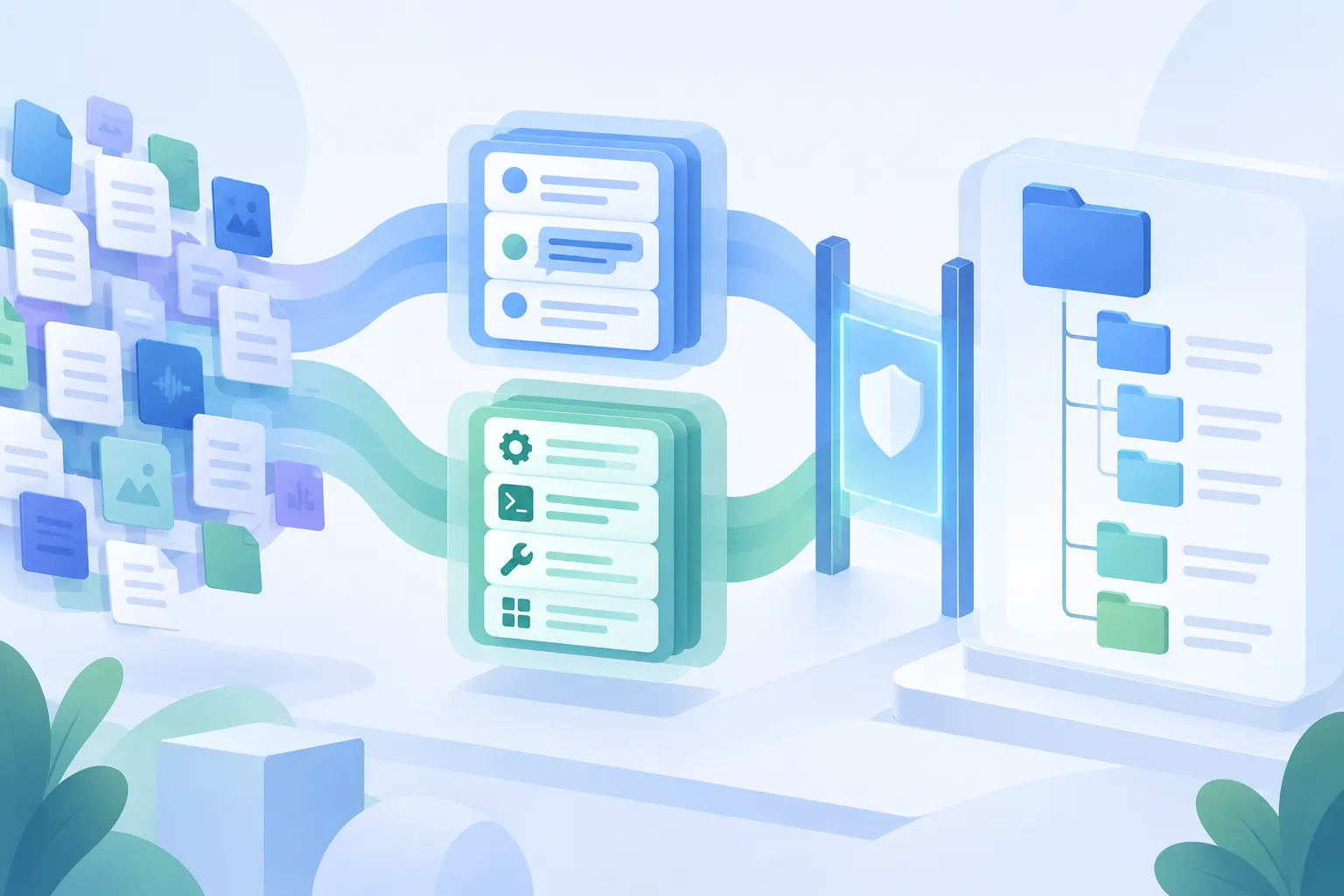
The second approach separates storage, processing, and analysis. Before Claude Code removes older local files, a developer can archive selected transcripts in a Databricks Unity Catalog Volume. An example archive used 62 large JSONL files. Apache Spark, a system for processing large datasets, read 396,404 records from those files and identified 2,241 distinct sessions.
A PySpark notebook, using Python with Apache Spark, then organized the nested records into three Delta tables: sessions, conversation turns, and tool calls. Delta tables provide structured storage that can be queried without repeatedly sending raw transcripts to a language model. Fields such as session IDs, timestamps, tool names, error categories, and execution durations make it possible to compare specific parts of an agent’s activity.
Databricks Genie Code can help prepare the notebook and handle differences among transcript structures. For later analysis, a Model Context Protocol (MCP) server connects Claude Code to Databricks Genie and Databricks SQL. MCP is a way for an AI assistant to use external tools. Instead of reading the underlying files into its conversation, Claude Code can request an aggregation; Databricks runs the SQL query, which selects and counts records in the tables, and returns the result.
One structured query examined 3,450 tool-call error rows. Its three largest reported categories were:
| Error category | Count | What it indicates |
|---|---|---|
exit_code |
946 | A command ended with an error status |
hook_block |
506 | A configured guardrail blocked a call |
path_not_found |
500 | A tool tried to use a path that did not exist |
A count alone is not a reason to remove a guardrail. A blocked call may reflect a useful protection or a false positive; the underlying cases need review before a developer changes a security setting.
▲ Structured transcript storage and analysis
Archiving also creates a data-handling responsibility. Transcripts may include code, prompts, API keys, credentials, or sensitive company information. Check and sanitize them before any cloud upload, limit who can access the archive, and review the provider’s data-protection terms. Databricks states that customer inputs and outputs are not used to train third-party foundation models, but that commitment does not replace a review of what the transcripts contain.
Turn findings into specific changes
An audit matters when it changes the agent’s next session. In the examined setup, findings led to 38 new lines of global instructions in CLAUDE.md, as well as changes to permissions and a startup hook in settings.json. These changes addressed distinct failure patterns rather than applying one broad fix.
For path errors, the instructions told Claude Code not to guess file locations and to inspect directories with ls or a glob, a filename-pattern search, before editing. A SessionStart hook ran a Python script that supplied a directory map two levels deep at the beginning of each session. That gave the agent repository context before its first file operation.
For command-formatting failures, the rules directed the agent to put complex multiline or quote-heavy Bash and PowerShell commands in temporary scripts rather than inline strings. The audit had identified 290 unexpected end-of-file errors associated with escaping and multiline quoting. Permission settings preapproved selected non-destructive Git commands, while parallel subagent batches were limited to 20 tasks to address excessive nested delegation.
Each adjustment should be checked against later sessions. A lower error count may support keeping a rule; a new pattern of blocked work may call for revising it. Historical logs provide evidence for those decisions, but the configuration does not improve itself without review.
Make the next audit useful
Start by checking whether local transcripts contain sensitive material and whether records needed for an audit are nearing Claude Code’s 30-day cleanup window. Use a bounded local scan to find the most frequent or costly problems. If repeated audits justify a larger archive, structure the records into sessions, turns, and tool calls so queries can target errors without rereading entire conversations. Then make a small, specific rule or workflow change and use future logs to see whether the same failure returns.